What is the Best Laptop for Remote Work in 2026?
Finding the best laptop for remote work in 2026 isn’t simply about buying the most expensive computer available. Whether you work from home full-time, split your week between the office and home, or travel frequently, choosing the right laptop can dramatically improve productivity, reduce frustration, and make your workday more enjoyable. Modern remote workers rely on video conferencing, cloud applications, multitasking, AI productivity tools, and long battery life, making today’s laptop choices more important than ever.
This guide explains exactly what to look for and recommends the best laptops for every type of remote worker and budget.
Related Article:
Why Your Laptop Matters More Than Ever
Remote work has changed how we use computers.
Most professionals spend their day:
- Running Microsoft Office or Google Workspace
- Participating in Zoom or Microsoft Teams meetings
- Using Slack, Discord, or workplace messaging
- Working with dozens of browser tabs
- Managing cloud storage
- Running AI productivity assistants
A slow computer costs time every single day.
A quality laptop is one of the highest ROI investments for remote professionals.
Related Article:
What Makes the Best Laptop for Remote Work?
1. Fast Processor
Look for:
- Intel Core Ultra 5 or Ultra 7
- AMD Ryzen AI 7 or Ryzen 7
- Apple M4 or M4 Pro
These processors provide excellent multitasking while maintaining long battery life.
2. Minimum 16GB RAM
In 2026:
- 8GB is entry level
- 16GB is recommended
- 32GB is ideal for power users
Memory becomes especially important when using AI tools alongside dozens of browser tabs.
3. Fast SSD Storage
Choose:
- 512GB SSD minimum
- 1TB if storing large files
- PCIe Gen4 or Gen5 SSD
Fast storage makes Window, macOS and applications feel dramatically quicker.
4. Excellent Battery Life
Remote workers shouldn’t constantly hunt for outlets.
Aim for:
- 10-15 hours minimum
- USB-C charging
- Fast charging support
5. Comfortable Keyboard
You’ll spend thousands of hours typing.
Look for:
- Good key travel
- Backlit keyboard
- Comfortable palm rest
- Large precision trackpad
6. High-Quality Webcam
Video meetings are now part of everyday work.
Look for:
- 1080p webcam
- AI noise reduction
- Background blur
- Windows Studio Effects or Apple Center Stage support
Best Laptops for Remote Work by Budget
Best Under $700
Ideal for:
- Microsoft Office
- Zoom
- Web browsing
Recommended models:
Best Under $1000
Great for most professionals.
Top picks:
- ASUS Zenbook
- Lenovo Yoga
- HP Pavilion
Best Premium Laptop
If your laptop your primary work machine:
These offer premium build quality, better displays, longer battery life, and excellent keyboards.
Best Laptop for Different Remote Careers
Office Professionals
Prioritize:
- Battery life
- Comfortable keyboard
- Webcam quality
Developers
Look for:
- 32GB RAM
- Powerful CPU
- Multiple USB-C ports
- Excellent thermal performance
Graphic Designers
Prioritize:
- Color-accurate display
- Dedicated GPU (if needed)
- Large SSD
- High-resolution screen
Look for:
- Lightweight design
- Long battery life
- Affordable pricing
Executives
Premium choices include:
Windows vs Mac for Remote Work
Choose Windows if
- Your company uses Microsoft software extensively
- You need specialized business applications
- You prefer hardware variety
- You want more price options
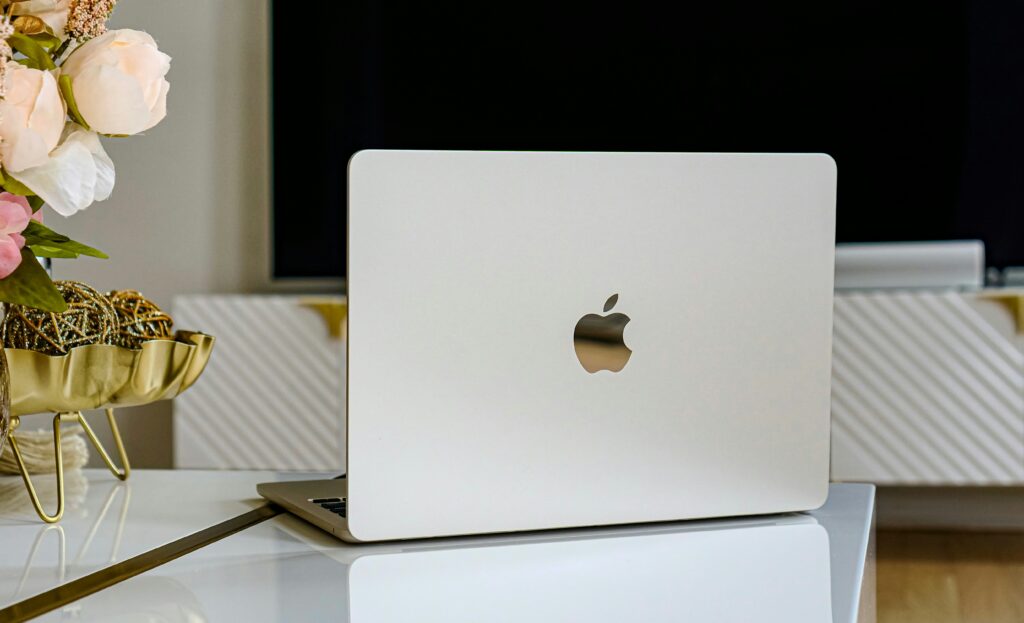
Choose Mac if
- Battery life is important
- You already own an iPhone or iPad
- You prefer macOS
- You create content
Neither platform is objectively better – it depends on your workflow and software requirements.
Related Article:
Accessories That Improve Remote Productivity
Even the best laptop benefits from the right accessories.
Consider adding:
- External monitor
- Wireless keyboard
- Ergonomic mouse
- USB-C docking station
- Webcam lighting
- Laptop stand
- Noise-cancelling headset
These upgrades can significantly improve comfort and productivity.
Related Articles:
- Best Work From Home Gadgets Worth Buying in 2026
- Best Laptop Accessories Most Professionals Overlook
Common Laptop Buying Mistakes
Avoid these expensive mistakes:
- Buying only 8GB RAM
- Choosing a low-resolution display
- Ignoring battery life
- Purchasing based only on price
- Forgetting upgrade options
- Buying without considering warranty coverage
Frequently Asked Questions
How much RAM do remote workers need?
Most professionals should buy at least 16GB.
Is a Chromebook good enough?
For basic cloud-based work, yes.
For heavier multitasking or specialized software, Windows or macOS is better.
Is a dedicated graphics card necessary?
Most remote workers don’t need one.
Integrated graphics are sufficient unless you edit videos, render 3D content, or use GPU-intensive software.
How long should a laptop last?
A quality laptop should remain productive for five to seven years.
Final Thoughts
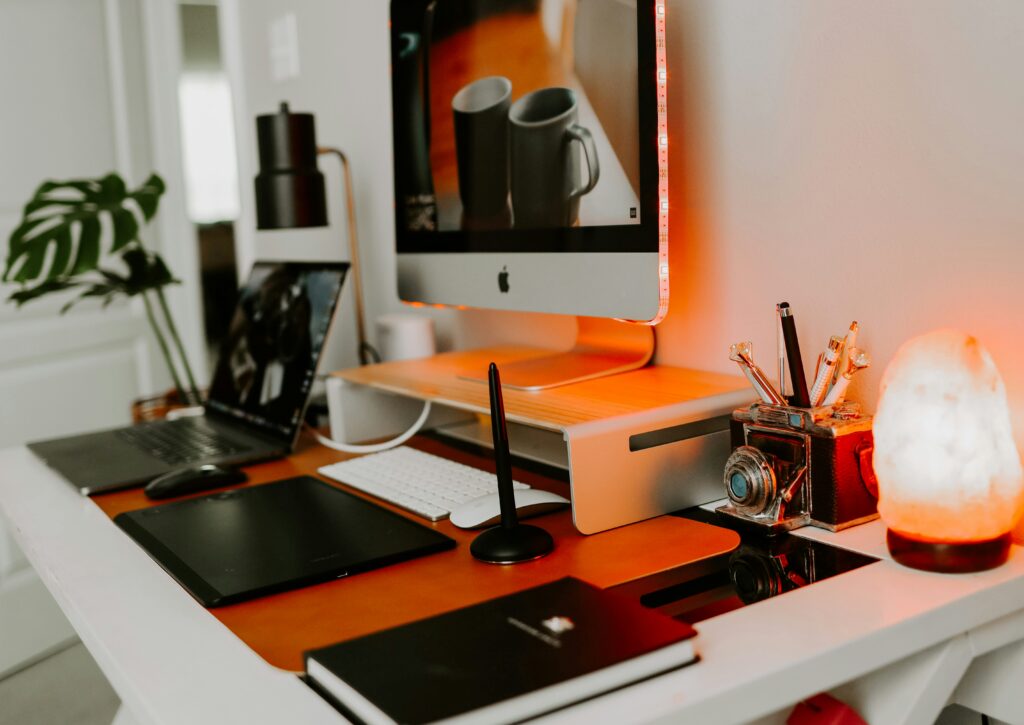
The best laptop for remote work is the one that matches your daily workload, mobility needs, and budget. Most professionals will be well served by a modern laptop with a current-generation processor, at least 16GB RAM, a fast SSD, and a comfortable keyboard. Pairing your laptop with ergonomic accessories such as an external monitor, docking station, and quality webcam can create a workspace that boots productivity and reduces fatigue. Investing wisely today will help you stay efficient and productive for years to come.
Related Article: