
The Best Laptop Accessories Most Professionals Overlook (2026 Guide)
Most professionals spend thousands on a laptop but overlook accessories that can dramatically improve productivity, comfort, and workflow. The best laptop accessories do not have to be expensive, you just need to choose the ones that will improve your workspace the most.
Whether you’re working from home, coding, managing projects, attending virtual meetings, or running a business, the right accessories can transform an ordinary laptop into a powerful workstation.
In this guide, we will cover the most overlooked laptop accessories that deliver the biggest return on investment for professionals in 2026.
Related Article:
Why Accessories Matter More Than Ever
Modern laptops are incredibly capable, but they often sacrifice ergonomics, connectivity, and comfort for portability.
The right accessories can:
- Improve posture
- Reduce neck and back pain
- Extend laptop lifespan
- Create a more professional workstation
- Enhance video conferencing quality
Related Article:
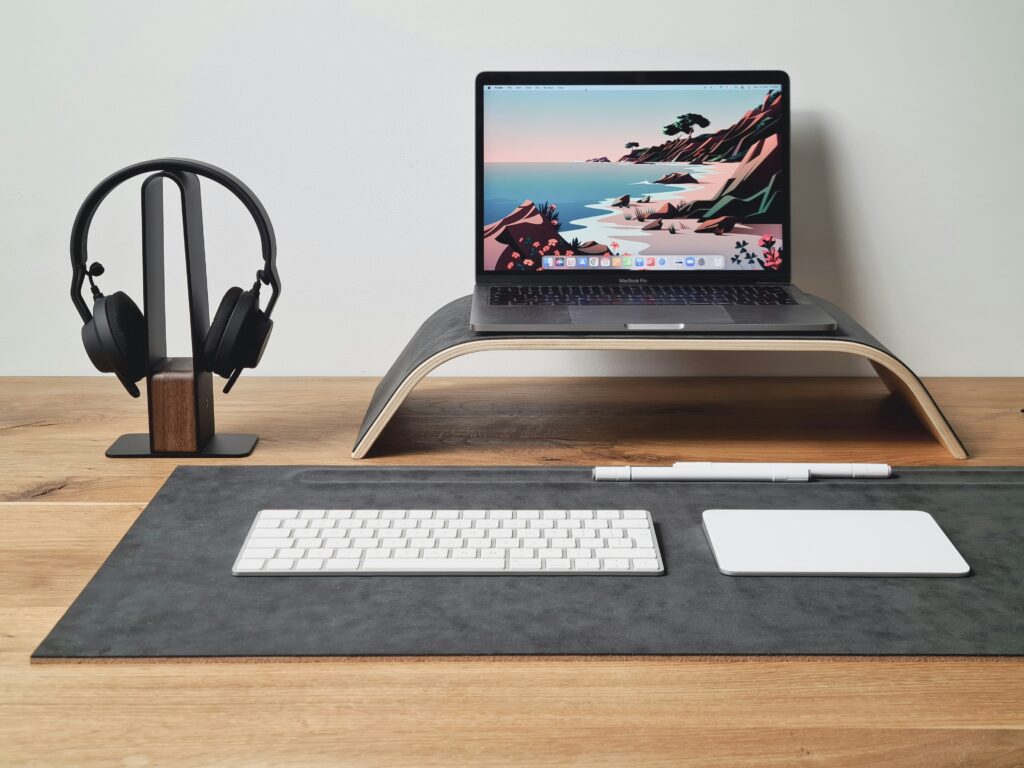
1. Laptop Stand: The Productivity Upgrade Most People Skip
Why it Matters
One of the biggest ergonomic mistakes professionals make is working directly on a desk with their
laptop .
A laptop stand raises the display to eye level reducing:
- Next strain
- Shoulder tension
- Poor posture
- Long-term back pain
Recommended Features
- Aluminum construction
- Adjustable height
- Foldable design
- Ventilation support
Examples:
- Twelve South Curve
- Roost Laptop Stand
- Nexstand K2
- Rain Design mStand
Click the links above to check pricing on Amazon.
2. External Keyboard: Save Your Wrists
Working on a laptop keyboard all day can lead to discomfort and repetitive strain injuries.
A quality keyboard improves:
- Typing speed
- Comfort
- Accuracy
- Long-term ergonomics
Best Options
Mechanical Keyboard
Ideal for developers and heavy typists.
Low-Profile Keyboard
Perfect for office professionals.
Ergonomic Keyboard
Designed to reduce wrist strain.
Examples:
- Logitech MX Keys S
- Keychron K5 Max
- Logitech Ergo K860
- NuPhy Air75
Click the links above to check pricing on Amazon.
Related Article:
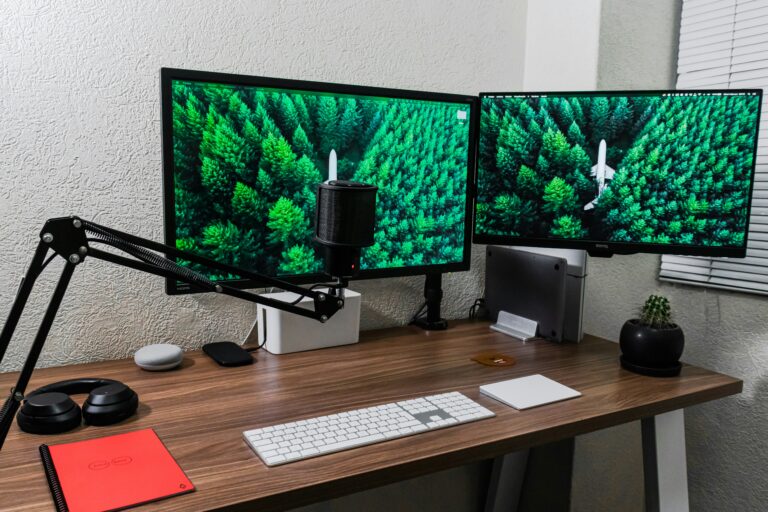
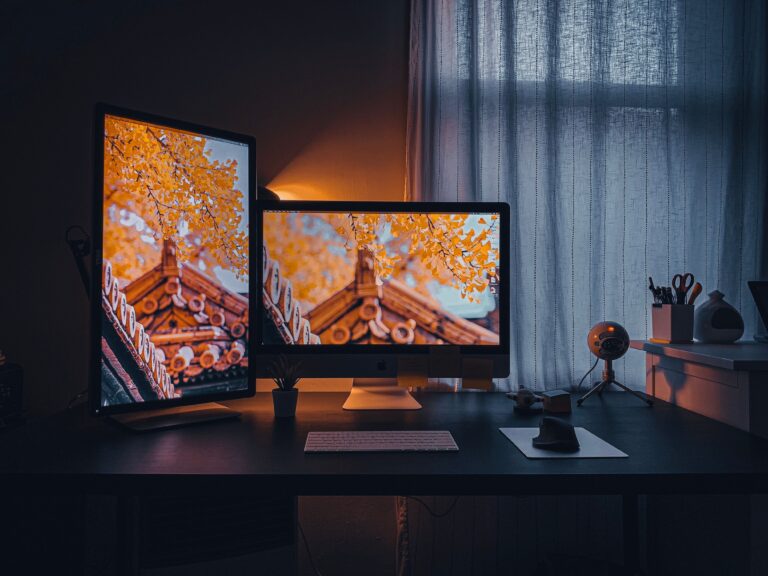
3. External Monitor
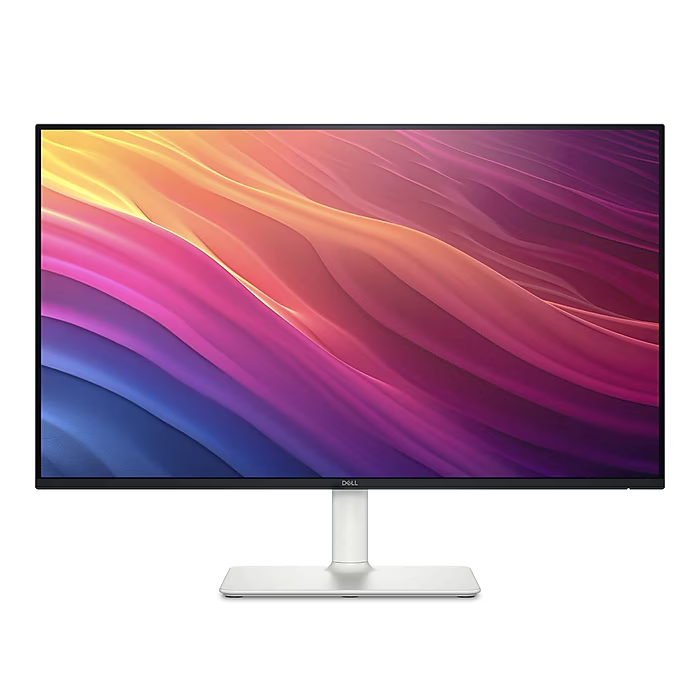
Research consistently shows that dual-screen setups improve productivity.
Benefits include:
- Better multitasking
- Easier document comparison
- Increased coding effieciency
- Enhanced spreadshoort work
Recommended Sizes
Use Case
General Productivity
Programming
Creative Work
Size
27″
32″
34″ Ultrawide
4. USB-C Docking Station
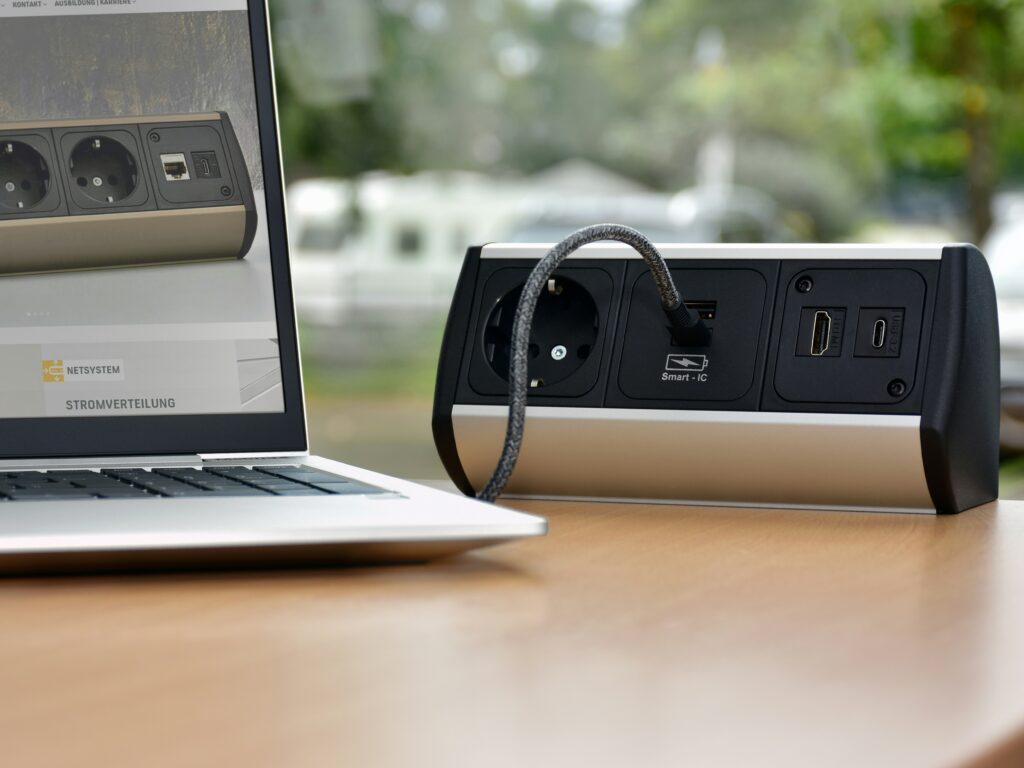
Many professionals underestimate how valuable a docking station can be.
A dock allows one-cable connectivity for:
- Monitors
- Ethernet
- Keyboards
- Storage drives
- Charging
Best For
- Remote workers
- Hybrid employees
- Developers
- Content creators
Examples:
Click the links above to check pricing on Amazon.
Webcam Upgrade
Laptop webcams are improving but still lag behind dedicated webcams.
Benefits
- Better video quality
- Improved low-light performance
- Professional appearance
- Better client meetings
Examples:
Click the links above to check pricing on Amazon.
Related Article:
6. Quality Headphones or Headset
Audio quality is often more important than video quality.
A good headset helps:
- Eliminate distractions
- Improve meeting clarity
- Increase focus
Recommended Products
Click the links above to check pricing on Amazon.
7. Portable SSD Storage
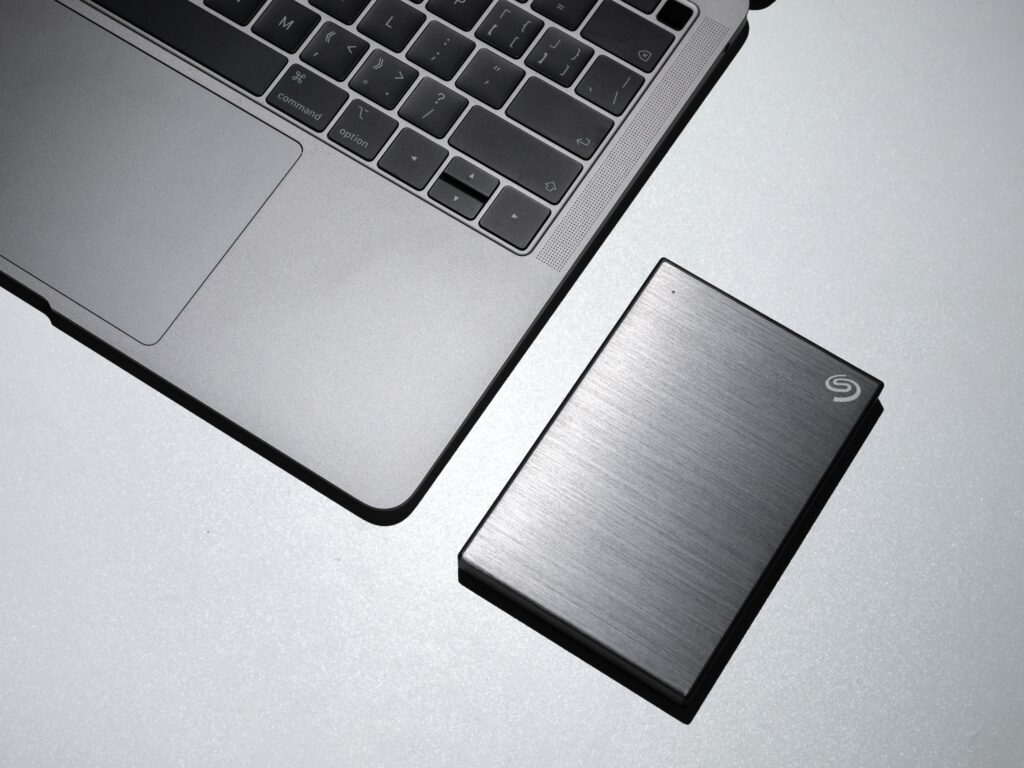
Cloud storage is convenient but local backups remain critical.
Benefits
- Faster file transfers
- Reliable backups
- Increased security
Recommended Drives
Click the links above to check pricing on Amazon.
Related Article:
8. Laptop Cooling Pad
Modern laptops can throttle performance under sustained workloads.
Cooling pads help:
- Lower temperatures
- Improve performance
- Extend component lifespan
Best For
- Developers
- Gamers
- Data analysts
- Video editors
Examples:
Click the links above to check pricing on Amazon.
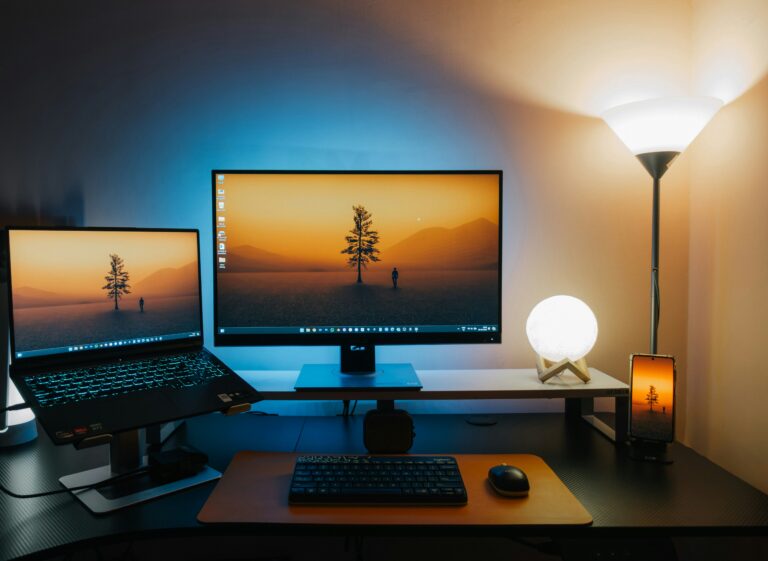
9. Desk Lighting
Poor lighting contributes to:
- Eye strain
- Fatigue
- Headaches
Recommended Solutions
Click the links above to check pricing on Amazon.
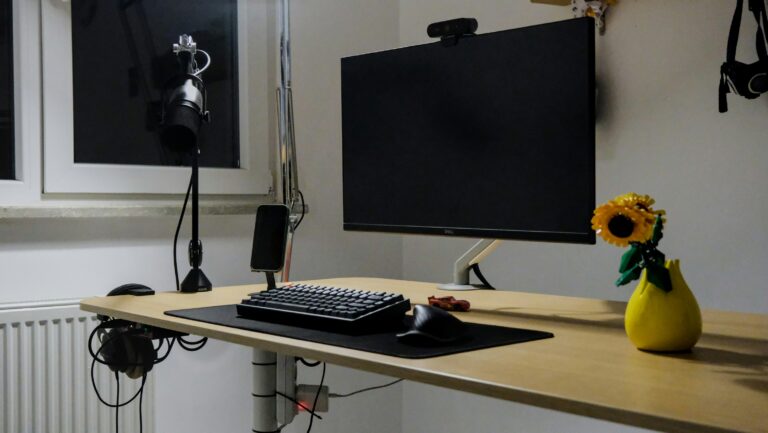
10. Cable Management System
One of the easiest upgrades professionals overlook.
Benefits
- Cleaner workspace
- Easier maintenance
- Professional appearance
Recommended Products
- Cable raceways
- Velcro cable ties
- Under-desk trays
Building the Ultimate Professional Laptop Setup
A practical accessory stack for most professionals:
Essential Tier ($100 – $250)
- Laptop stand
- External keyboard
- Wireless mouse
Productivity Tier ($300 – $700)
- Docking station
- External monitor
- Headset
Premium Tier ($1000+)
- Ultrawide monitor
- Thunderbolt dock
- Premium webcam
- Mechanical keyboard
- Monitor light bar
Final Thoughts
The best productivity upgrades are often not the laptop itself – they’re the accessories surrounding it.
A properly equipped workstation can improve comfort, productivity, and long-erm health while helping you get more value from your existing laptop.
Before spending thousands on a new computer, consider whether a few well-chosen accessories might provide a bigger productivity boost.
Related Articles: