Ultimate Work From Home Setup Under $2000 in 2026
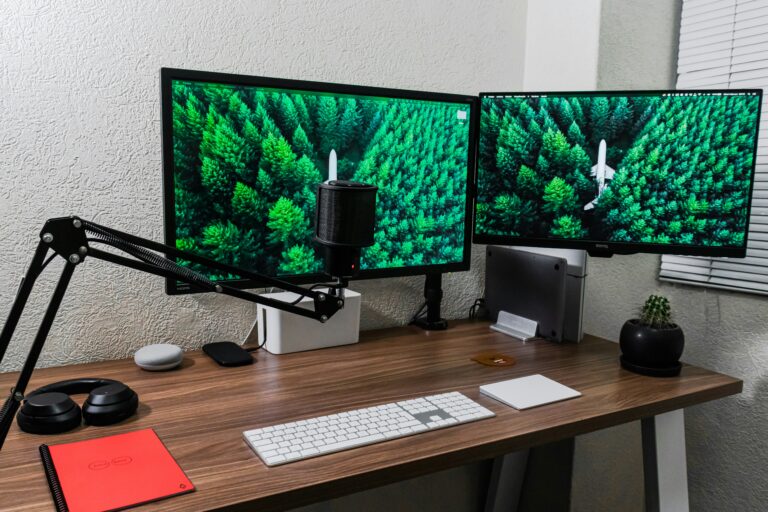
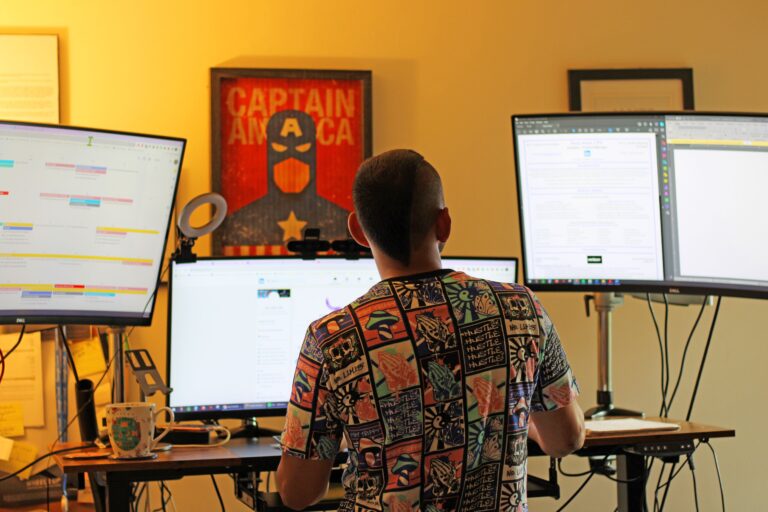
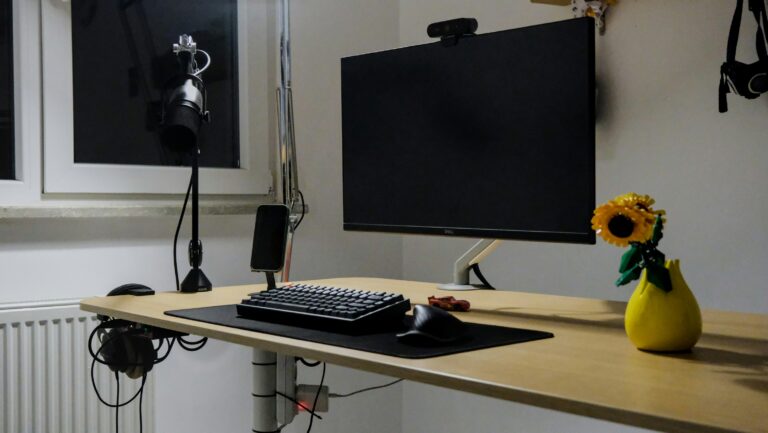
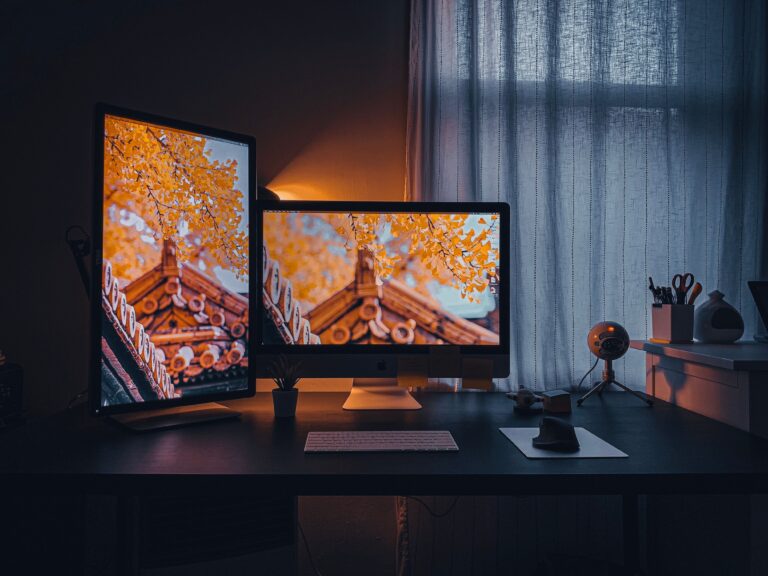
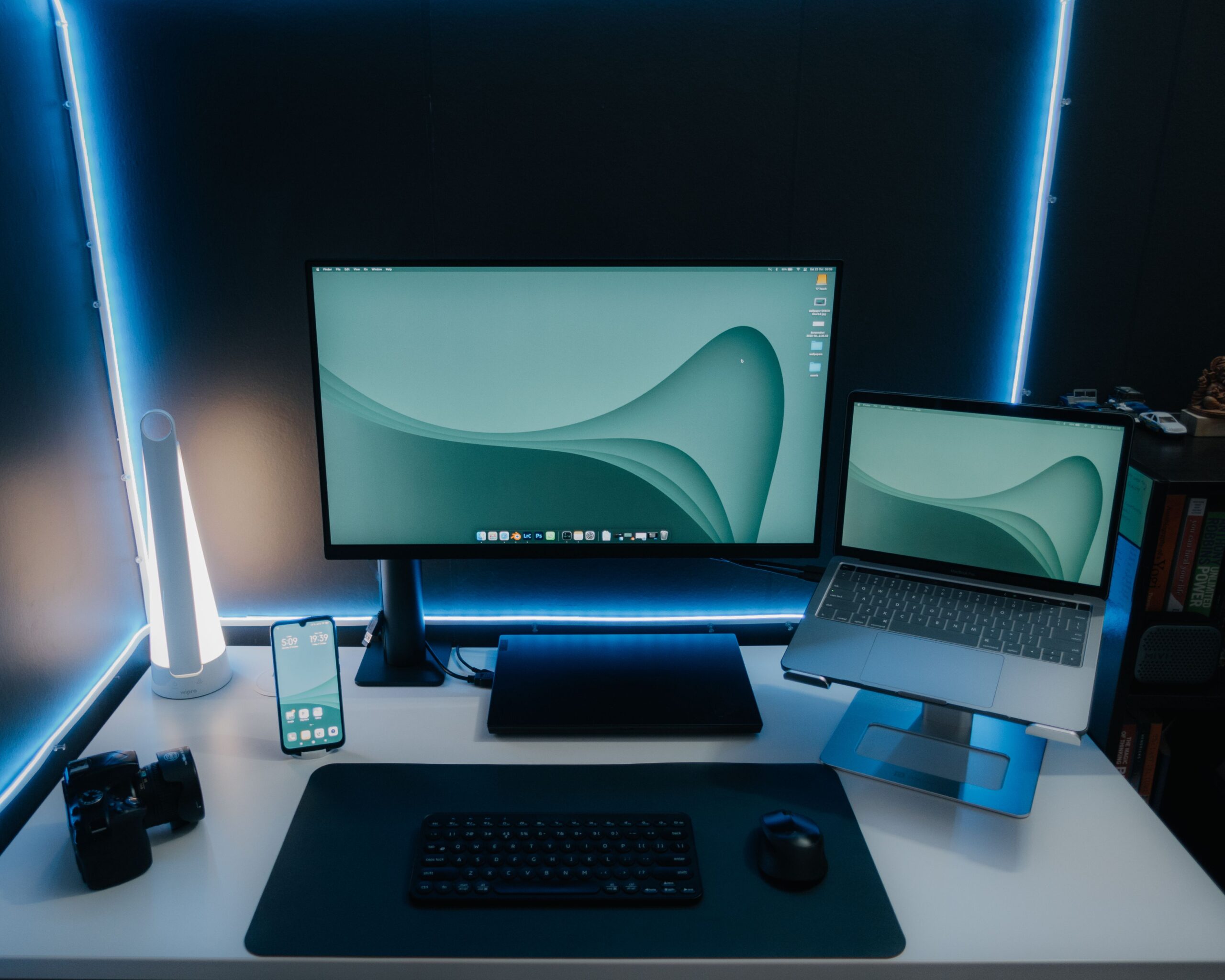
A home setup under $2000 puts you in the sweet spoof home office design.
Unlike budget setups that require compromises, a $2000 workstation allows you to invest in ergonomics, productivity, comfort, and future-proof technology simultaneously.
You can afford:
- A quality ergonomic chair
- Electric standing desk
- Large productivity omitor
- Docking station
- Premium peripherals
- Professional lighting
The result is a workspace that can comfortably support full-time remote work for years.
Proper ergonomics, monitor placement, adjustable desks, quality seating, and docking solutions are consistently highlighted as key elements of productive home offices.
Related Article:
Recommended Budget Breakdown
1. Premium Standing Desk
A standing desk is one of the highest-impact upgraded for a remote worker.
Benefits include:
- Better posture
- Reduced fatigue
- Increased movement
- Improved comfort during long workdays
Electric standing desks remain one of the biggest home-office trends for 2026.
Recommended Options
- FlexiSpot E7
- Uplift V2
- Vari Electric Standing Desk
Related Article:
2. The Best Ergonomic Chair Upgrade
If you spend 40+ hours per week at your desk, the chair is the most important investment.
Many remote workers report improved comfort and reduced back strain after upgrading from gaming or dining-room chairs to true ergonomic seating.
Recommended Chairs
Premium Pick
- Herman Miller Aeron
Best Value
- Steelcase Series 1
Budget Luxury
- Branch Ergonomic Chair
Related Article:
3. Productivity Monitor Setup
A larger monitor dramatically improves productivity versus working exclusively on a laptop screen.
Experts generally recommend 27-inch or larger displays for dedicated workspaces.
Recommended Monitors
Best Overall
- Dell UltraSharp U2723QE
Best for Creators
- BenQ PD3225U
Best Value
- Dell P2725HE
These monitor models are among notable 2026 work-from-home recommendations.
4. Docking Station: The Hidden Productivity Upgrade
A docking station transforms a laptop into a desktop-class workstation.
Benefits include:
- One-cable connectivity
- Multiple monitor support
- Ethernet connectivity
- Cleaner desk organization
Recommended Docks
- Anker Prime Dock
- CalDigit TS4
- Plugable UD-6950
5. Premium Keyboard and Mouse Combo
Avoid relying on your laptop keyboard all day.
remote workers often report significantly improved comfort after switching to dedicated peripherals.
Recommended Keyboard
- Logitech MX Keys S
Recommended Mouse
- Logitech MX Master 3S
6. Professional Video Conferencing Setup
Remote work means constant video calls.
Recommended Webcam
- Logitech Brio 4K
Recommended Audio
- Jabra Evolve2 65
- Sony WH-1000XM6
Related Article:
7. Lighting That Makes You Look Better on Camera
Good lighting:
- Reduces eye strain
- Improves video quality
- Creates a professional appearance
Recommended Products
- BenQ ScreenBar Halo
- Elgato Key Light Air
- Govee Smart Desk Lamp
Sample Complete Setup Under $2000
Product
FlexiSpot E7 Desk
Steelcase Series 1
Dell UltraSharp U2723QE
Anker Dock
MX Keys + MX Master
Logitech Brio
Lighting & Accessories
Total
Cost
$450
$550
$450
$150
$180
$150
$70
$2000
Conclusion
With a $2000 budget, you can build a professional-grade workspace that rivals many corporate offices. Prioritize ergonomics first, then invest in display quality, connectivity, and productivity accessories. A strong chair, adjustable desk, quality monitor, and proper peripherals create the biggest improvements in comfort and efficiency.
Related Article: