The Ultimate Home Office Gear Checklist for 2026
Working remotely has become the standard for millions of professionals, making the right home office gear more important than ever. Whether you’re building your first workspace or upgrading an existing office, choosing the right equipment can dramatically improve productivity, comfort, and long-term health. This complete checklist covers every essential item you should consider in 2026, along with recommendations for every budget.
Related Article:
Why Your Home Office Gear Matters
The right workspace doesn’t just look nice – it directly impacts:
- Productivity
- Focus
- Physical comfort
- Posture
- Eye strain
- Meeting quality
- Work-life balance
A thoughtfully designed workspace helps eliminate distractions while making your daily workflow significantly more efficient.
Complete Home Office Gear Checklist
Laptop or Desktop Computer
Every office starts with the computer.
Consider:
- Processor (Intel Core Ultra, AMD Ryzen AI, Apple M-Series)
- Minimum 16GB RAM
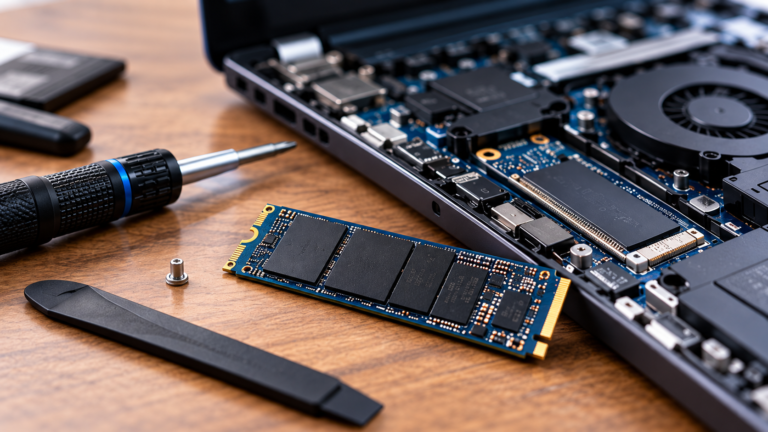
- 512GB SSD
- Long battery life
- Quality webcam
- USB-C/Thunderbolt connectivity
Best For
- Developers
- Writers
- Designers
- Students
- Remote professionals
Related Article:
External Monitor
A larger display increases prodictivity significantly.
Recommended sizes:
- 27-inch QHD
- 32-inch 4K
- 34-inch ultrawide
- 38-inch ultrawide
Features:
- IPS panel
- Adjustable stand
- High color accuracy
- Low blue light mode
Check out these products:
Related Article:
Ergonomic Chair
Your chair affects your back more than almost anything else.
Look for:
- Lumbar support
- Adjustable armrests
- Adjustable seat depth
- Reclining back
- Breathable mesh
Standing Desk
Standing desks reduce fatigue and improve posture.
Features:
- Dual motors
- Memory presets
- Cable management
- Stability
Check out these desks:
Related Article:
Dual Monitor Arm
A monitor arm:
- Frees desk space
- Improves psture
- Makes adjustments easier
- Looks cleaner
Check out these products:
Related Article:
Keyboard
Choose one that fits your work style.
Options:
- Mechanical
- Low-profile
- Ergonomic
- Wireless
Popular switches:
- Brown
- Red
- Blue
Products to check out:
Mouse
A quality mouse reduces wrist fatigue.
Consider:
- Vertical mouse
- Ergonomic design
- Rechargeable
- Programmable buttons
Products to check out:
Webcam
Video quality matters.
Recommended:
- 1080p
Better:
- 4K webcam
Features:
- Autofocus
- HDR
- Privacy shutter
Products to check out:
Headset
A noise-cancelling headset improves meeting quality.
Look for:
- Active noise cancelling
- Comfortable cushions
- Long battery life
Products to consider:
Microphone
For creators or frequent meetings.
Popular options:
- USB microphones
- Dynamic microphones
Popular options:
Lighting
Good lighting improves video calls.
Options:
- Ring light
- LED panel
- Desk lamp
Great products:
Docking Station
One cable connects everything.
Recommended features:
- USB-C
- Thunderbolt 4
- Multiple displays
- Ethernet
- SD card reader
Consider these:
External SSD
Fast backups matter.
Minimum:
- 1TB
Preferred:
- 2TB
Products to consider:
UPS Battery Backup
Protect against outages.
Recommended:
- APC
- CyberPower
Cable Management
Small upgrade.
Huge improvement.
Include:
- Cable sleeves
- Under-desk trays
- Velcro straps
- Adhesive clips
Check out:
Productivity Accessories
Don’t overlook:
- Laptop stand
- Footrest
- Wrist rest
- Desk mat
- Whiteboard
- Notebook
- Wireless charger
- Smart speaker
- USB hub
Consider these products:
Related Article:
Internet Equipment
Fast internet equals productivity.
Checklist:
- Wi-Fi 7 router
- Mesh Wi-Fi
- Ethernet switch
- Cat6 cable
Office Software
Every office also needs software.
Consider:
- Microsoft Office 365
- Google Workspace
- Zoom
- Slack
- NotionAdobe Creative Cloud
- Password manager
Home Office Gear by Budget
Under $500
Essentials only:
- Laptop
- Mouse
- Headset
Around $1000
Add:
- Standing desk
- Monitor
- Better webcam
Related Article:
Around $2000
Include:
- Ultrawide monitor
- Premium chair
- Docking station
- UPS
Related Article:
Premium Office
Everything above plus:
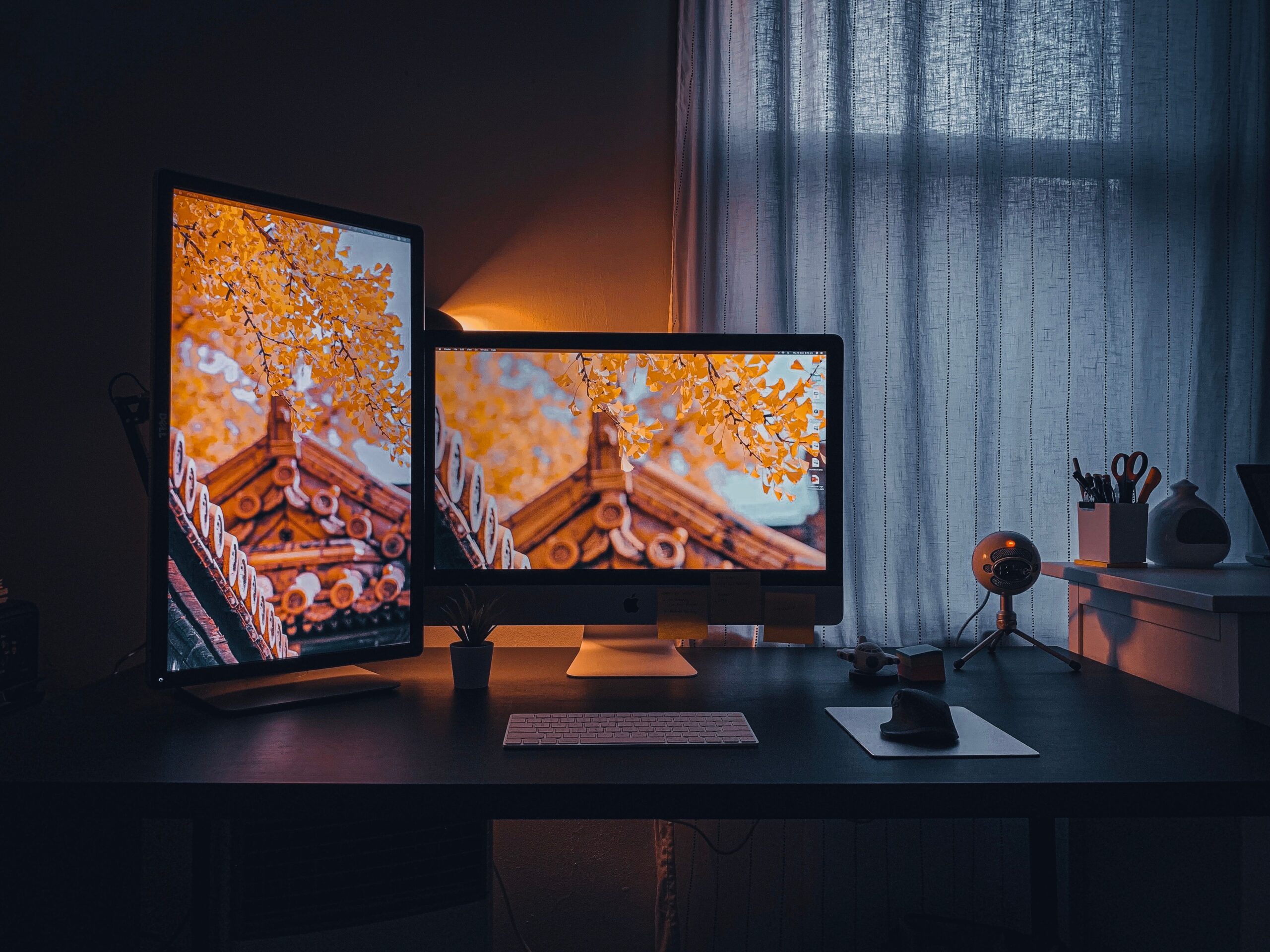
- Multiple monitors
- Premium lighting
- Herman Miller chair
- Thunderbolt dock
Related Article:
Complete Buying Checklist
Before purchasing, verify:
- Reliable computer
- Comfortable chair
- Standing desk
- Monitor
- Keyboard
- Mouse
- Webcam
- Headest
- Lighting
- Dock
- SSD
- UPS
- Internet
- Cable management
- Productivity accessories
Frequently Asked Questions
What is the most important home office gear?
A reliable computer, ergonomic chair, adjustable desk, quality monitor, and dependable internet connection form the foundation of an effective home office.
Is a standing desk worth buying?
Yes. Alternating between sitting and standing throughout the day can improve comfort and support better posture.
How much should I spend on a home office?
- Entry-level: $500 – $800
- Comfortable setup: $1000 – $2000
- Premium workspace: $2500+
Do I really need two monitors?
For many professionals, yes. A dual-monitor setup improves multitasking and productivity compared to a single display.
Conclusion
Building the ideal workspace isn’t about buying the most expensive equipment-it’s about selecting the right home office gear for your workflow, budget, and long-term comfort. Start with the essentials, then upgrade strategically over time. A well-planned home office can enhance productivity, reduce physical strain, and create a more enjoyable work environment for years to come.