Best Work From Home Setup Under $500 in 2026
Working from home doesn’t require spending thousands of dollars on premium office furniture and expensive gadgets. With careful planning, you can create a productive, comfortable, and professional home setup under $500.
The key is investing in the items that deliver the biggest productivity improvements: an ergonomic chair, a functional desk, and external monitor, and a few essential accessories. Ergonomics and comfort consistently rank among the most important factors in effective home-office setups.
In this guide, we’ll show you how to build a complete work-from-home setup under $500 in 2026.
Budget Breakdown
Item
Desk
Chair
Monitor
Keyboard & Mouse
Webcam & Headset
Desk Accessories
Total
Cost
$100
$150
$120
$50
$50
$30
$500
1. Start With a Functional Desk
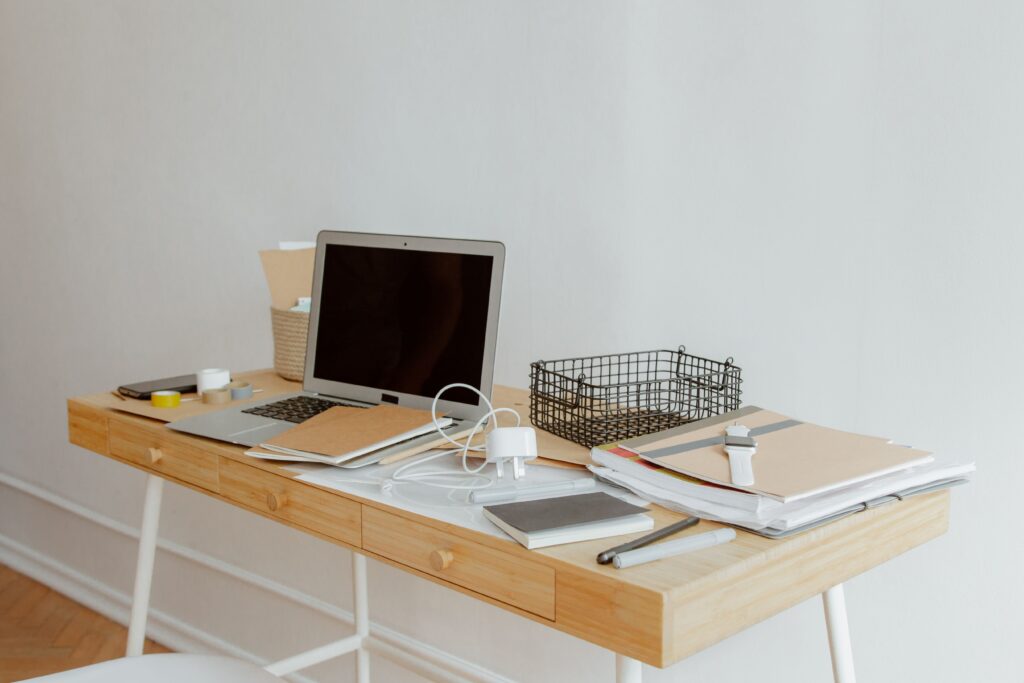
Your desk is the foundation of your workspace.
For a budget setup, you don’t need an electric standing desk. A sturdy 47-55-inch desk provides enough room for a laptop, monitor, and accessories.
What to Look For
- Stable construction
- Cable management options
- At least 24 inches deep
- Scratch-resistent surface
Examples:
- SHW Home Office Desk
- CubiCubi Computer Desk
- Coleshome Writing Desk
Related Article:
2. Invest in the Best Chair You Can Afford
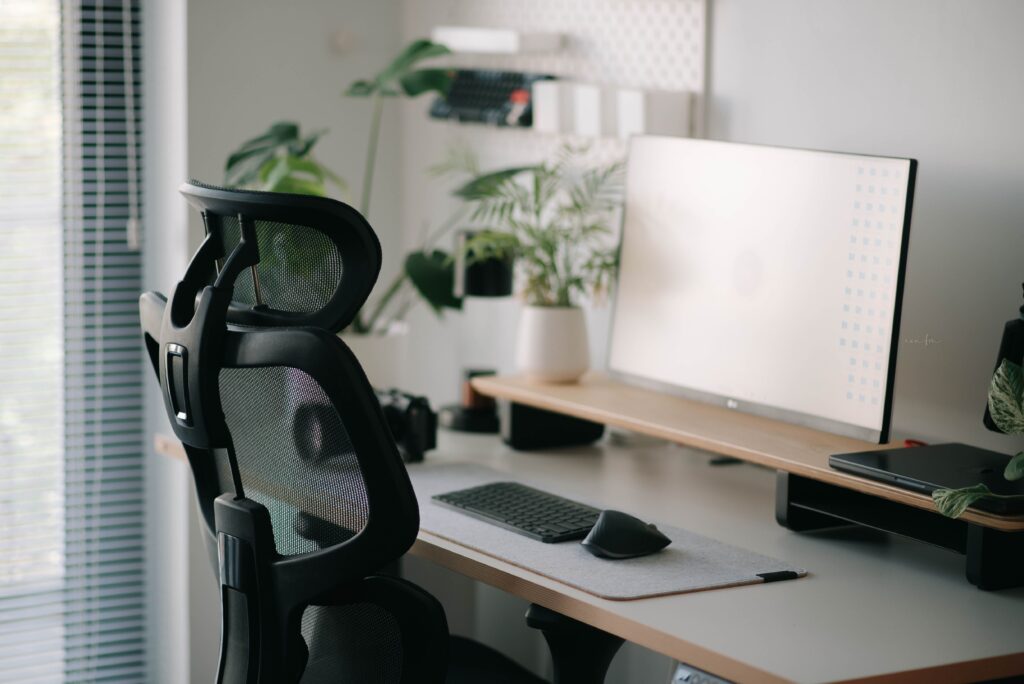
If you’re spending 8+ hours per day sitting, the chair matters more than almost anything else.
Any remote workers recommend allocating a large portion of a setup budget toward seating comfort and ergonomics.
Look for:
- Adjustable height
- Lumbar support
- Breathable mesh back
- Adjustable armrests
Recommended Budget Range
$120 – $180
Examples:
- FlexiSpot OC3B
- Hbada Ergonomic Office Chair
- Amazon Basics Ergonomic Chair
3. Add an External Monitor
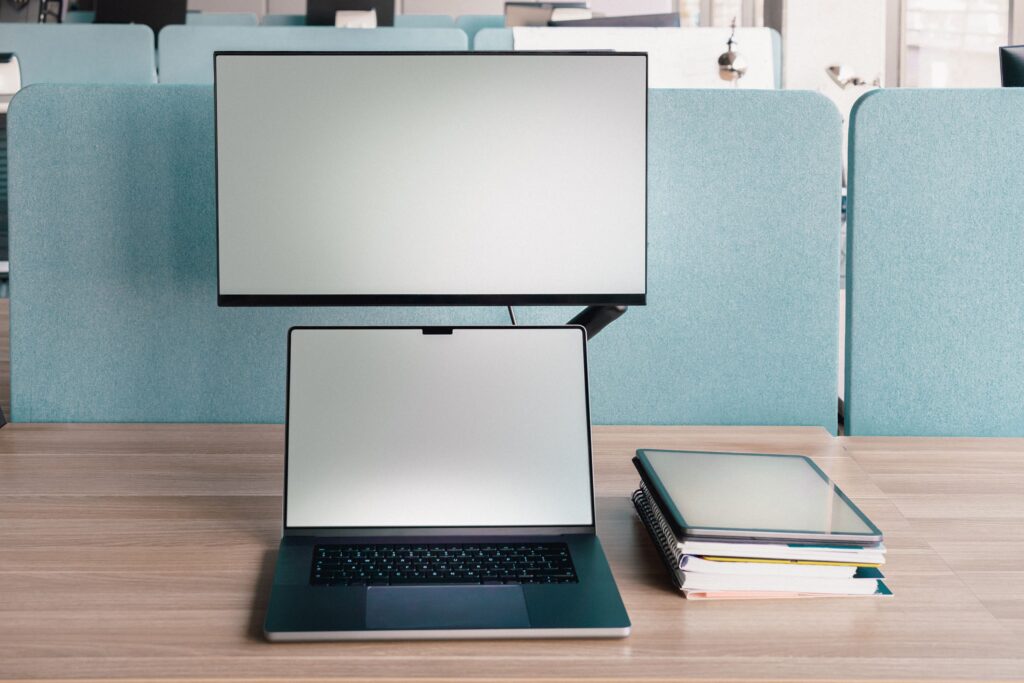
An external monitor can dramatically improve productivity by reducing window switching and increasing screen space.
Many home-office guides list a monitor among the highest-impact upgrades for remote workers.
Recommended Specs
- 24-27 inches
- IPS panel
- 1080p minimum
- Adjustable stand preferred
Examples:
- Acer KA242Y
- ASUS VA24EHF
- Dell SE2722HX
Related Article:
4. Upgrade Your Keyboard and Mouse
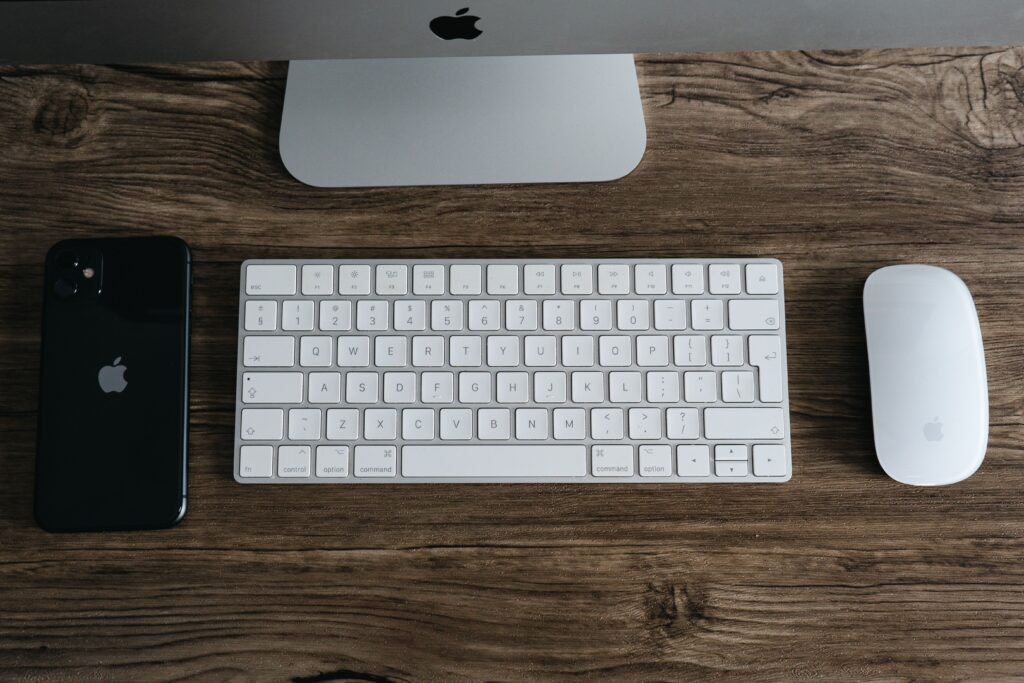
The built-in laptop keyboard works, but an external keyboard and mouse improve comfort significantly.
Recommended Budget
$40 – $60
Best Features
- Wireless connectivity
- Quiet keys
- Ergonomic mouse design
- Long battery life
Examples:
- Logitech MK270
- Logitech MK540
- Microsoft Wireless Desktop
5. Don’t Forget Video Conferencing Gear
Whether you use Zoom, Teams, or Google Meet, your coworkers will notice poor audio before they notice poor video.
Prioritize
- Headset
- Webcam
- Lighting
Recommended Budget
$50 – $75
Examples:
- Logitech C270
- Logitech C310
- Nexigo N60
6. Add Small Accessories That Improve Productivity
Small upgrades often deliver the best value.
Consider:
- Laptop stand
- Cable organizer
- Desk lamp
- Surge protector
- Monitor riser
These accessories help improve ergonomics, reduce clutter, and create a more professional workspace.
Example $500 Work From Home Setup
Component
Desk
Chair
Monitor
Keyboard & Mouse
Webcam
Headset
Accessories
Total
Example Product
CubiCubi Desk
FlexiSpot Ergonomic Chair
ASUS 24″ IPS
Logitech MK270
Logitech C270
Logitech H390
Cable Management Kit
Cost
$90
$150
$120
$30
$25
$35
$20
$470
Common Mistakes to Avoid
Buying a Cheap Chair
A poor chair can cause discomfort and lower productivity.
Ignoring Ergonomics
Position your monitor at eye level and keep your wrists neutral.
Overspending on Accessories
Focus on essentials first.
Buying Everything at Once
Upgrade gradually if needed.
Is a $500 Home Office Setup Enough?
Absolutely.
A $500 budget won’t create a luxury workspace, but it can provide everything necessary for productive remote work. Prioritize comfort, ergonomics, and functionality over aesthetics.
Many experts and remote workers agree that the biggest productivity gains come from a quality chair, a dedicated desk. and an external monitor rather than expensive gadgets.
With smart purchasing decisions, your home office can support years of productive work while staying comfortably under budget.