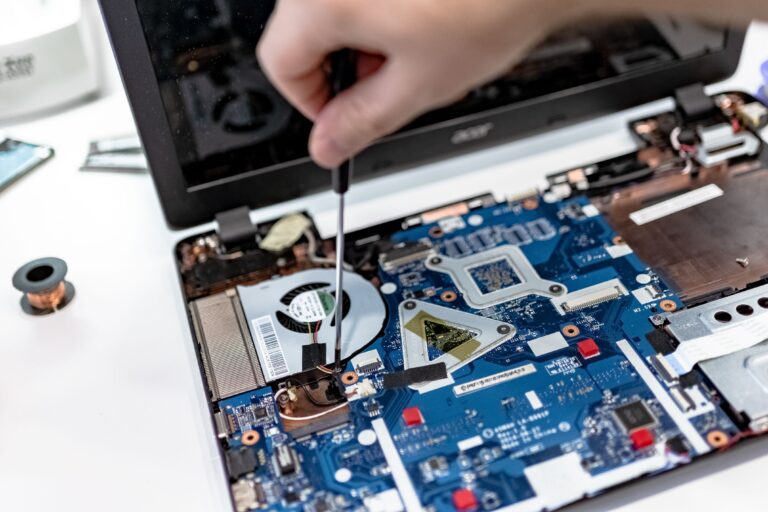
Best Budget Laptops for Coding (2026 Guide)
If you’re learning to code or working on projects without a huge budget, the good news is that you don’t need a $2000 machine to be productive. The right budget laptops are available that can handle programming tasks smoothly-as long as you prioritize the right specs and avoid the common pitfalls.
In this guide, we’ll break down the best budget laptops for coding, what makes them great, and how to choose the one that won’t slow you down.
What Makes a Laptop Good for Coding?
Before jumping into recommendations, it’s important to understand what actually matters for programming.
Key Specs to Look For
- Processor (CPU): Intel i5 / Ryzen 5 or better
- RAM: Minimum 8GB (16GB recommended for serious work)
- Storage: SSD only (256GB minimum, 512GB ideal)
- Display: 13 – 15″, full HD (1920 x 1080)
- Keyboard: Comfortable for long typing sessions
- Battery Life: 6+ hours preferred
If you’re coding in Python, JavaScript, or web development, these specs are more than enough. For heavier tasks (Android Studio, virtualization), lean toward 16GB RAM)
Best Budget Laptops for Coding (2026 Picks)
Here are the top budget-friendly laptops that deliver excellent performance for developers.
1. Acer Aspire 5 (Best Overall Budget Pick)
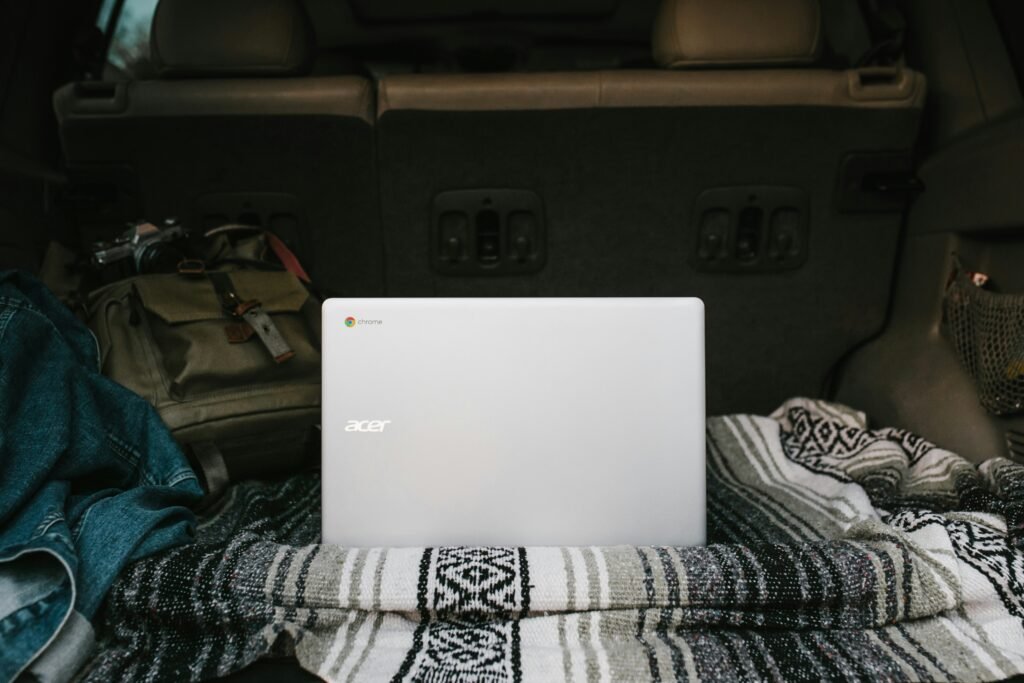
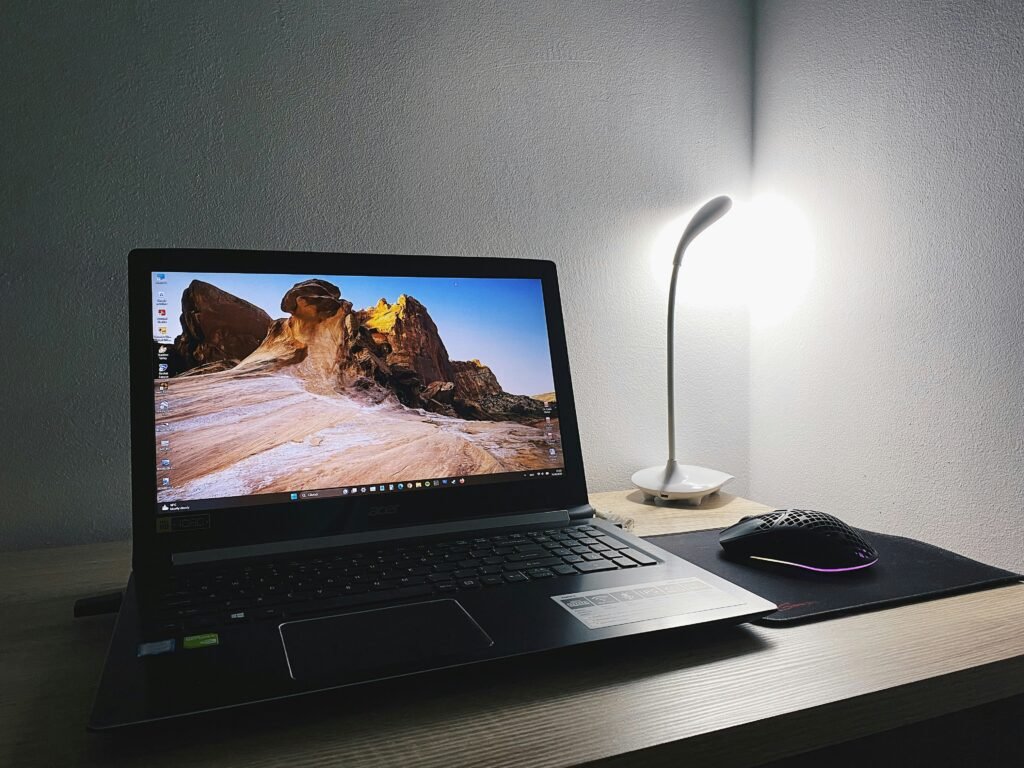
Why it stands out: Balanced performance, great value
- CPU: Ryzen 5 / Intel i5
- RAM: 8GB – 16GB
- Storage: 256GB – 512GB SSD
- Display: 15.6″ Full HD
Pros:
- Excellent price-to-performance ratio
- Upgradeable RAM on many models
- Comfortable keyboard
Cons:
- Average build quality
- Not the brightest display
Best for: Beginners and intermediate coders who want reliability without overspending.
2. Lenovo IdeaPad 3 / Slim 3 (Best for Students)
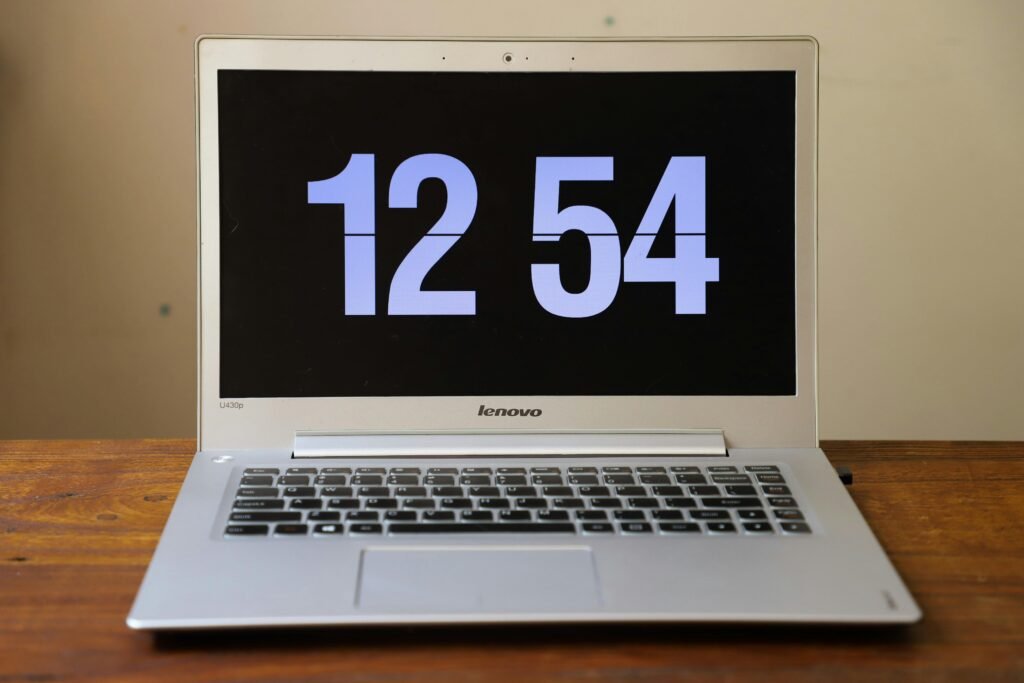


Why it stands out: Affordable and widely available
- CPU: Ryzen 5 / Intel i5
- Ram: 8GB
- Storage: 256GB SSD
Pros:
- Very budget-friendly
- Lightweight and portable
- Solid everyday performance
Cons:
- Limited upgrade options
- Basic display quality
Best for: Students learning programming or light development work
3. Asus VivoBook 15 (Best Design + Performance Combo)

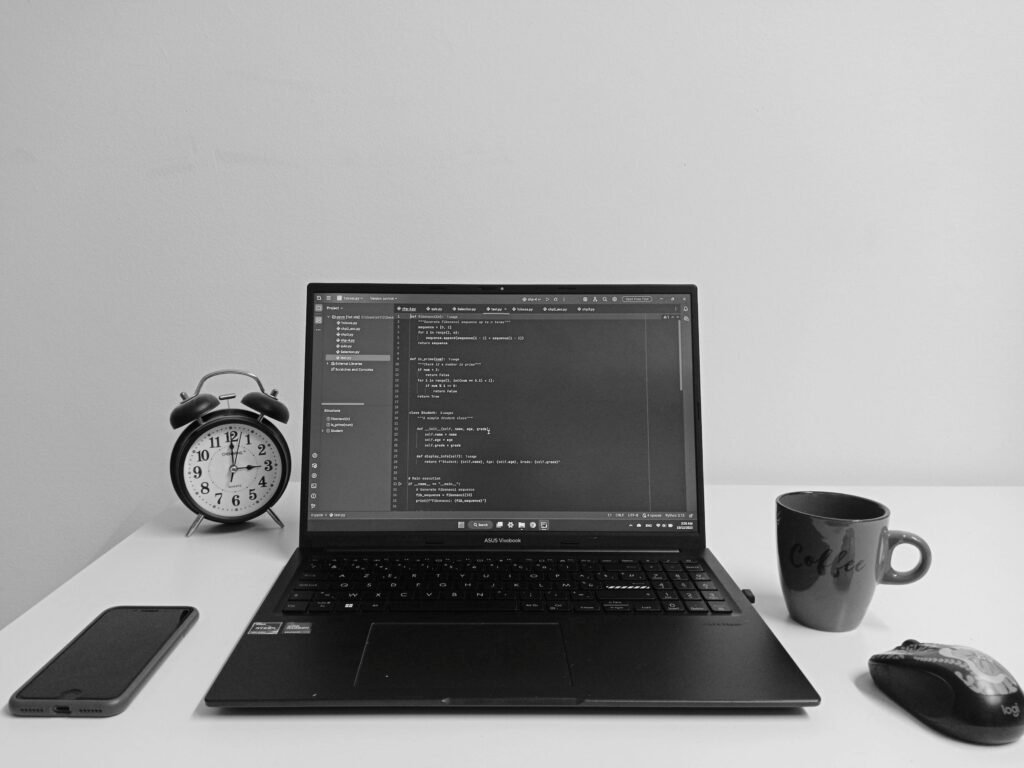

Why it stands out: Sleek design with strong specs for the price
- CPU: Intel i5 / Ryzen 5
- RAM: 8GB – 16GB
- Storage: 512GB SSD
Pros:
- Modern, slim design
- Fasat SSD performance
- Good port selection
Cons:
- Battery life could be better
- Speakers are average
Best for: Coders who want a stylish, capable laptop on a budget
4. HP Pavilion 15 (Best All-Rounder)

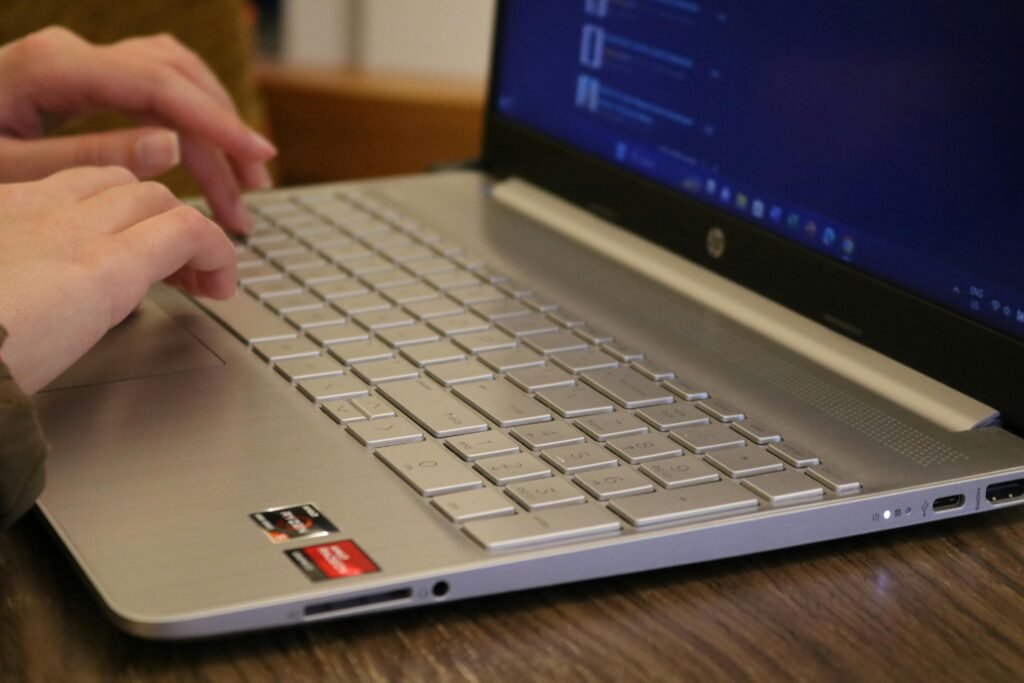
Why it stands out: Reliable performance and premium feel
- CPU: Intel i5 / Ryzen 5
- RAM: 8GB – 16GB
- Storage: 256GB – 512GB SSD
Pros:
- Solid build quality
- Good performance for multitasking
- Backlit keyboard on many models
Cons:
- Slightly higher price than competitors
- Can run warm under load
Best for: Developers who want a more premium feel without going over budget
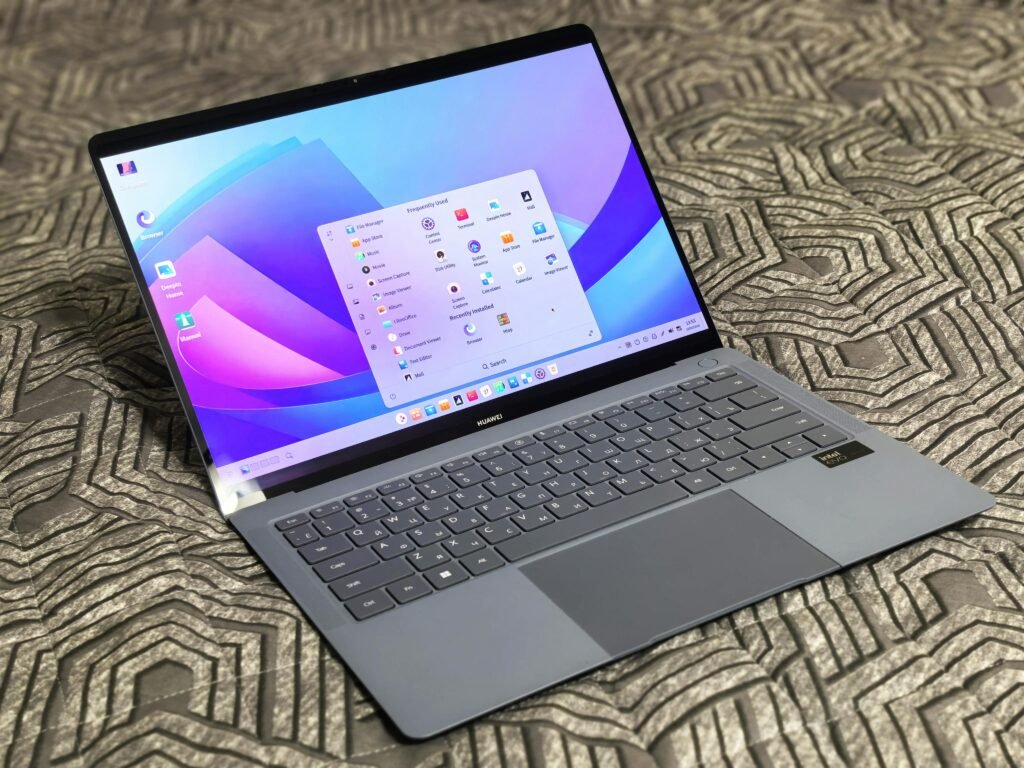
5. Microsoft Surface Laptop Go (Best Ultra-Portable Option)


Why it stands out: Lightweight and premium design
- CPU: Intel i5
- RAM: 8GB
- Storage: 256GB
Pros:
- Extremely portable
- Premium build quality
- Great keyboard
Cons:
- Smaller screen
- Limited ports
- Not ideal for heavy workloads
Best for: Coders on the go, heavy note-taking, and lightweight development
Budget Laptop Buying Tips for Developers
Choosing the right budget laptop isn’t just about the model-it’s about making smart trade-offs.
Prioritize Performance Over Looks
A flashy design doesn’t help your code compile faster. Focus on CPU and RAM first.
Upgradeability Matters
Some budget laptops allow RAM upgrades-this can extend the life of your device significantly.
Don’t go below 8GB RAM
Anything less will struggle with modern IDEs like VS code, IntelliJ, or Android Studio
Consider Refurbished Options
You can often get a higher-tier laptop for the same price (covered in our Refurbished vs New Laptops article)
Windows vs Mac vs Linux (Budget Edition)
- Windows: Best compatibility and value
- Linux: Great for developers (especially on budget hardware)
- MacBook (used/refurbished): Excellent, but rarely “budget” unless refurbished
Common Mistakes to Avoid
- Buying a laptop with 4GB RAM
- Choosing HDD instead of SSD
- Ignoring keyboard comfort
- Overpaying for brand name instead of specs
(We break this down further in our Laptop Buying Mistakes to Avoid article)
Final Thoughts
The best budget laptop for coding isn’t the cheapest-its the one that gives you consistent performance, upgrade potential, and a comfortable coding experience. When considering a laptop for programming, do some homework before buying.
If you want a safe recommendation:
- Best overall: Acer Aspire 5
- Best for students: Lenovo IdeaPad 3
- Best design: Asus VivoBook 15