Best Laptops for Computer Science Students (2026 Guide)
Choosing laptops for computer science students, isn’t just about performance-it’s about finding a machine that can handle coding, compiling, multitasking, and occasional heavy workloads like virtual machines or AI development.
In this guide, we’ll break down the best laptops for Computer Science students, what specs actually matter, and how to choose the right one for your needs and budget.
Also review Best Laptops for Programming (Beginner to Pro) before making your final decision.
What Computer Science Students Need in a Laptop
Before jumping into recommendations, let’s quickly define what matters most.
1. Performance (CPU & RAM)
- Minimum: Intel i5 / Ryzen 5
- Recommended: Intel i7 / Ryzen 7
- RAM: 16GB minimum (especially for IDEs, Docker, or VMs)
2. Storage
- 512GB SSD minimum
- 1TB preferred if working with large datasets or projects
3. Battery Life
- Aim for 8 – 12 hours
- Important for classes and long coding sessions
4. Portability
- 13″ – 15″ laptops are ideal
- Lightweight = easier campus use
5. Operating System
- macOS – Great for development(Unix based)
- Windows – Flexible, widely supported
- Linux – Ideal for advanced users
For a deeper breakdown, see our article: The Ultimate Guide to Bying a Laptop (2026 Edition)
Best Overall Laptop for CS Students
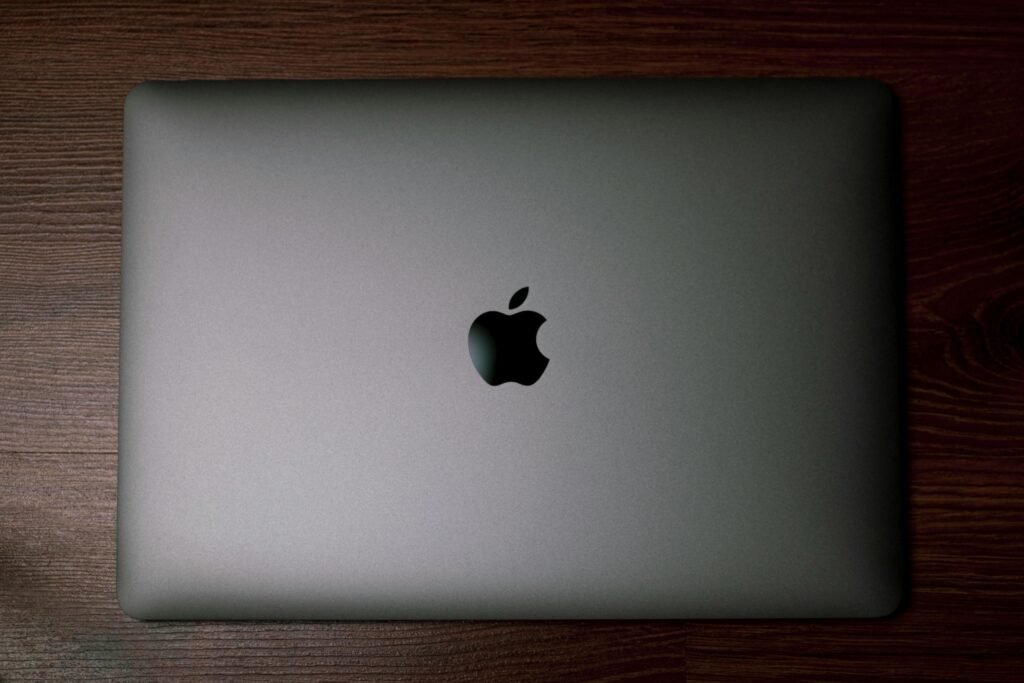
Apple MacBook Air (M3/M4)

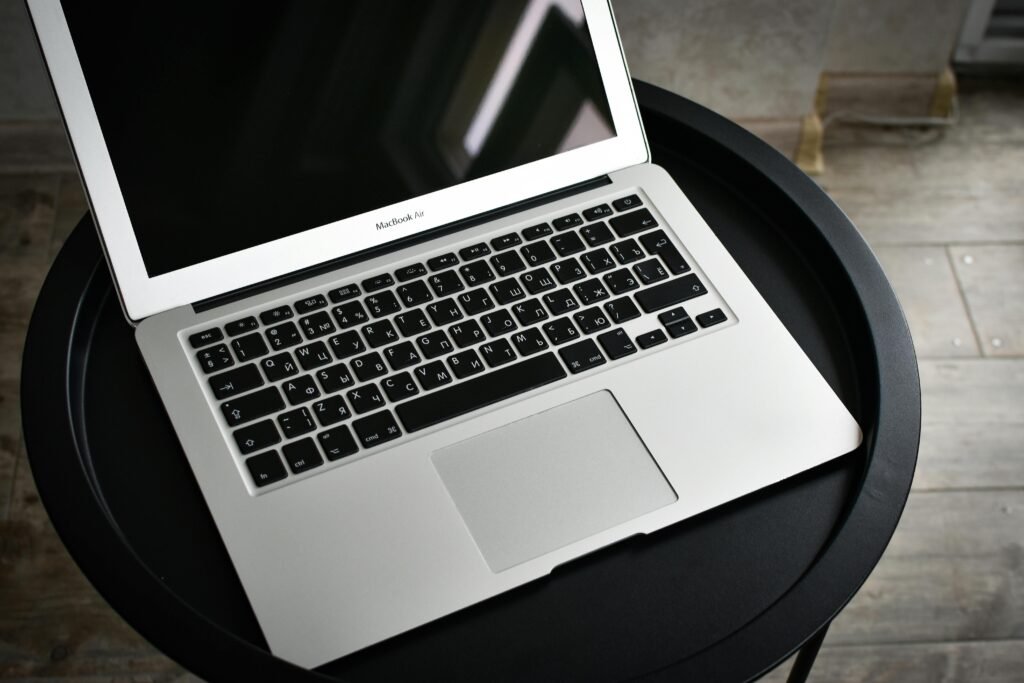
Why it stands out:
- Exceptional battery life (15+ hours)
- Fast and efficient Apple Silicon chips
- Perfect for coding, web dev, and app development
- Silent fanless design
Best for:
- Students focused on software development, web dev, or iOS apps
Considerations:
- Limited ports
- Not ideal for heavy gaming or certain Windows-only tools
Best Windows Laptops for Computer Science
Dell XPS 15



Why it stands out:
- Powerful Intel i7/i9 options
- Gorgeous display for long coding sessions
- Premium build quality
Best for:
- Students needing power + flexibility
- Running virtual machines or heavier workloads
Considerations:
- Expensive
- Battery life is good, but not MacBook level
Best Budget Laptops for CS Students
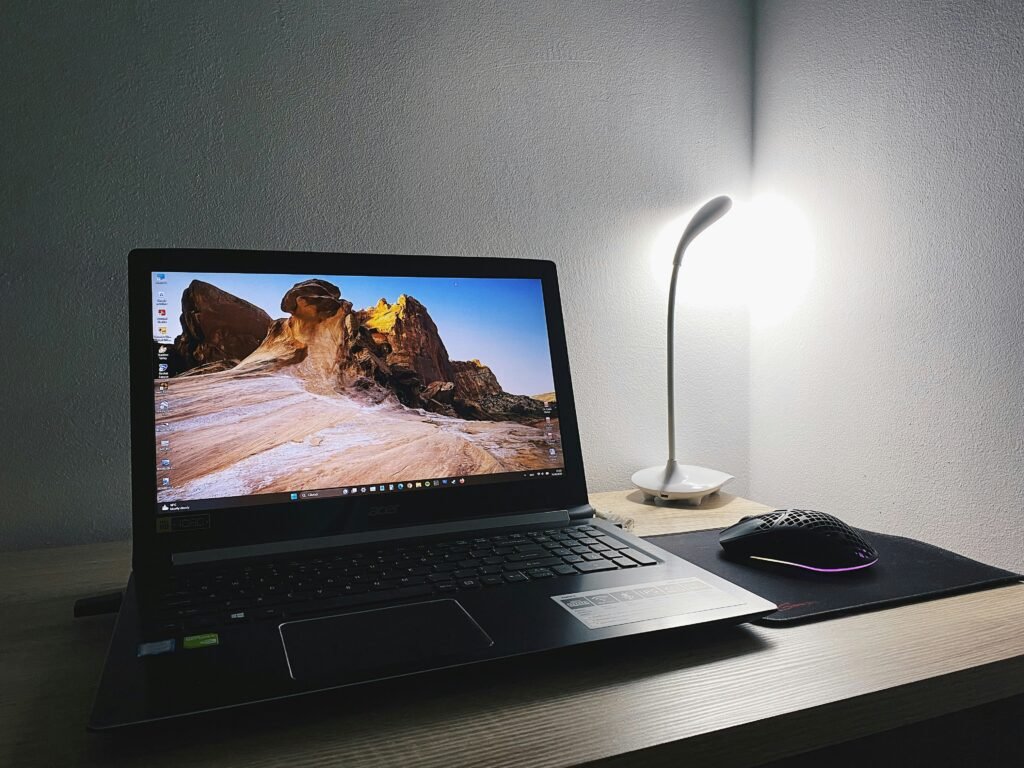
Acere Aspire 5
Why it stands out:
- Affordable and reliable
- Solid performance for coding basics
- Upgradeable RAM in many models
Best for:
- Students on a budget
- Intro programming and coursework
Considerations:
- Build quality is average
- Not ideal for heavy multitasking
Best Laptops for Heavy Workloads (AI, VMs, Data Science)
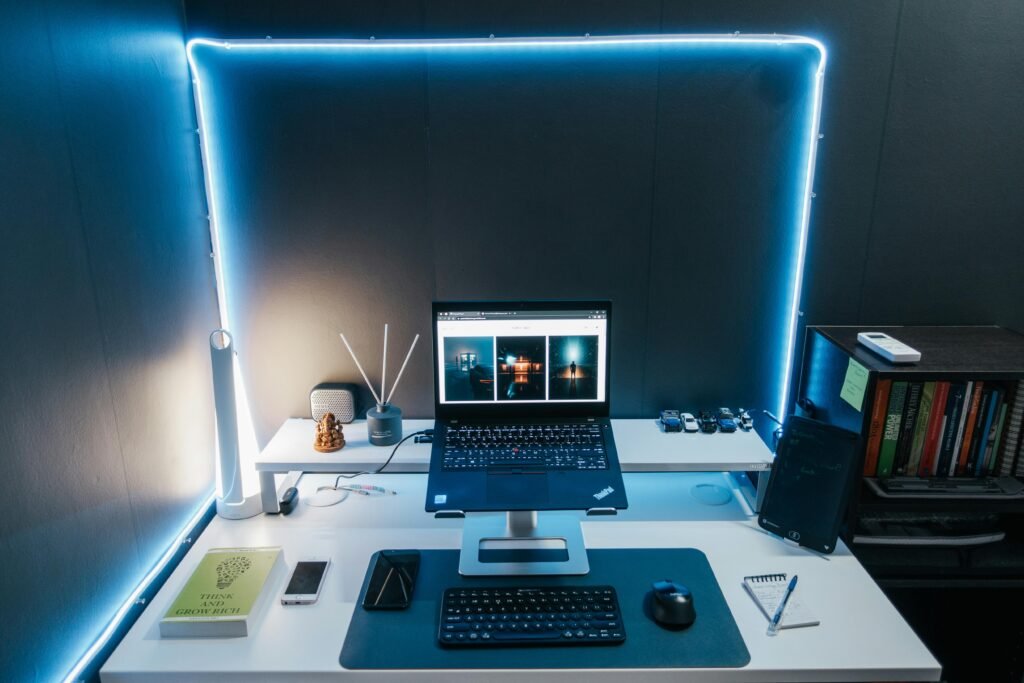
Lenovo ThinkPad X1 Carbon (Gen 12)

Why it stands out:
- Excellent keyboard (great for long coding sessions)
- Lightweight but powerfull
- Reliable for professional-level workloads
Best for:
- Advanced CS students
- Data science, cybersecurity, virtualization
Considerations:
- Pricey
- Integrated graphics may limit GPU-heavy tasks
Best 2-in-1 Laptops for Flexibility
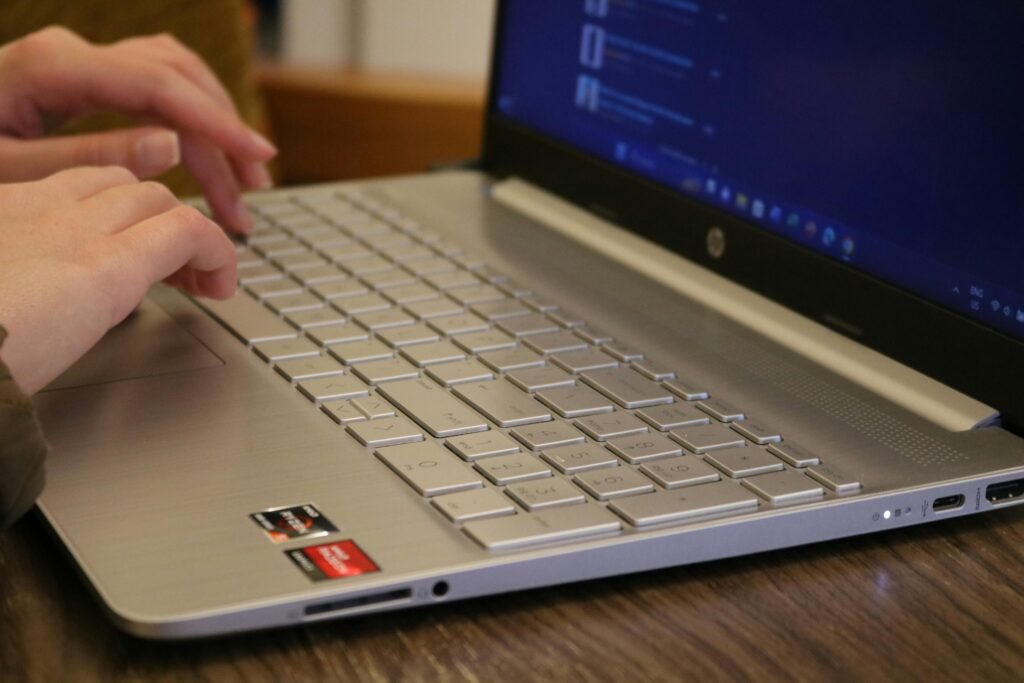
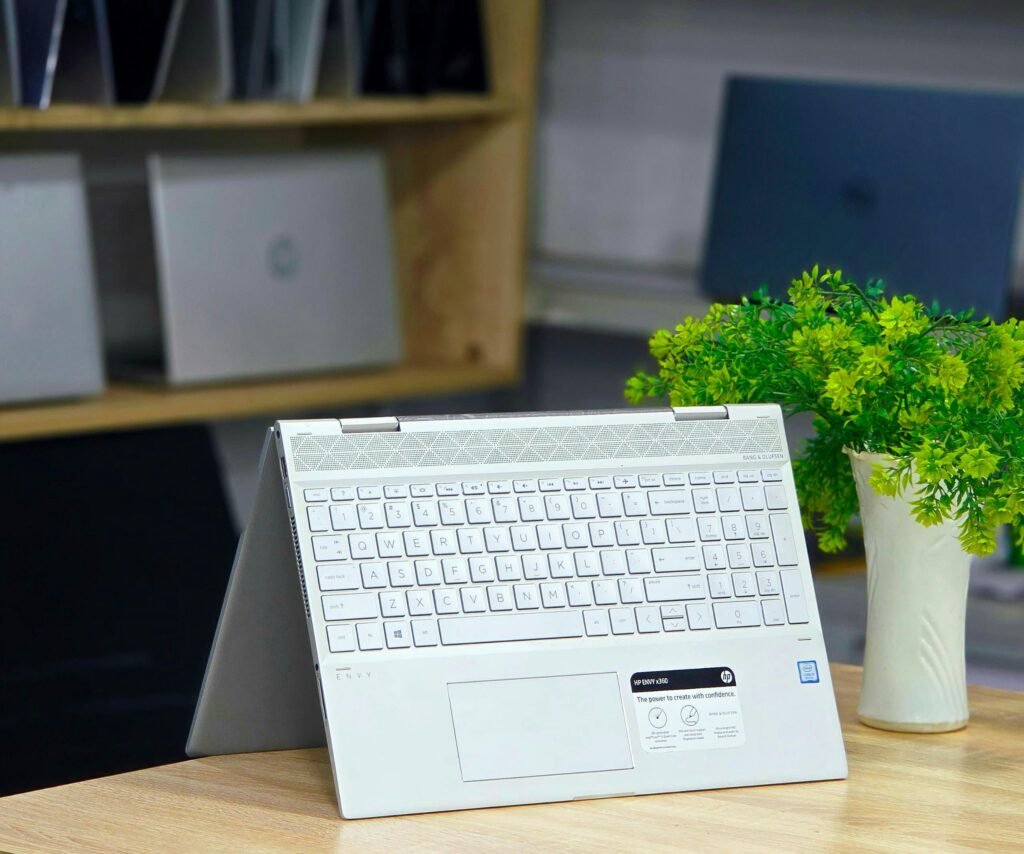
HP Spectre x360
Why it stands out:
- Convertible design (laptop + tablet)
- Great for note-taking + coding
- Premium design
Best for:
- Students who want versatility
- Note-taking + programming combo
Considerations:
- Slightly heavier than ultrabooks
- Can get expensive with higher specs
Mac vs Windows vs Linux for CS Students
MacOS
Best for:
- Web development
- iOS development
- Unix-based workflows
Windows
Best for:
- General compatibiliy
- Game dev
- .NEt development
Linux
Best for:
- Advanced programming
- Cybersecurity
- Systems-level work
Related: Refurbished vs New Laptops: Which Should You Choose?
Recommended by Use Case
Use Case
Beginner programming
General CS Student
AI / Data Science
CPU
i5 / Ryzen 5
i7 / Ryzen 7
i7/i9 / Ryzen 7/9
RAM
8-16GB
16GB
16-32GB
Storage
256-512GB
512GB
1TB
Common Mistakes to Avoid
- Buying 8GB RAM in 2036 (limits multitasking)
- Choosing HDD instead of SSD
- Ignoring battery life
- Overspending on GPU if not needed
- Picking style over performance
Related: Laptop Buying Mistakes to Avoid
Final Thoughts
The best laptop for a computer science student depends on your specialization, budget, and workflow.
- MacBook Air – Best overall balance
- Dell XPS 15 – Best Windows performance
- Acer Aspire 5 – Best budget option
- ThinkPad X1 Carbon – Best for serious workloads
- HP Spectre x360 – Best for versatility
If you’re unsure, aim for:
16GB RAM + SSD + modern i7/Ryzen 7 processor
That combination will comfortably last through your entire degree.