What to Look for When Buying a Laptop (2026 Guide)
Buying a laptop in 2026 isn’t just about choosing a particular brand – it’s about choosing the right combination of performance, portability, and future-proofing for your specific needs. With rapid advancements in processors, battery efficiency, and AI-powered features, understanding what actually matters will save you money and frustration. In what to look for when buying a laptop we will guide you through this journey.
If you haven’t already, check out our complete breakdown in The Ultimate Guide to Buying a Laptop (2026 Edition)
Define Your Primary Use Case


Different users need different levels of performance:
- Students & Casual Users
Web browsing, streaming, Office apps
Lightweight laptops, long battery life
- Professional & Remote Workers
Multitasking, video calls, productivity tools
Reliable performance, great keyboard, good webcam
- Creators (Photo/Video/Design)
Editing software, rendering
Powerful CPU, dedicated GPU, color-accurate display
- Gamers
Modern games, highFPS
High-end GPU, fast refresh rate display
Your use case determines everything else – don’t skip this step
Processor (CPU): The Brain of Your Laptop
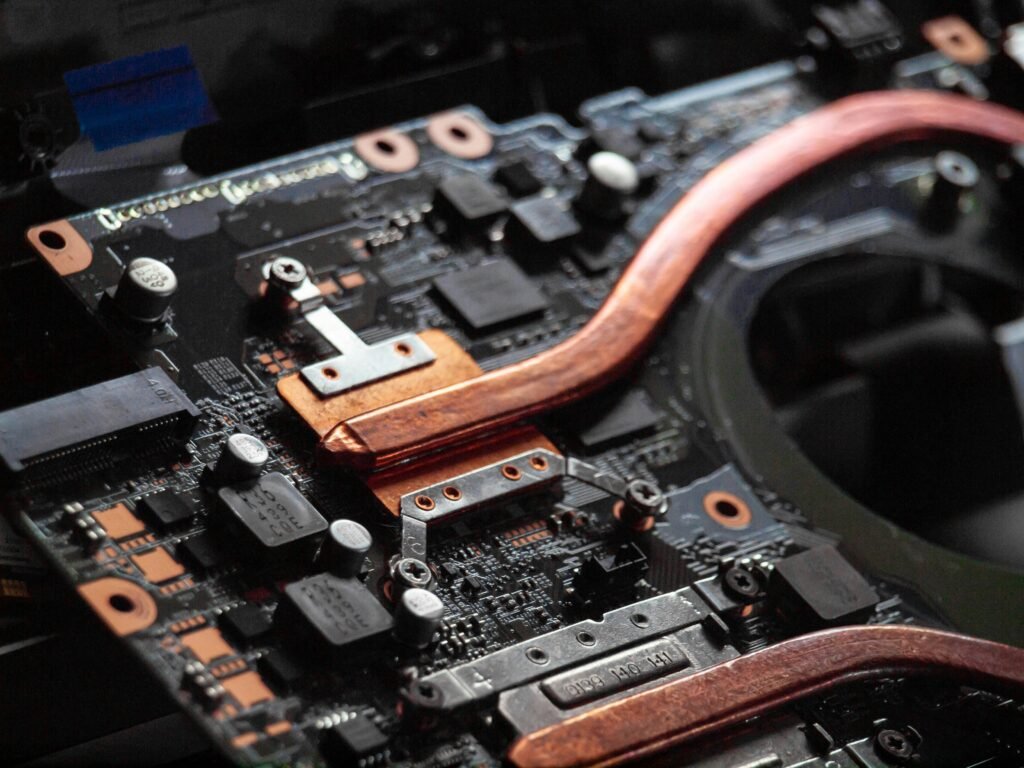
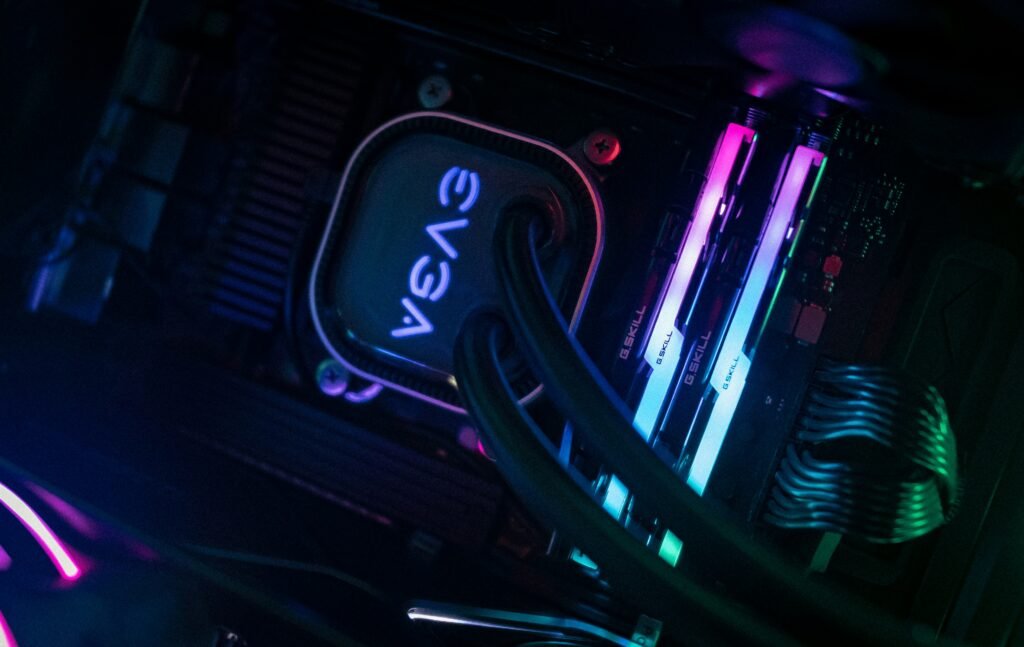
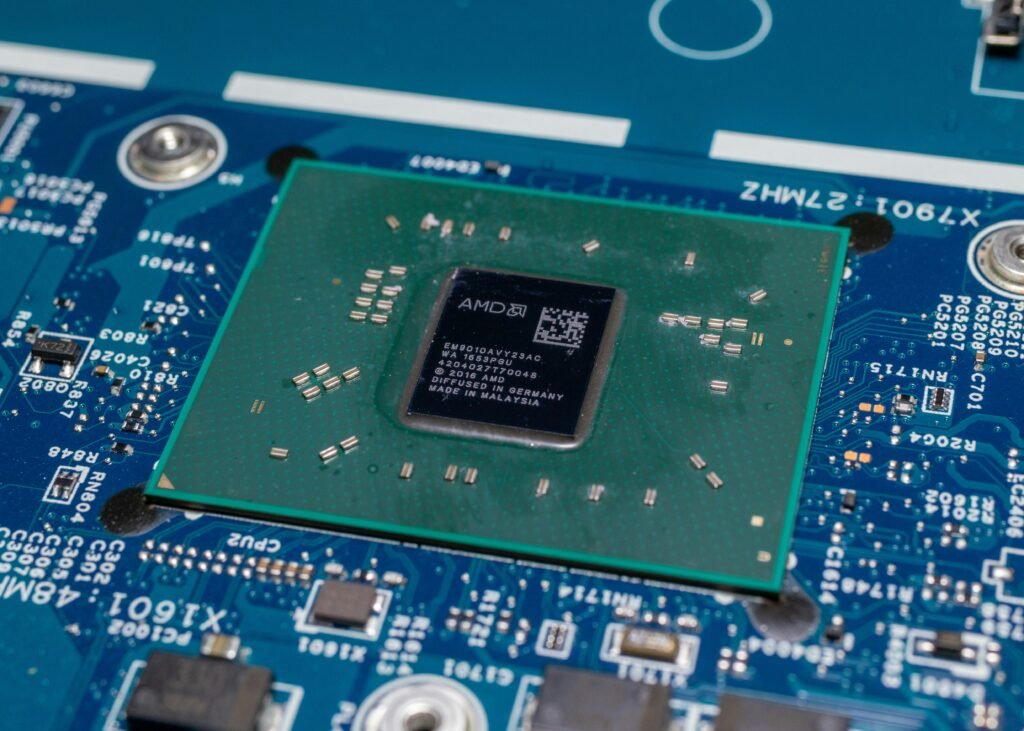
The processor controls how fast your laptop runs programs.
What to Look For:
- Entry-Level: Intel Core i3 / Ryzen 3
- Mid-Range: Intel Core i5 / Ryzen 5 (best for most users)
- High-End: Intel Core i7/i9 / Ryzen 7/9 / Apple M-series
2026 Tip:
Look for AI-Enabled processors (NPUs) in newer chips (Intel Core Ultra, AMD Ryzen AI). These improve performance in apps like video editing, automation, and Windows Copilot features.
Ram (Memory): Multitasking Power
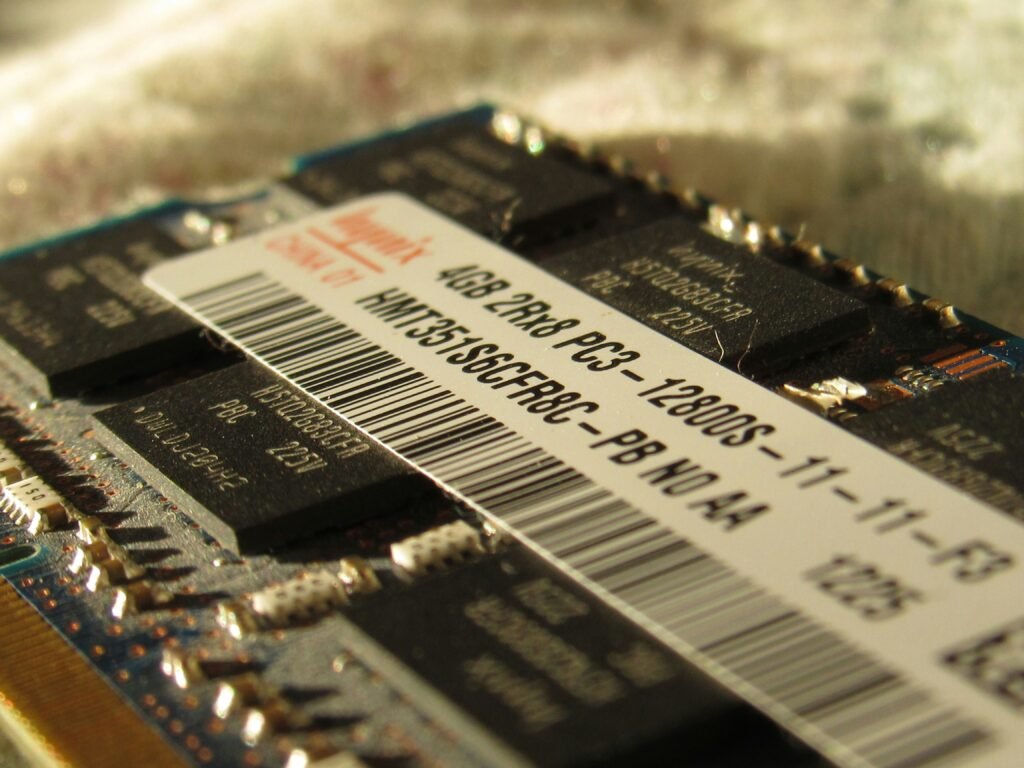
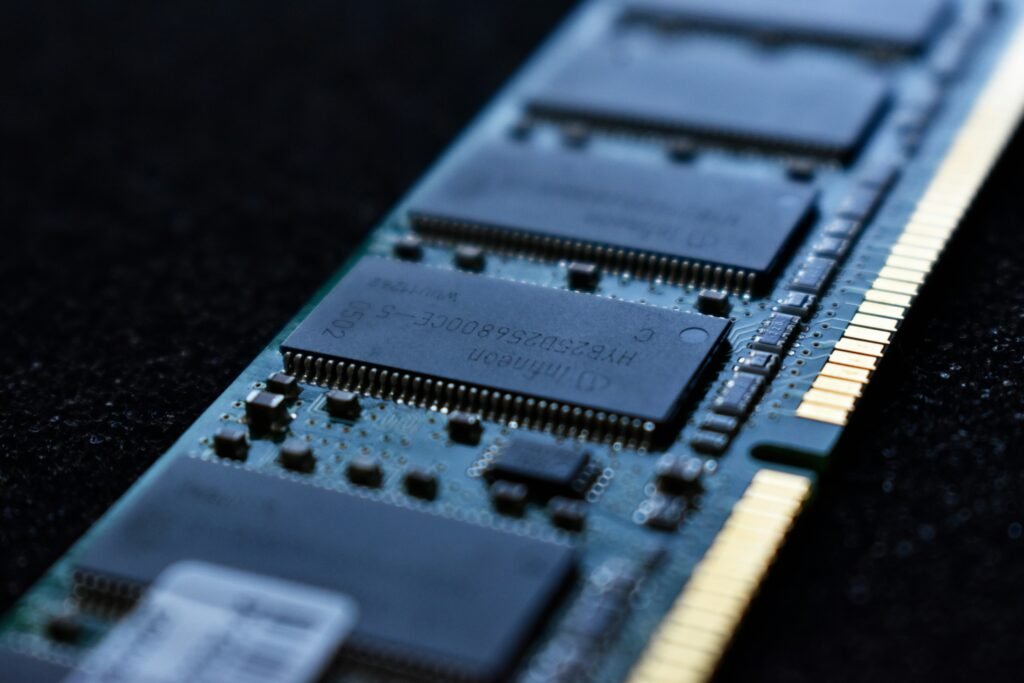
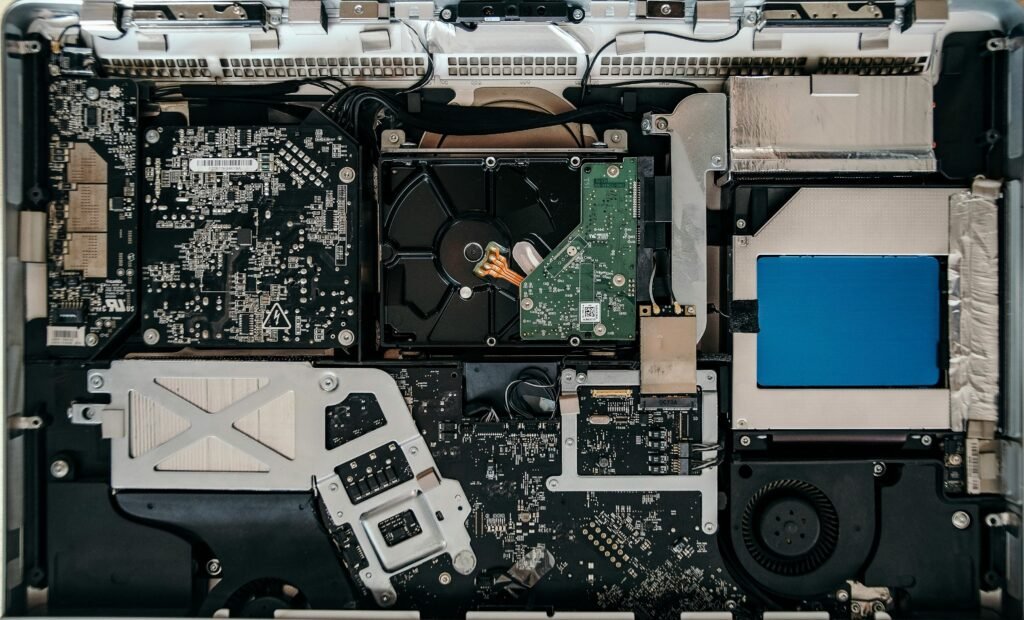
RAM determines how smoothly your laptop handles multiple tasks.
Recommended RAM:
- 8GB: Basic use (minimum in 2026)
- 16GB: Sweet spot for most users
- 32GB+: Creators, developers, heavy multitasking
If you keep many tabs open or run multiple apps, prioritize more RAM.
Storage Speed and Capacity
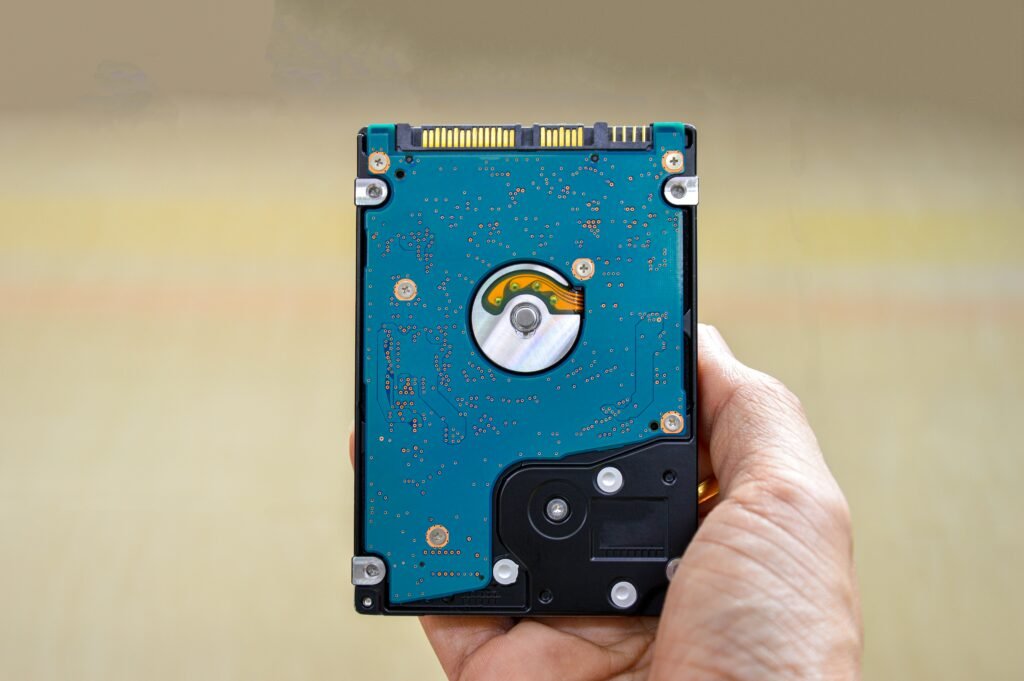
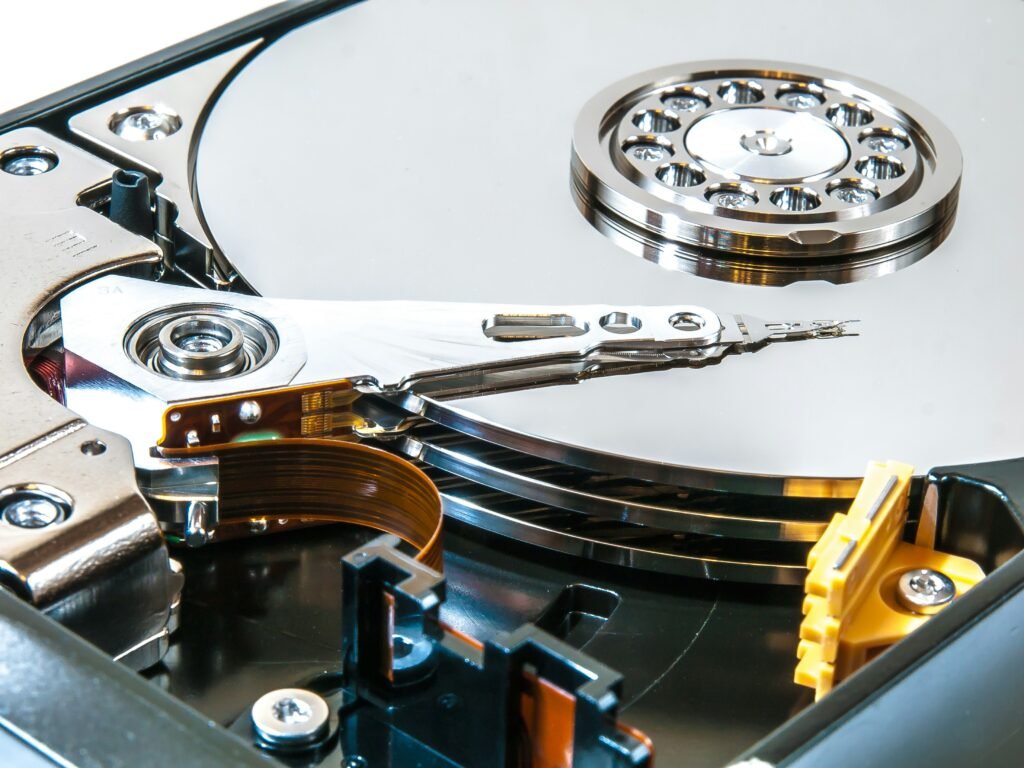
Storage affects both speed and how much you can store.
What to Choose:
- Always choose SSD (Solid State Drive)
- Minimum: 256GB
- Recommended: 512GB – 1TB
- Power Users: 2TB+
Why it Matters:
- Faster boot times
- Quicker file access
- Better overall performance
Display Quality: What You See Matters
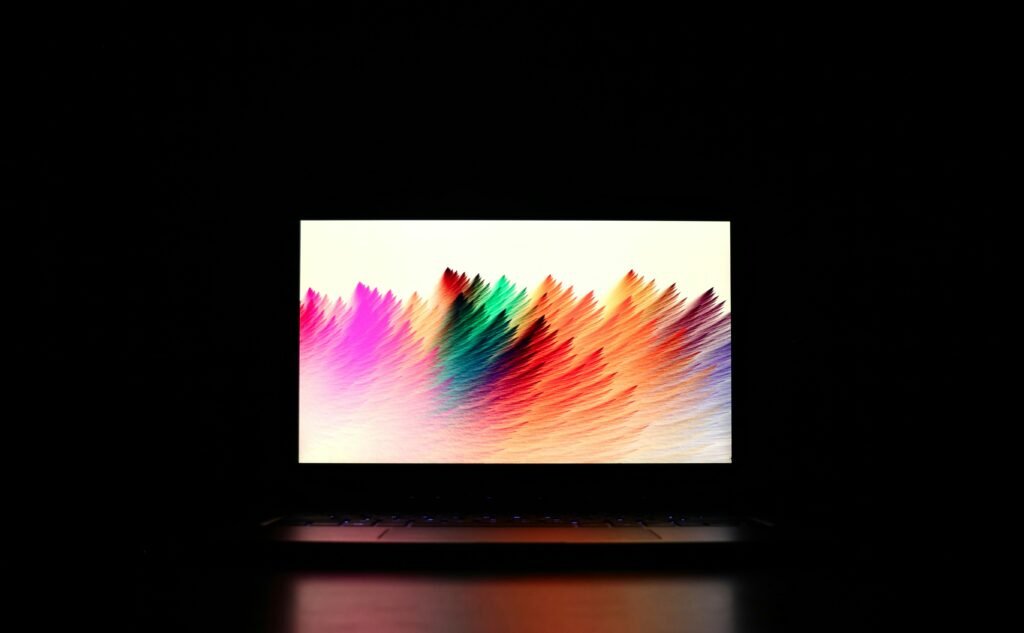
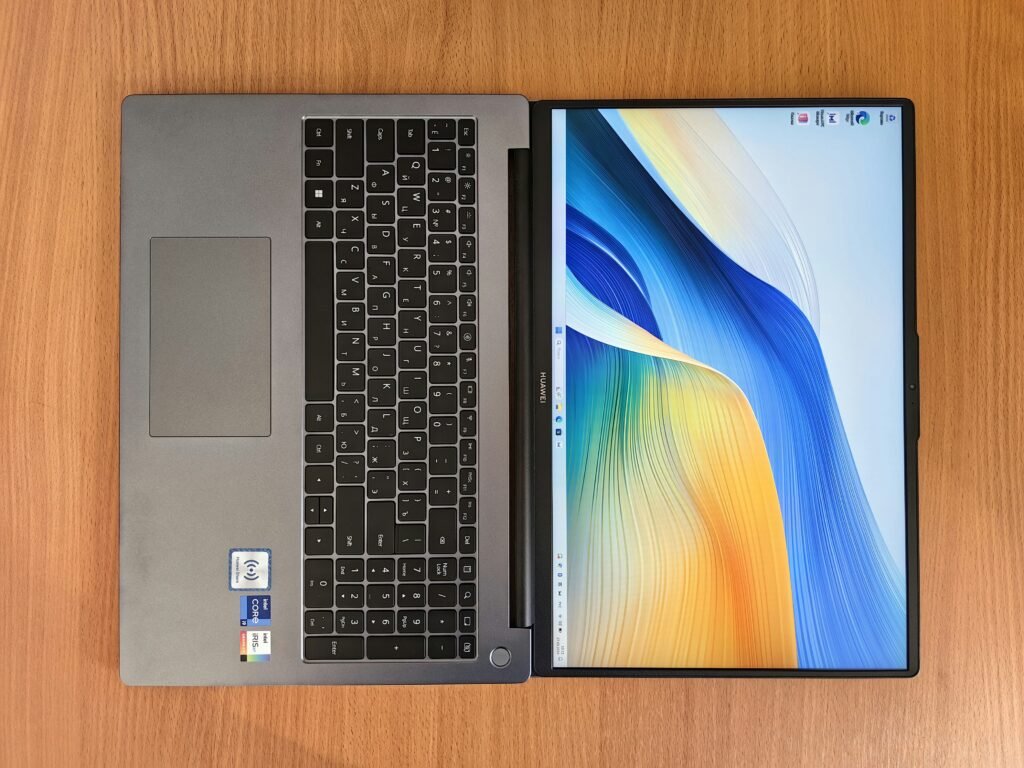

A great display improves everything from work to entertainment.
Key Factors:
- Resolution:
- 1080p (minimum)
- 1440p or 4k (premium)
- Panel Type:
- IPS (good all around)
- OLED (best colors and contrast)
- Refresh Rate:
- 60Hz (standard)
- 120Hz+ (gaming, smooth scrolling)
- Brightness:
- 300 nits minimum
- 400+ for bright environments
Battery Life: Real World Usage

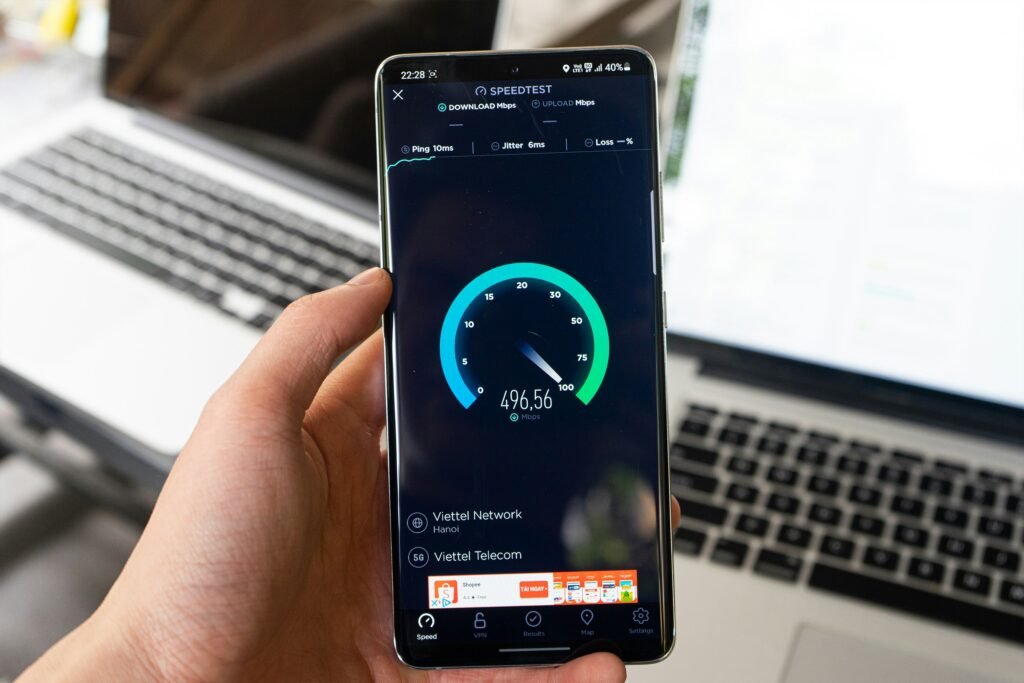
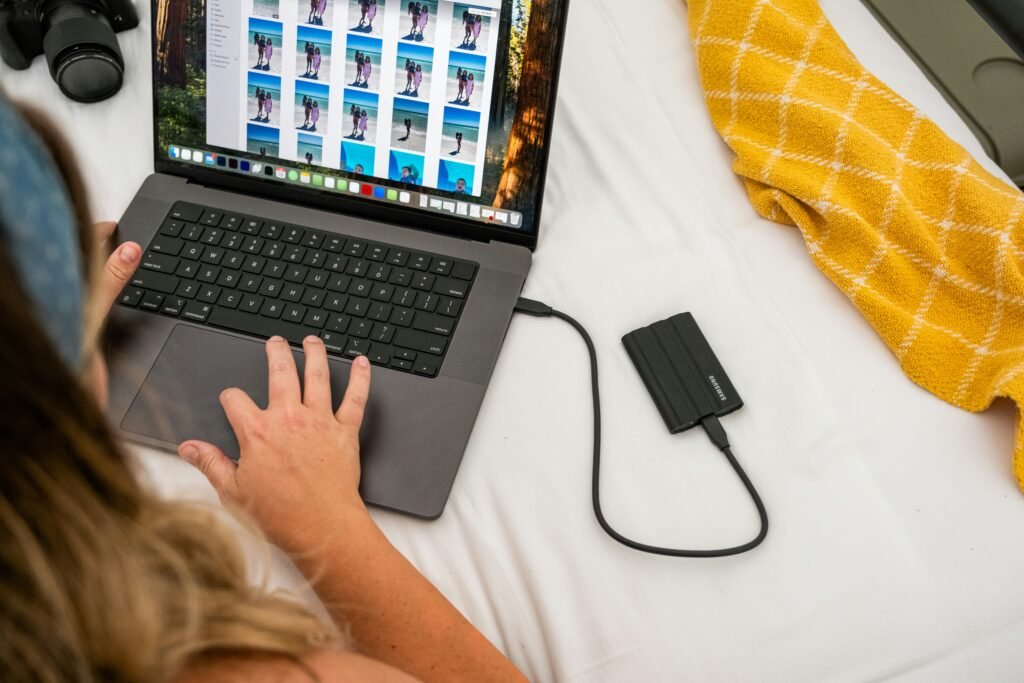
Battery life determines how portable your laptop really is.
What to Expect:
- 6 – 8 hours: Average
- 8 – 12 hours: Good
- 12+ hours: Excellent (ultrabooks, ARM chips)
Apple Silicon and newer ARM-based Windows laptops lead in efficiency.
Build Quality & Portability
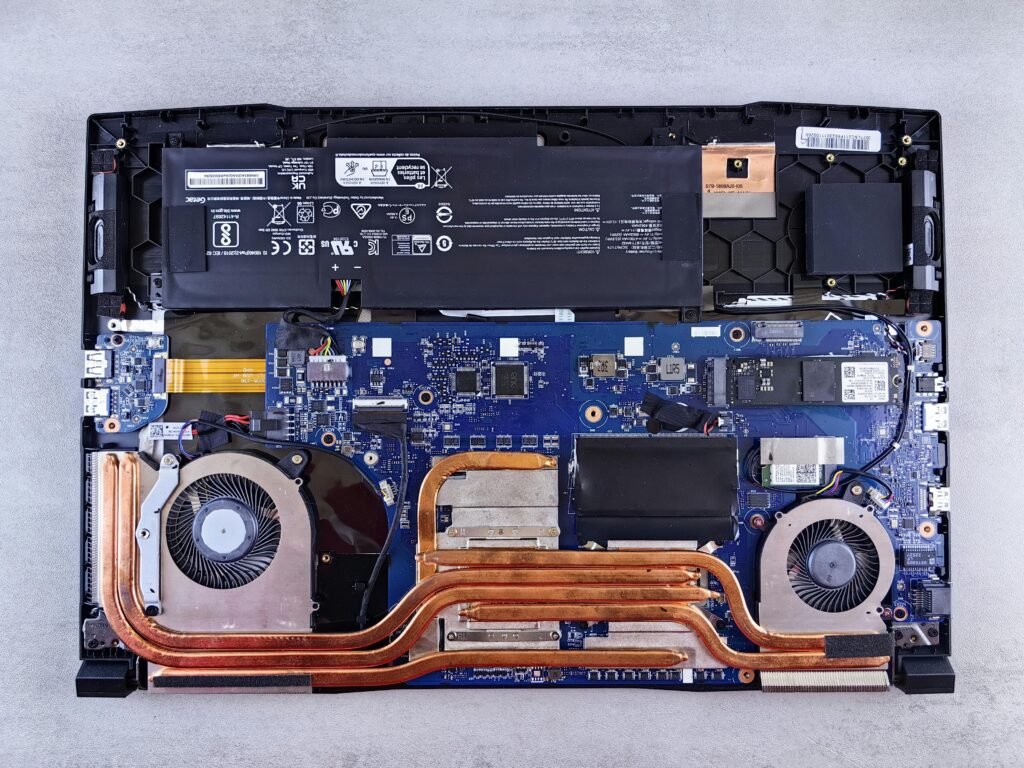


If you carry your laptop daily, this matters more than specs.
Consider:
- Weight: Under 3.5 lbs for portability
- Material: Aluminum / Plastic
- Form Factor:
- Traditional clamshell
- 2-in-1 convertible
Ports & Connectivity
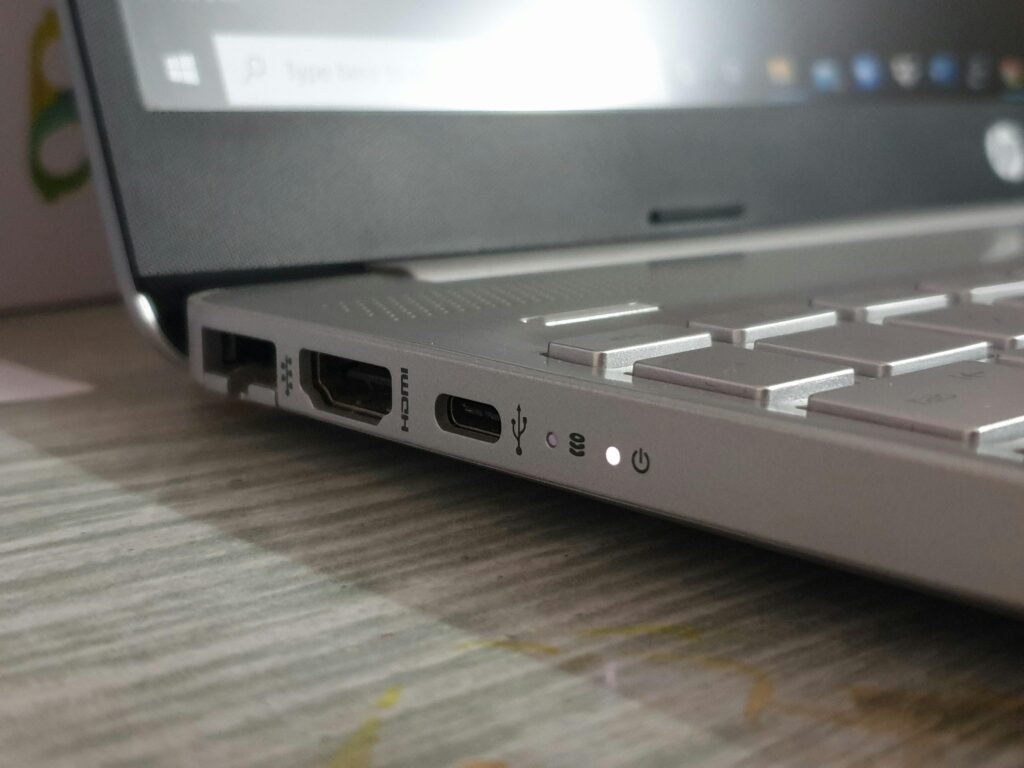
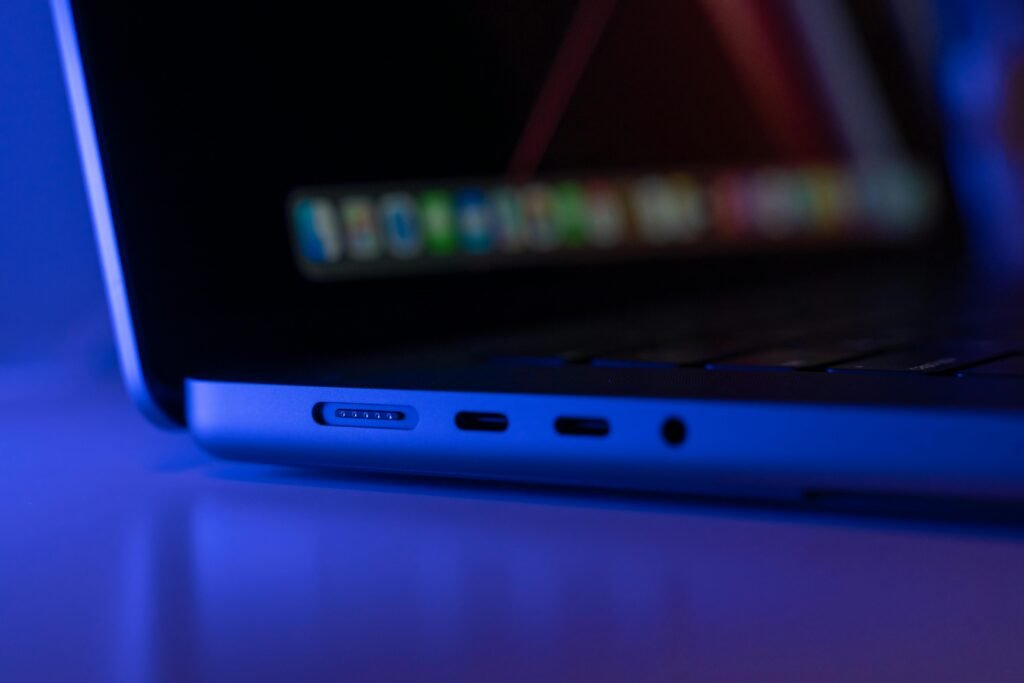
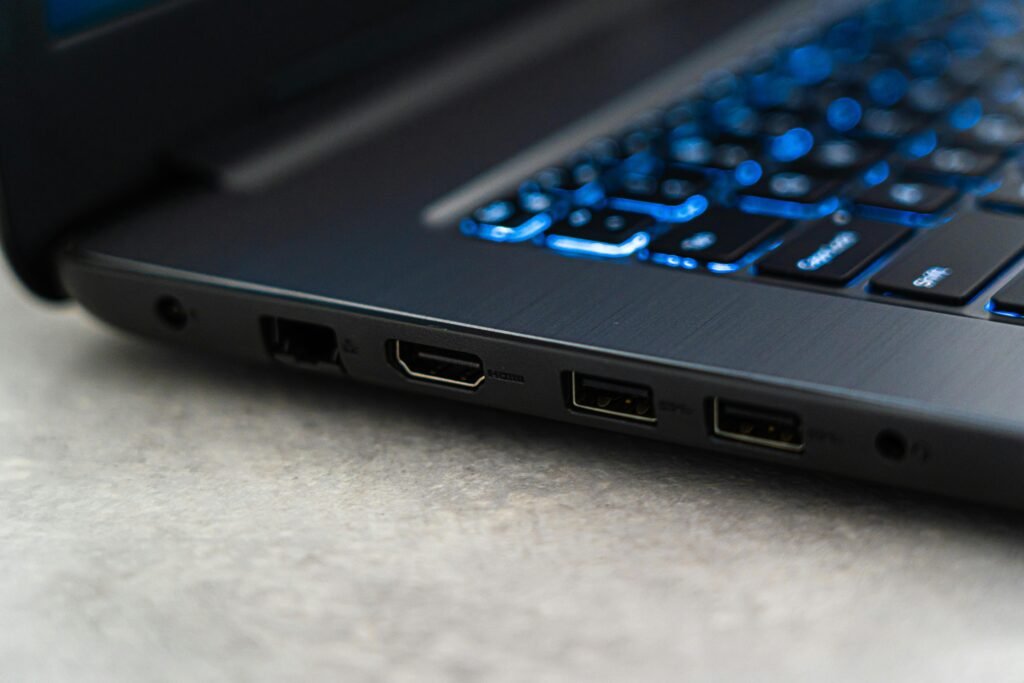
Make sure your laptop supports your accessories.
Essential Ports:
- USB-C (charging and data)
- USB-A (legacy devices)
- HDMI (external display)
- Headphone jack
Bonus:
- Thunderbolt / USB4 for high-speed connectivity
Keyboard & Trackpad Experience


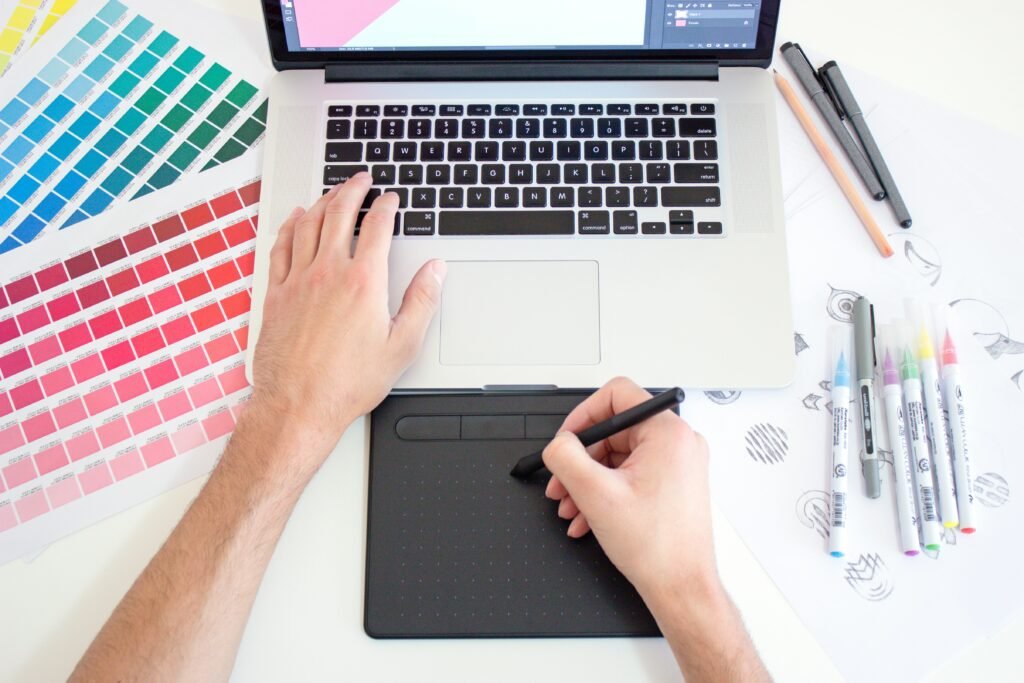
Often overlooked- but critical for daily use.
Look For:
- Comfortable key travel
- Backlit keyboard
- Large, responsive trackpad
If you type a lot, this can make or break your experience.
Price vs Value
Don’t just buy the cheapest-or the most expensive.
General Pricing Guide:
- $500 – $800: Budget
- $800 – $1200: Best value range
- $1200+: Premium / Specialized
Focus on value for your needs, not just specs.
Final Thoughts
Choosing the right laptop comes down to balancing performance, portability, and price based on how you actually plan to use it.
If you remember nothing else:
- Prioritize CPU + RAM + SSD
- Match specs to your use case
- Don’t overlook display and build quality
To go deeper into your decision, explore these related guides: