The Ultimate Guide to AI Development Laptops in 2026
AI development workloads are more demanding than standard programming tasks. Whether you are training machine learning models, running local LLMs, building AI-powered apps, or experimenting with generative AI tools, the right laptop can dramatically improve your workflow. The best laptops for AI development combine high-performance CPUs, powerful GPUs, large memory capacity, fast SSD storage, and increasingly, dedicated AI NPUs (Neural Processing Units).
Modern AI-ready laptops are now optimized for:
- Local AI interface
- CUDA acceleration
- Containerized development environments
- PyTouch and TensorFlow workflows
- AI-assisted coding trolls like GitHub Copilot
- Running local LLMs and vector databases
Why Your Laptop. Matters for AI Development
AI development places unique demands on hardware compared to standard software engineering. Training models, processing datasets, and running inference locally require:
- A modern multi-core CPU
- Dedicated GPU acceleration
- At least 32GB RAM
- Strong thermal management
- Long battery life for remote work
Developers using frameworks like TensorFlow, PyTouch, LangChain, Ollama, and Docker will especially benefit from laptops designed for heavy workloads. Many AI developers now prioritize NVIDAA RTX GPUs because CUDA support remains the industry standard for machine learning acceleration.
Best Overall AI Development Laptop
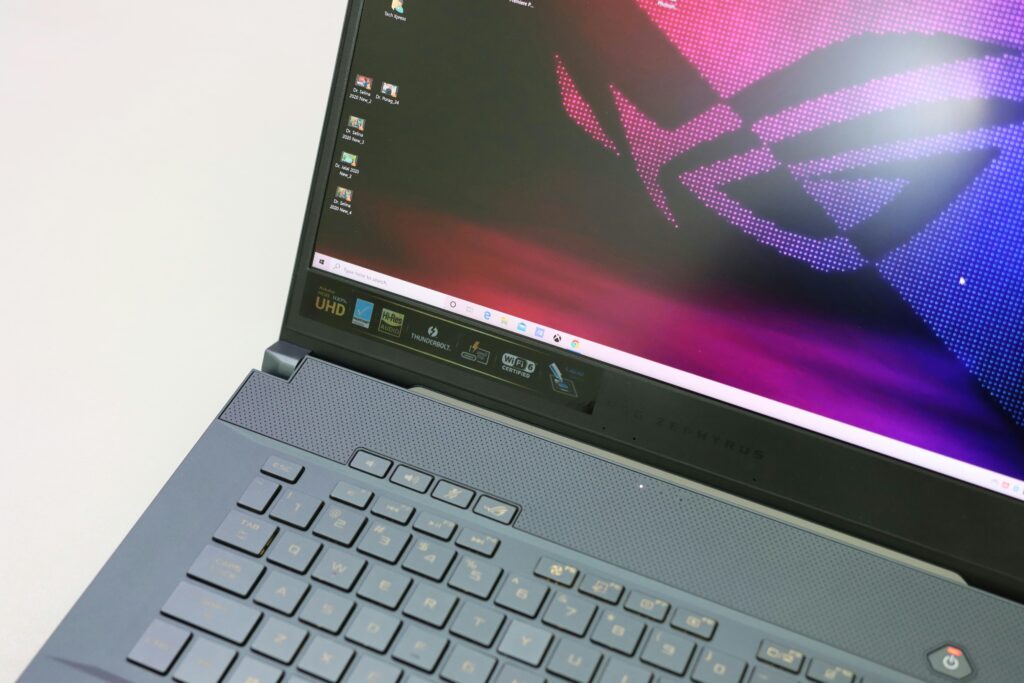
The ASUS ROG Zephyrus G16 stands out as one of the best all-around laptops for AI developers in 2026. It combines Intel Core Ultra processors with RTX 5080 graphics, excellent cooling, and a lightweight chassis. This makes it ideal for developers who need serious local AI performance without carrying a bulky workstation.
The RTX GPU enables CUDA acceleration for machine learning workflows, while the OLED display is excellent for creators building AI-generated media applications.
Related Articles:
Best MacBook for AI Development
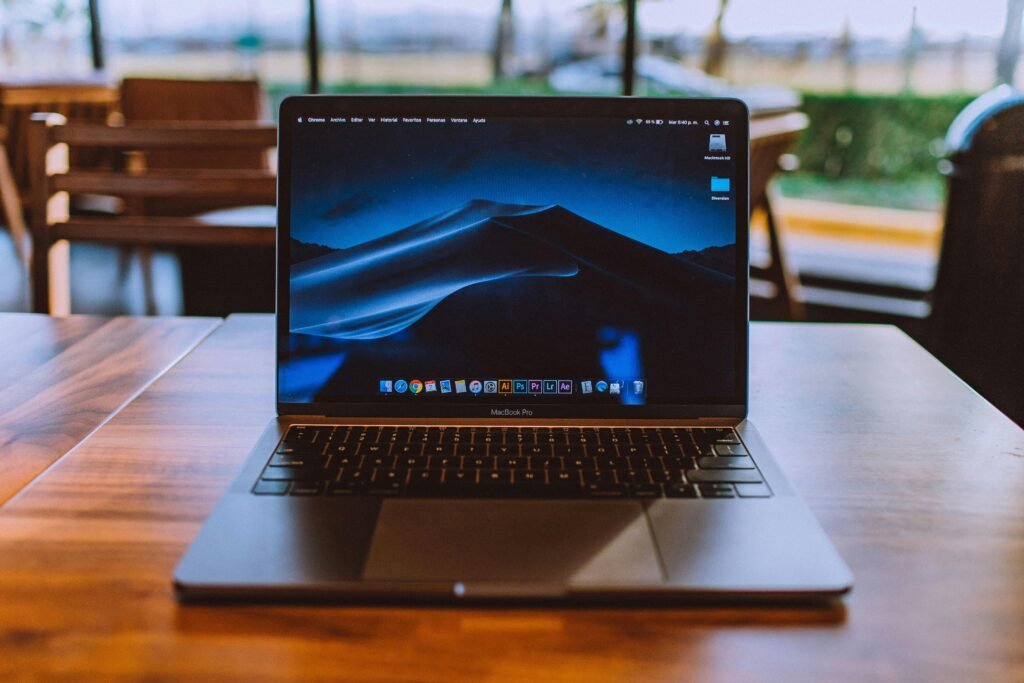
The Apple MacBook Pro M4 Max is an excellent AI development laptop for developers focused on local inference, iOS development, and high-efficiency workflows.
The MacBook Pro with Apple’s M4 Max chip is a strong choice of AI developers working in:
- Python development
- AI-assisted coding
- Local LLM inference
- Mobile app developpment
- Cross-platform AI tooling
Apple Silicon continues improving unified memory performance and on-device AI acceleration through the Neural Engine. Developers focused on efficiency, battery life, and portability may prefer macOS over heavier gaming laptops.
Related Articles:
Best Laptop for Local LLMs and Heavy AI Workloads
Here again, the ASUS ROG Zephyrus G16 excels and is capable of handing local LLMs, GPU-intensive model training, and advanced AI experimentation
If you plan to run local large language models, fine-tune models, or work heavily with Stable-Diffusion and AI video tools, GPU power becomes essential. The RTX 5090 variant of the Zephyrus G16 provides significantly more VRAM and CUA performance for demanding AI tasks.
This type of system is ideal for:
- Running local AI agents
- Stable diffusion workloads
- AI video generation
- CUDA-based deep learning
- Multi-container development environments
Related Articles:
- Cybersecurity Basics Everyone Should Know
- Cloud Computing Explained
- The Ultimate Guide to AI & Emerging Technology
Best Mobile Workstation for Enterprise AI Development

The Lenovo Thinkpad P1 is a premium mobile workstation designed for enterprise AI workloads, virtualization, and professional development environments.
The ThinkPad P1 Gen 7 is built for developers who prioritize reliability, enterprise-grade features, and workstation-level stability. It is especially useful for:
- Data science
- Virtual machines
- Docker and Kubernetes
- AI infrastructure development
- Enterprise security workflows
ThinkPads also remain popular among developers because of their excellent keyboards and Linux compatibility.
Related Articles:
- Cloud Computing Explained
- Cybersecurity Basics Everyone Should Know
- How AI is Changing Software Development
Key Laptop Specs to Look for for AI Development
GPU Requirements
For serius AI development, a dedicated NVIDIA RTX GPU is highly recommended because CUDA acceleration is still widely used in machine learning frameworks.
Recommended:
- RTX 4070 minimum
- RTX 4080 or 5090 preferred for local training
- 8GB+ VRAM minimum
- 16GB+ VRAM ideal for larger models
CPU Recommendations
AI workflows benefit from modern multi-core processors:
- Intel Core Ultra 9
- AMD Ryzen AI 9
- Apple M4 Pro or M4 Max
These newer chips also include NPUs for AI-enhanced workflows and local inference acceleration.
RAM and Storage Recommendations
Recommended Minimums
- 32GB RAM
- 1TB NVMe SSD
Ideal for Advanced AI Work
- 64GB+ RAM
- 2TB SSD
Large datasets, Docker containers, local databases, and AI models consume storage quickly.
Cloud AI vs Local AI Development
Not every AI developer needs a massive GPU laptop. Many developers now combine:
- Lightweight local development
- Cloud GPU training
- Remote Jupyter environments
- AI APIs
If you primarily use cloud services like AWS, Azure AI, or Google Cloud Vertex AI, a balanced laptop with strong battery life may be enough.