Best Ultrawide Monitor for Productivity: Tested and Reviewed
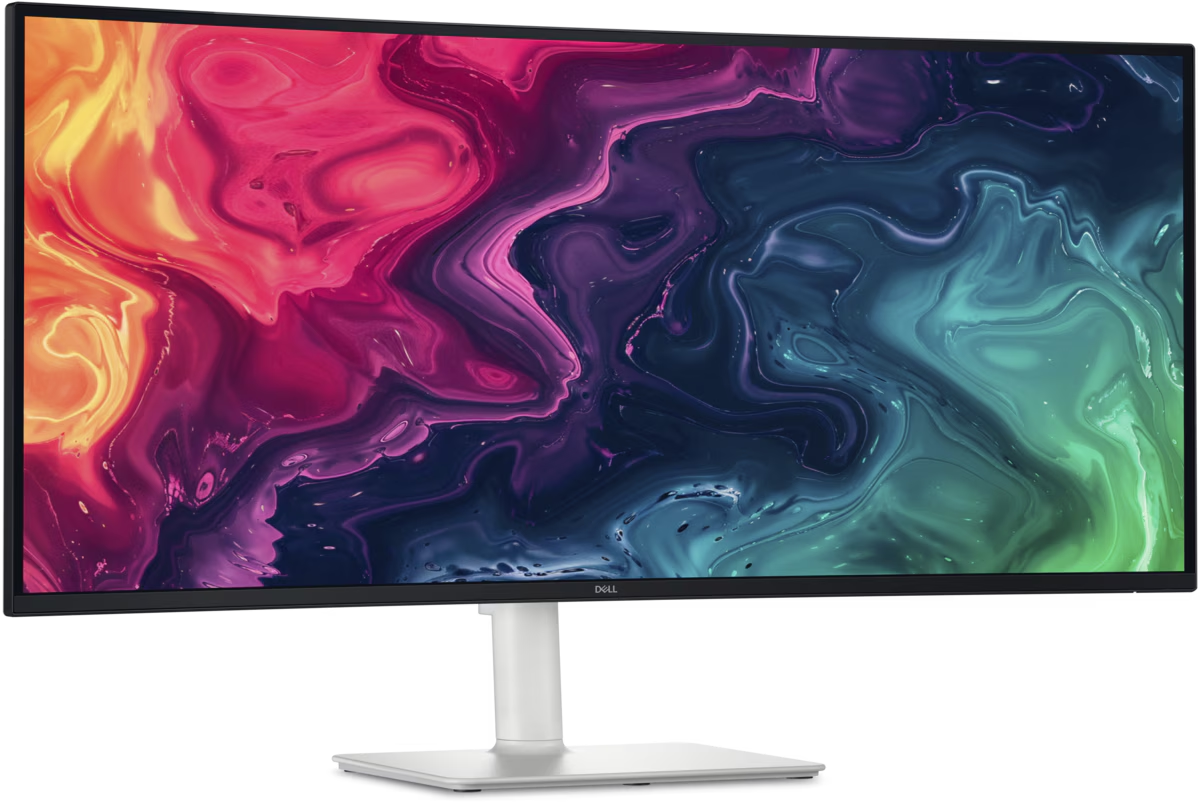
If you’re still working on a standard 24-inch or 27-inch monitor, upgrading to an ultrawide monitor can dramatically improve productivity. With more screen real estate, you can comfortably work across multiple applications without constantly switching windows.
Whether you’re managing spreadsheets, coding software, attending video meetings, creating content, or handling multiple projects simultaneously, an ultra wide monitor can replace a dual-monitor setup while creating a cleaner workspace.
Recent testing and industry reviews consistently highlight 34-inch and 49-inch ultra wide displays as some of the best productivity investments for remote workers. Experts point to higher resolution, USB-C connectivity, KVM switches, and Picture-by-Picture modes as key productivity features.
Related Article:
Why Ultrawide Monitors Improve Productivity
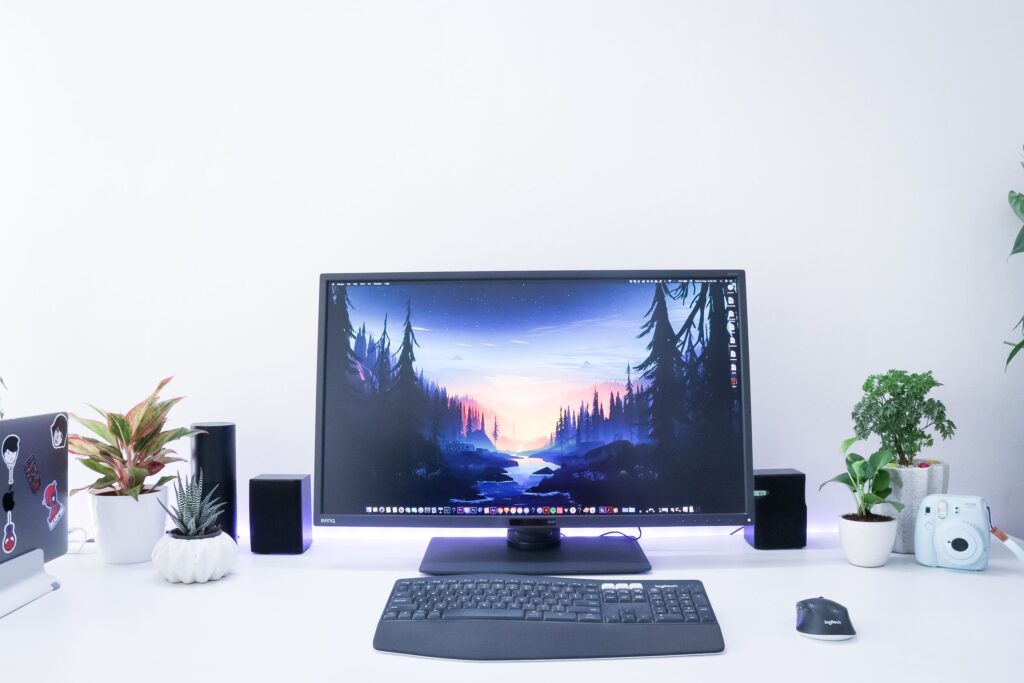
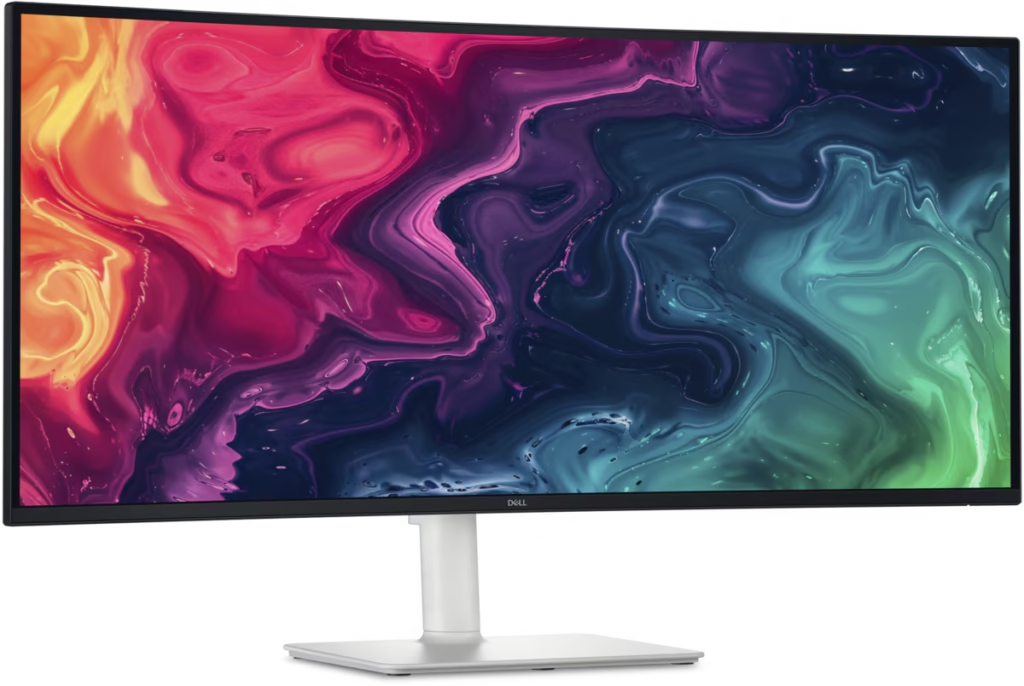
More Screen Space
A 34-inch ultra wide provides approximately 33% more horizontal workspace than a standard 27-inch monitor.
Better Multitasking
Keep multiple windows visible simultaneously:
- Stack/Teams
- Browser
- Excel
- CRM systems
Reduced Neck Strain
Unlike dual monitors, a single ultra wide eliminates the bezel gap and keeps your focus centered.
Cleaner Desktop Setup
One monitor, one stand, and fewer cables create a more organized workspace.
Our Testing Criteria
We evaluated monitors based on:
- Screen resolution
- Productivity features
- USB-C connectivity
- Color accuracy
- Errgonomics
- KVM support
- Text clarity
- Value for money
Best Overall Productivity Ultrawide
Alienware AW3425DW
Alienware 34 240Hz QD-OLED Gaming Monitor
Click this link to see price on Amazon.
Although marketed toward gamers, the AW3425DW is one of the most impressive ultra wide displays available today.
Why We Like It
- 34-inch QD-OLED panel
- 3440×1440 resolution
- Exceptional contrast
- Outstanding text clarity
- UBS connectivity
- Excellent multitasking performance
Industry reviewers continue to rank Alienware’s ultra wide OLED displays among the best overall ultra wide monitors available.
Best Budget Ultrawide Monitor
Samsung ViewFinity S50GC
Samsung ViewFinity S50GC Series 34″ Ultrawide Monitor
Click the link to see price on Amazon.
For professionals wanting an affordable productivity upgrade, Samsung’s ViewFinity series delivers excellent value.
Pros
- 34-inch Ultra WQHD
- 21:9 aspect ratio
- HDR support
- 100Hz refresh rate
- Great office performance
Ideal For
- Remote workers
- Students
- Small business owners
Related Articles::
Best Superior Ultrawide for Power Users
Samsung Odyssey G9
Samsung Odyssey G9 49″ DQHD 240Hz Curves Gaming
Click link to see price on Amazon.
The Odyssey G9 effectively replaces two 27-inch monitors while eliminating the center bezel.
Pros
- Massive 49-inch display
- Dual QHD resolution
- Excellent multitasking
- Great for finance professionals
- Excellent for data analysis
Large-format ultrawides continue to rank among the top productivity displays for users requiring extensive workspace.
Best For
- Project managers
- Software developers
- Financial analysts
- Content creators
Related Article:
Best Value 49-Inch Ultrawide
Deco Gear DGVIEW495K
Deco Gear 49″ Curved Ultrawide Monitor
Click link to see price on Amazon.
If you want a 49-inch ultra wide without spending premium Samsung money, the Deco Gear offers an attractive alternative.
Highlights
- Dual QHD resolution
- Built-in KVM switch
- USB-C connectivity
- Excellent productivity value
Best for Large Spreadsheets and Data Analysis
Acer Predator X49
Acer Predator X49 49″ 5K 2K WQHD 240Hz Curved Gaming Monitor
Click link to see price pn Amazon.
The Predator X49 delivers tremendous workspace and excellent clarity.
Ideal Tasks
- Financial modeling
- Data analytics
- Business intelligence
- Software development
Productivity Comparison Table
Feature
Size
Resolution
Productivity Rating
Multitasking
Best For
Value
Samsung ViewFinity S50GC
34″
3440×1440
Excellent
Great
Budget Office
Excellent
Alienware AW3425DW
34″
3440×1440
Excellent
Great
Premium Office
Premium
Samsung Odyssey G9
49″
5120×1440
Outstanding
Exceptional
Power Users
Premium
Acer P
49″
5120×1440
Outstanding
Exceptional
Analysts
High
Who Should Buy a 34-Inch Ultrawide?
Choose a 34-inch model if:
- Your desk is under 60 inches wide
- You mainly use office applications
- You wan the best balance of cost and productivity
Who Should Buy a 49-Inch Ultrawide?
Choose a 49-inch model if:
- You frequently multitask
- You work with large datasets
- You currently use dual monitors
- You want maximum workspace
Conclusion: Is an Ultrawide Monitor Worth it for Productivity?
After extensive testing and evaluation, it’s clear that ultra wide monitors remain one of the most effective upgrades for professionals who spend long hours working on a computer. The extra horizontal screen space allows you to keep multiple applications visible simultaneously, reducing the need to constantly switch windows and helping maintain focus throughout the workday. This is particularly valuable for remote workers, developers, content creators, financial analysts, and anyone who regularly multitasks across several applications.