The Most Powerful AI Development Tools Available Today
Artificial intelligence is rapidly transforming software development. From writing code faster to debugging applications, generating documentation, and automating repetitive tasks, AI tools are becoming essential for modern developers. This guide covers the most powerful AI development Tools that are available today.
Whether you’re a beginner learning Python or a professional software engineer building large-scale applications, the right AI tools can significantly improve productivity and workflow efficiency.
Related Reading: The Ultimate Guide to AI & Emerging Technology (2026 Edition)
Why Developers Are Using AI Tools
AI tools help developers:
- write code faster
- reduce repetitive work
- detect bugs earlier
- improve documentation
- learn new frameworks
- automate workflows
- boost productivity
AI does not replace developers – it enhances their capabilities.
The best developers are learning how to combine traditional programming skills with AI-assisted workflows.
Best AI-Coding Assistants
GitHub Copilot
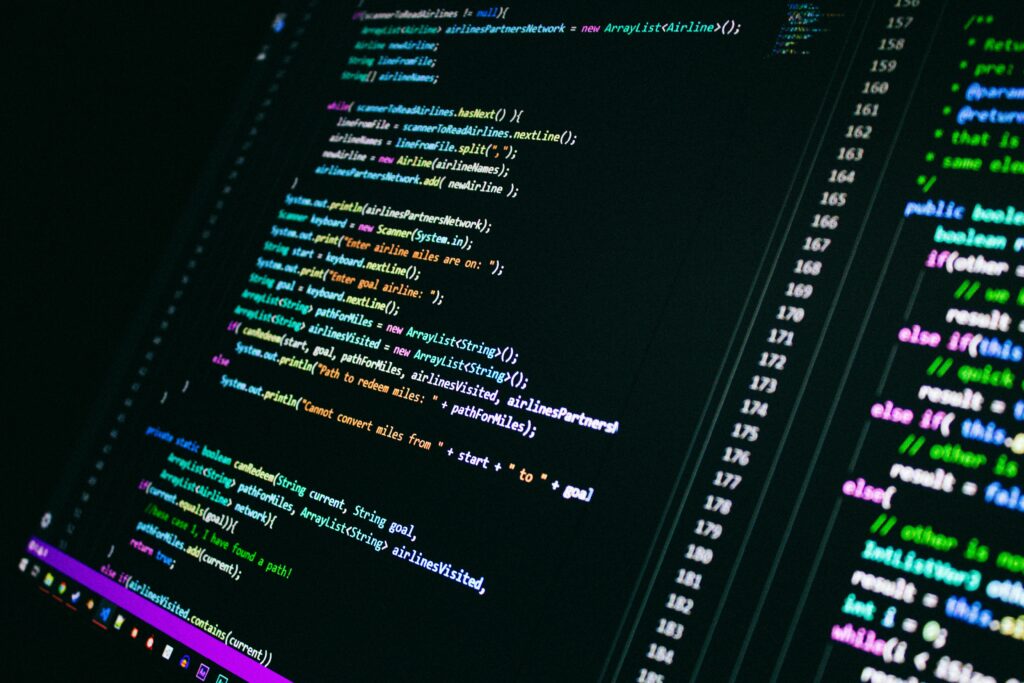
GetHub Copilot remains one of the most popular AI coding assistants available today.


Best Features
- real-time code suggestions
- autocomplete for functions
- support for multiple languages
- IDE integration
- comment-to-code generation
Best For
- professional developers
- web development
- backend programming
- repetitive coding tasks
Pros
- excellent VS Code integration
- improves coding speed
- strong language support
Cons
- suggestions sometimes require validation
- subscription cost
ChatGPT


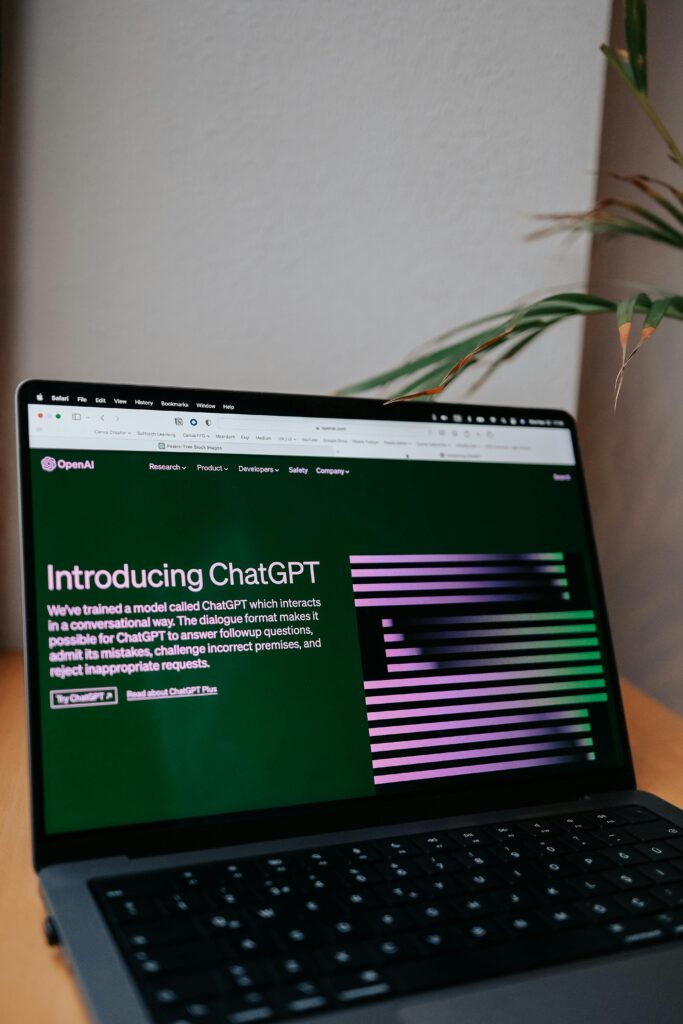
ChatGPT has become one of the most versatile AI tools for developers.
Best Uses
- debugging code
- explaining errors
- learning frameworks
- generating scripts
- architecture planning
- documentation writing
Best For
- beginner developers
- troubleshooting
- learning new technologies
Pros
- conversational assistance
- strong explanations
- flexible across many tasks
Cons
- responses should still be verified
- context limitations on large projects
Cursor


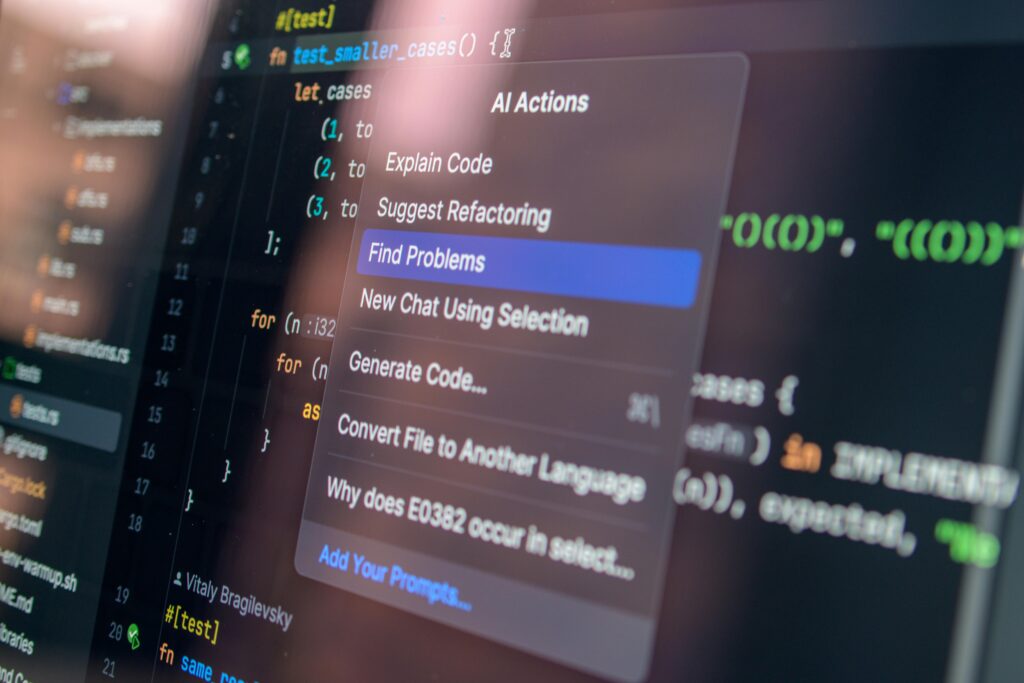
Cursor is an AI-first code editor designed specifically for developers.
Key Features
- AI chat inside editor
- codebase understanding
- multi-file editing
- intelligent refactoring
Best For
- advanced developers
- large codebases
- AI-assisted workflow
Replit Ghostwriter
Replit Ghostwriter focuses on cloud-based development with built-in AI assistance.
Advantages
- browser-based coding
- beginner-friendly
- fast prototyping
- collaborative coding
Best For
- students
- beginner developers
- quick experimentation
Best AI Tools for Debugging
Amazon CodeWhisper
Amazon’s AI assistant focuses heavily on secure coding and debugging support.
Useful Features
- code. recommendations
- security scanning
- AWS integration
- vulnerability detection
Best For
- cloud developers
- AWS users
- entereprise teams
Synk AI
Synk uses AI to identify vulnerabilities and security risks in applications.
Best Features
- dependency scanning
- security monitoring
- automated remediation suggestions
Best For
- DevSecOps
- enterprise security
- production applications
Best AI Productivity Tool for Developers
Notion AI
Notion AI helps developers organize:
- notes
- documentation
- project planning
- sprint management
Best For
- documentation workflows
- productivity systems
- technical writing
Grammarly AI
Developers write documentation constantly.
Grammarly AI improves:
- technical writing
- grammar
- readability
- communication clarity
- workflow automation
- AI search
- developer shortcuts
Best AI Tools for Learning Programming
Khanmigo
AI tutoring for programming and computer science concepts.
Best For
- students
- beginner coders
- guided learning
Codeacademy AI Assistant
Provides:
- hints
- explanations
- debugging help
- interactive coding guidance
ChatGPT for Learning Code
One of the strongest uses of ChatGPT is learning programming interactively
Developers can:
- ask follow-up questions
- request examples
- get simplified explanations
- practice debugging
AI Tools for DevOps and Automation
GitHub Actions + AI
AI-assisted CI/CD workflows help automate:test
- testing
- deployments
- monitoring
- repetitive DevOps tasks
AIOps Platforms
AIOps tools use machine learning to:
- monitor infrastrucures
- detect anomalies
- reduce downtime
- automate alerts
Examples include:
- Datalog AI
Related Reads:
- Beginners Guide to Machine Learning
- AI Coding Assistants Compared
- How AI is Changing Software Development
- Best Laptops for AI Devleopment
- Cloud Computing Explained
- Cybersecurity Basics Everyone Should Know
- Best Productivity Tools for Developers
- Mac vs Windows for Programming
Final Thoughts
AI tools are becoming a part of the standard developer workflow.
The best developers in 2026 are not avoiding AI – they are learning how to use it effectively while maintaining strong coding fundamentals.
AI can help you:
- write better code
- learn faster
- automate repetitive tasks
- prove productivity
- accelerate project development
But success still depends on problem-solving ability, creativity, and technical. understanding.
As AI technology continues evolving, developers who adapt early will gain a major advantage.
For more guides, tutorials, and developer tech recommendations, explore GearandCode’s growing collection of AI and emerging technology resources.