The Best Powerful Laptops for Developers and Coders (2026 Guide)
When you’re building software, compiling large codebases, running virtual machines, or training machine learning models, a basic laptop won’t cut it. Developers need high-performance laptops that can handle demanding workflows without slowing down.
In this guide, we’ll break down the best high-performance laptops for developers in 2026, what specs actually matter, and how to choose the right machine for your specific development needs.
What Makes a Laptop “High-Performance” for Developers?
Before jumping into recommendations, it’s important to understand what separates a high-performance laptop from a s standard one.
Key Specs That Matter
- CPU (Processor)
Look for Intel Core i7/i9, AMD Ryzen 7/9, or Apple ME Pro/Max chips. More cores = faster compiling and multitasking
- RAM (Memory)
Minimum 16GB
Recommended: 32+GB for heavy workloads like Docker, VMs, or large IDE projects
- Storage SSD
At least 1TB SSD fast NMVe drives significantly reduce build and load times
- GPU (Graphics)
Essential for:
- Game development
- AIA/ML workloads
- 3D rendering
Look for NVIDA RTX 4060 or higher
- Battery Life
High performance often reduces battery life-but Apple eSilicon Laptops still lead here.
For a full breakdown, see our guide: The Ultimate Guide to Buying a Laptop (2026 Edition)
Best High-Performance Laptops for Developers
1. Apple MacBook Pro (M3 Pro / M3 Max)
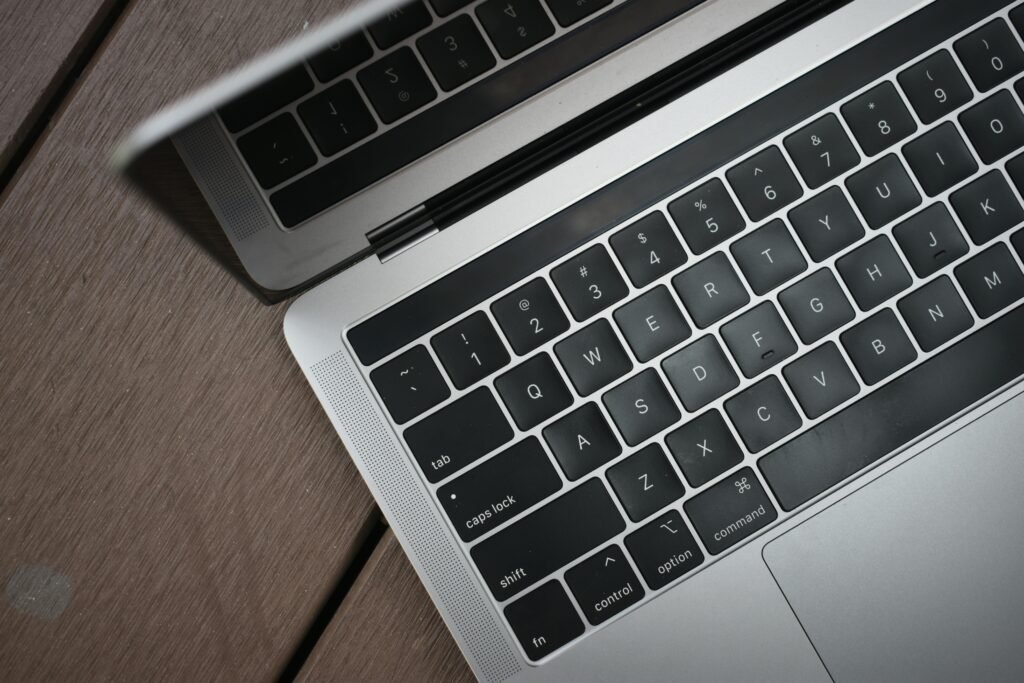


Best for: iOS developers, web developers, performance + battery life
Why it stands out:
- Industry leading performance per watt
- Exceptional batter life (15-20 Hours)
- Unix-based macOS (ideal for development)
Specs (Recommended Configuration):
- M3 Pro or M3 Max Chip
- 32GB RAM
- 1TB-2TB SSD
Pros:
- Silent operation (no fan noise under light loads)
- Excellent display (Liquid Retina XDR)
- Long lifespan
Cons:
- Expensive
- Limited upgradeability
2. Dell XPS 15 / 16



Best for: Full-stack developers, Windows users, portability + power
Why it stands out:
- Premium build quality
- Powerful Intel CPUs + RTX graphics
- Stunning OLED display option
Specs (Recommended):
- Intel Core Ultra 7 or 9
- 32GB RAM
- RTX 4060 GPU
Pros:
- Great balance of power and portability
- Excellent keyboard and display
- Strong performance for most dev tasks
Cons:
- Can run hot under heavy loads
- Battery life is average
3. Lenovo ThinkPad X1 Extreme / P1
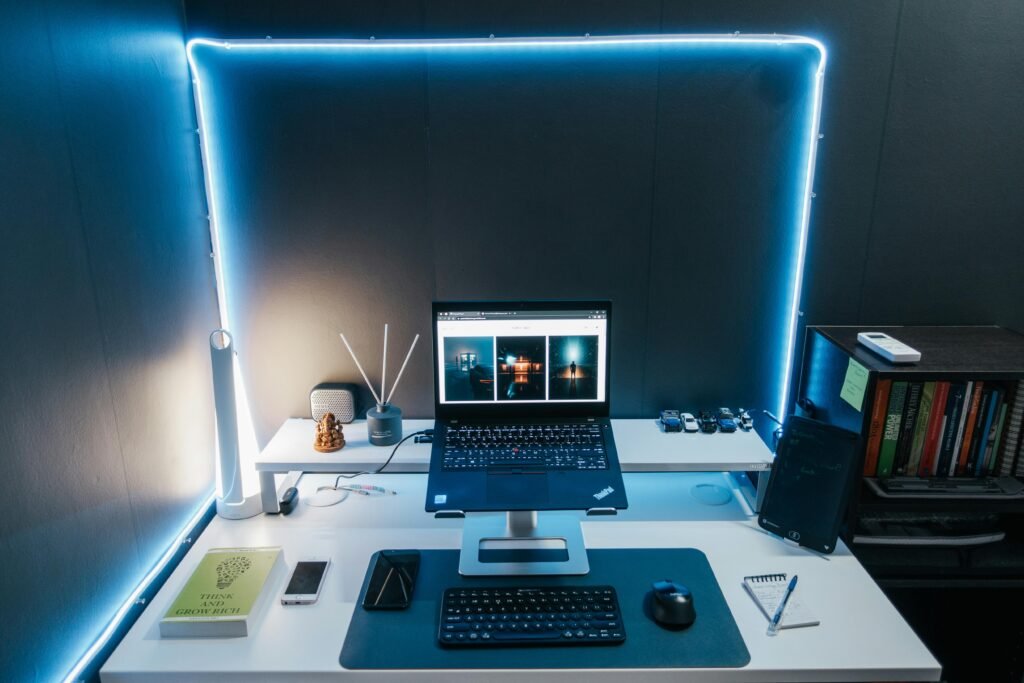


Best for: Enterprise developers, Linux users, reliability
Why it stands out:
- Legendary ThinkPad keyboard
- ISV-certified workstation options
- Excellent Linux compatibility
Specs (Recommended):
- Intel Core i7/i9 or Xeon
- 32GB-64GB RAM
- RTX 4060 or higher
Pros:
- Durable and reliable
- Upgrade-friendly (in some configs)
- Best-in-class keyboard
Cons:
- Design is more utilitarian
- Expensive for top configs
4. ASUS ROG Zephyrus G14 / G16
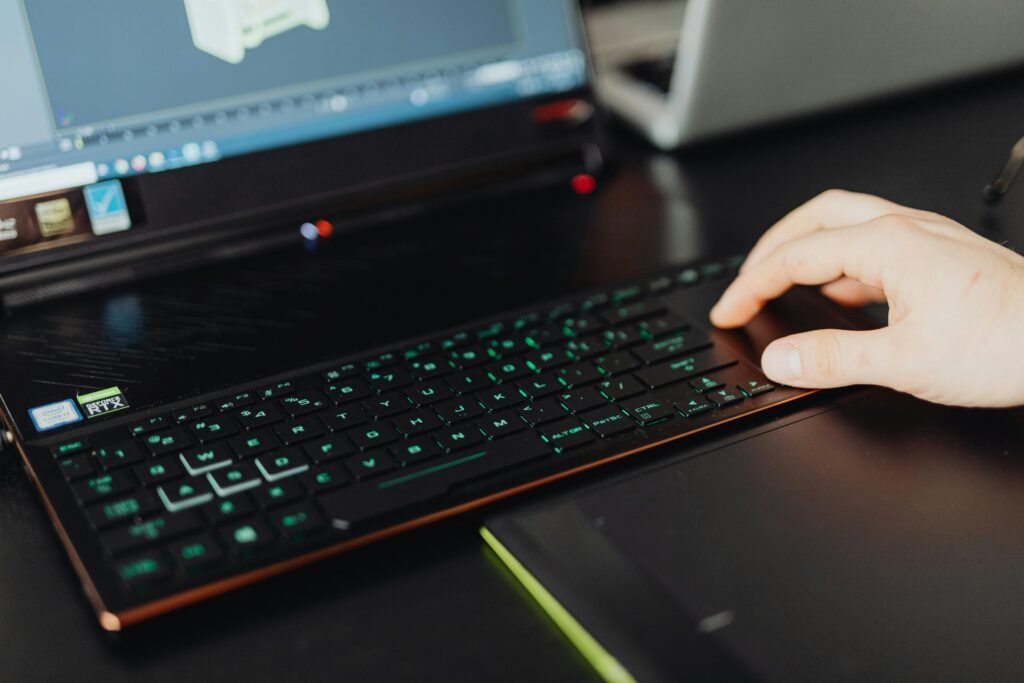
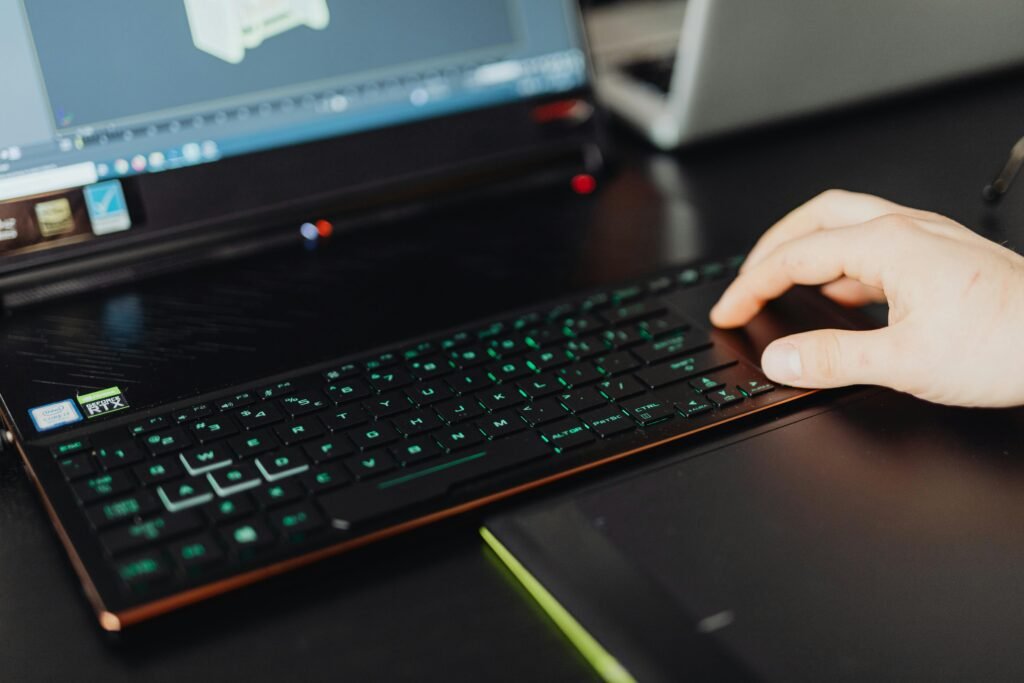
Best for: Game developers, AL/ML engineers, GPU-heavy workloads
Why it stands out:
- Powerful AMD Ryzen CPUs
- String Nvidia RTX GPUs
- Compact for a gaming laptop
Specs (Recommended):
- Ryzen 9 processor
- 32GB RAM
- RTX 4070 or higher
Pros:
- Excellent GPU performance
- Great price-to-performance ratio
- Portable for a gaming machine
Cons:
- Battery life is limited
- Gamer aesthetic may not appeal to everyone
5. HP Book Studio

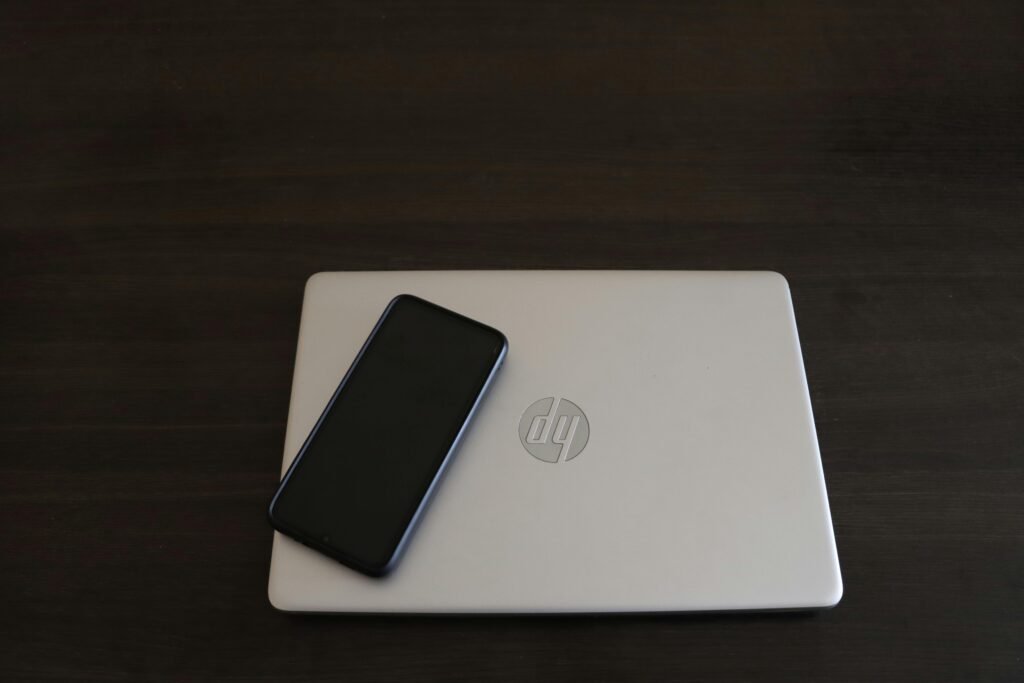
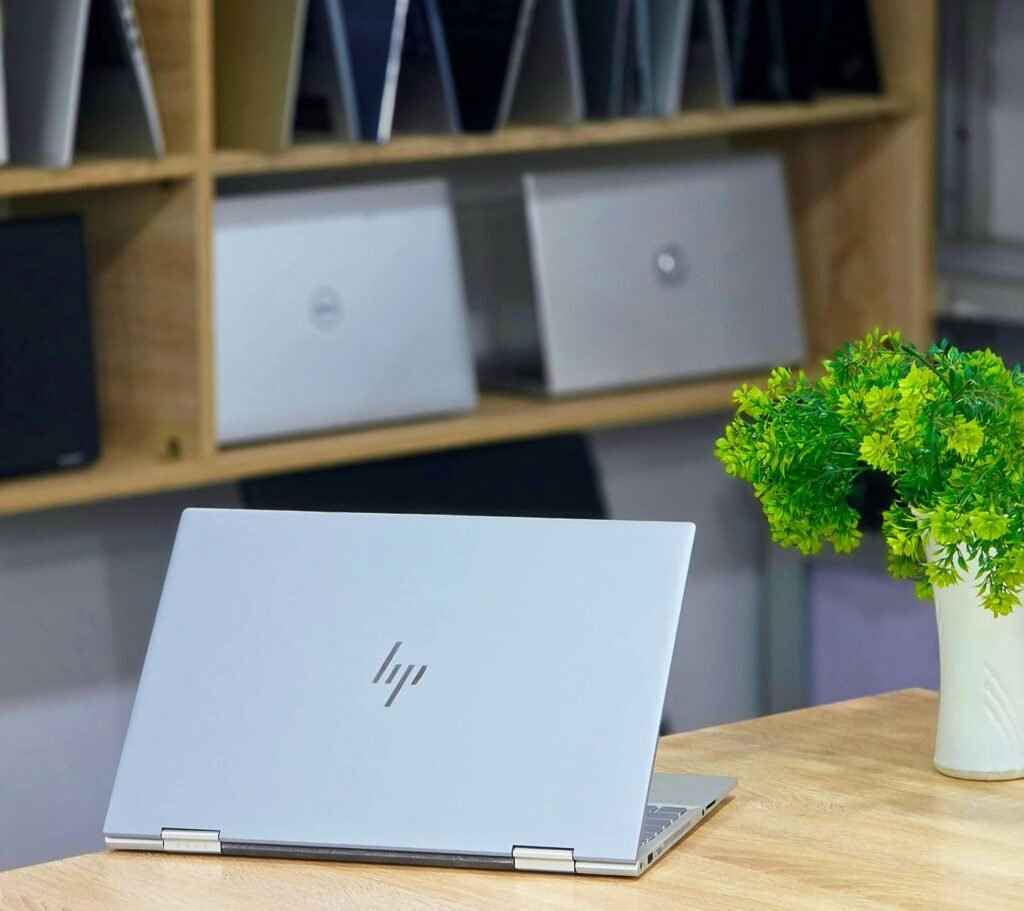
Best for: Professional developers, 3D engineering software, enterprise work
Why it stands out:
- Workstation-class performance
- ISV certifications for professional tools
- Sleek design for a workstation
Specs (Recommended):
- Intel Core i9 or Xeon
- 32GB-64GB RAM
- RTX Ada GPU
Pros:
- Built for heavy workloads
- Highly reliable
- Professional-grade GPU options
Cons:
- Very expensive
- Overkill for many developers
How to Choose the Right Laptop for Your Development Work
Choose Based on Your Workflow
- Web development
MacBook Pro or Dell XPS is more than enough
- Mobile Development
- iOS – MacBook Pro (required)
- Android – Any high-performance laptop
- Game Development
Go with RTX GPU (ASUS ROG or ThinkPad P1)
- AI / Machine Learning
Prioritize GPU + RAM (32GB minimum)
- DevOps / Backend Engineering
Focus on CPU cores + RAM (ThinkPad or MacBook Pro)
Mac vs Windows vs Linux for Developers
- macOS: Best for Unix-based workflows and iOS development
- Windows: Best for compatibility and enterprise environments
- Linux: Best for servers, DevOps, and customization
Related: Mac vs Windows for Programming
How Much Should You Spend?
- $1500-$2000: Entry high-performance
- $2000-$3000: Sweet spot for most developers
- $3000+: Workstation-level performance
Final Thoughts
The best high-performance laptop for developers depends on your workflow-but a few things are universal:
- Prioritize CPU + RAM first
- Add a GPU only if tour work demands it
- Invest in a machine that will last 3-5 years
If you’re serious about development, your laptop isn’t just a device-it’s your primary tool for building, debugging, and shipping software. Choosing the right one can dramatically improve your productivity and workflow.