How Long Should a Laptop Last? (2026 Guide)
If you’re buying a laptop-or wondering whether it’s time to replace your current one-this is the question that really matters: how long should a laptop last?
The Short Answer:
Most laptops last 3 to 5 years with typical use.
Well-maintained or premium laptops can last 5-7+ years.
But that range depends heavily on how you use it, what you bought, and how well you take care of it. Let’s break it down so you so you can make smarter decisions for your next upgrade (or extend the life of what you already own).
Average Laptop Lifespan by Category
Everyday / Budget Laptops (3 – 4 years)
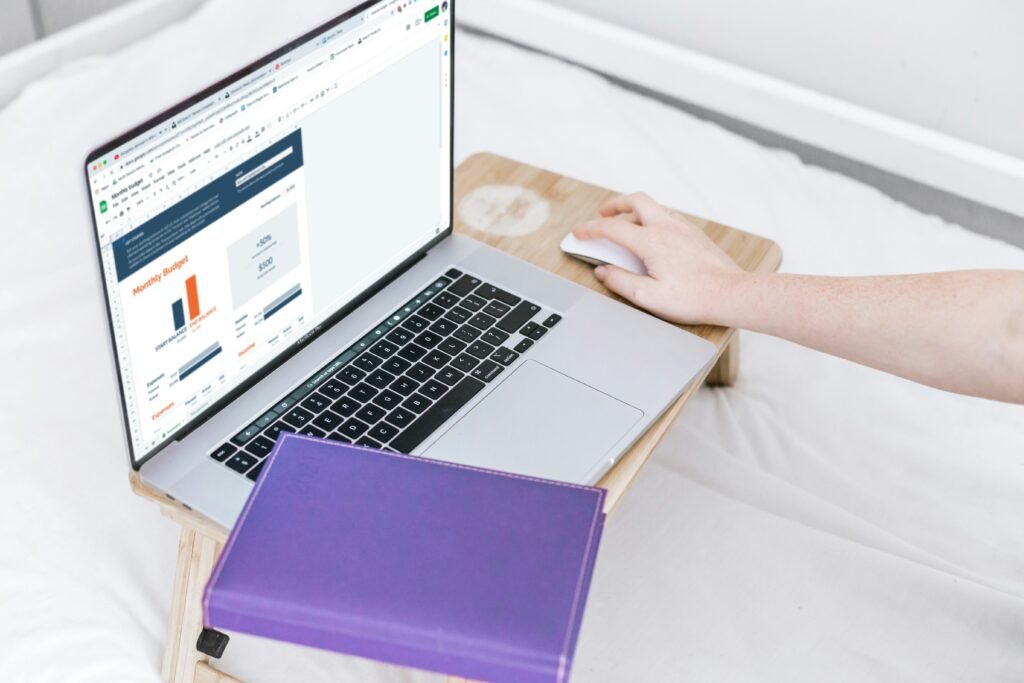


- Web browsing, email, streaming, schoolwork
- Lower-end CPUs, limited RAM (4-8GB), basic storage
- Plastic builds wear down faster
Reality check: These machines usually feel slow before they fully “break.”
Mid-Range Laptops (4-6 years)



- Office work, light creative tasks, multitasking
- Better processors, 8-166GB RAM, SSD storage
- More durable designs
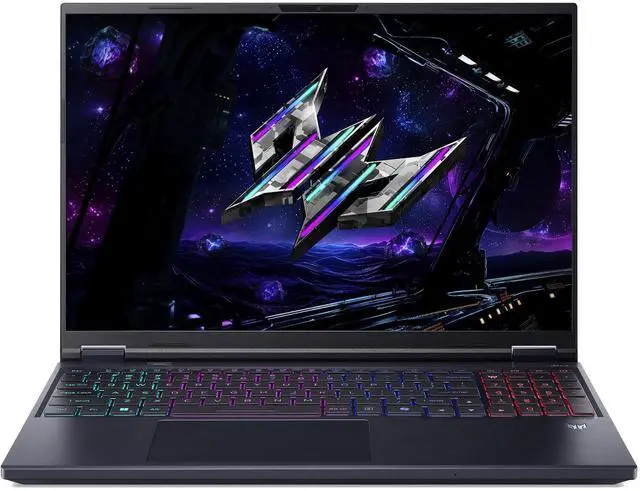
Gaming & High-Performance Laptops (3 – 5 Years)
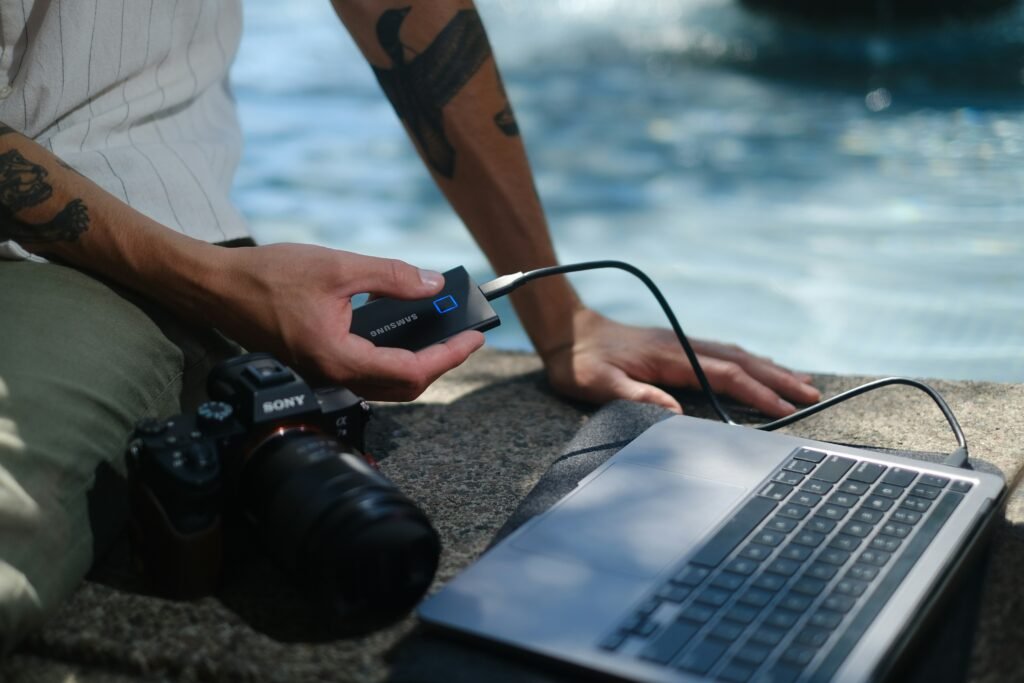
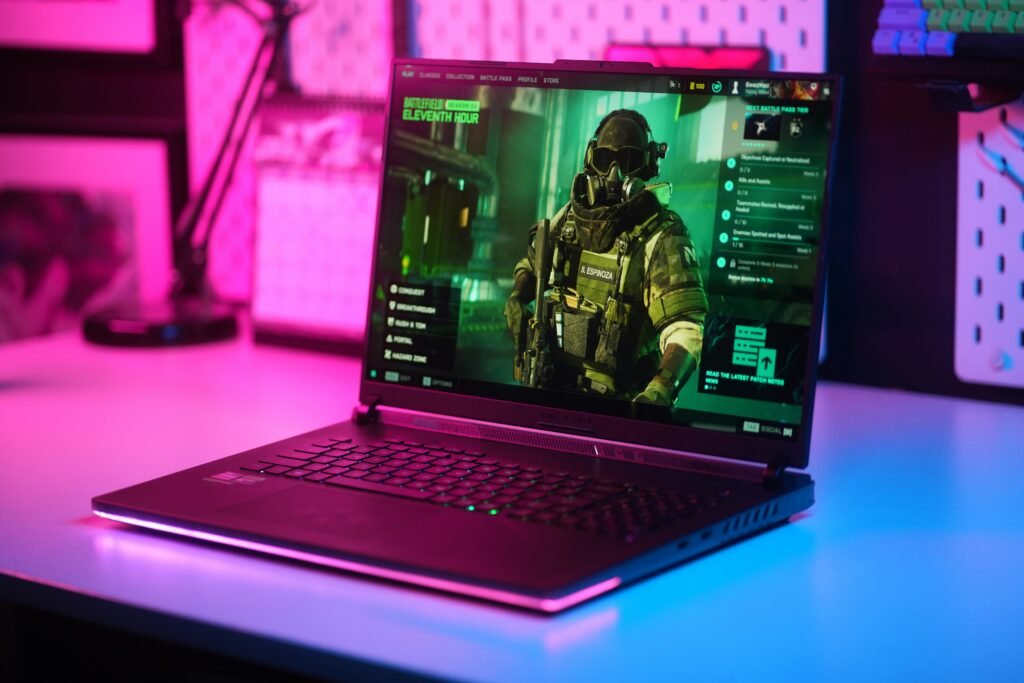
- Heavy workloads: gaming, editing, 3D work
- Powerful GOUUs age faster as software demands increase
- Heat and fan wear reduce longevity
Key insight: Performance becomes outdated faster than the hardware fails.
Premium / Business-Class Laptops (5-7+ Years)


- Macbooks, Thinkpads, Dell XPS, etc.
- High-quality materials, better thermal design
- Longer software support cycles
Why they last longer: Build quality + optimized software ecosystems.
What Actually Determines Laptop Lifespan?
1. Hardware Quality
- CPU and RAM determine how long your system stays “usable”
- SSDs last longer and feel faster than HDDs
- Cheap components = faster decline
2. How You Use It
- Light browsing – longer lifespan
- Gaming-video editing – shorter lifespan
- Constant travel – more wear and tear
3. Heat & Cooling
Heat is the number one laptop killer.
- Dust buildup blocks airflow
- Overheating degrades internal components
- Thin laptops often run hotter
4. Battery Degradation
- Most batteries last 300 – 500 charge cycles
- Typically 2 – 4 years before noticeable decline
- Replaceable batteries = longer usable life
5. Software Support
Even if your laptop still works.
- OS updates may stop
- Apps become more demanding
- Security risks increase
Signs It’s Time to Replace Your Laptop
If you’re seeing multiple of these, it’s probably upgrade time:
- Sluggish performance even after cleanup
- Battery dies quickly and won’t hold a charge
- Can’t run current apps or OS updates
- Frequent crashes or overheating
- Repair costs approaching replacement cost
How to Make Your Laptop Last Longer
Maintenance
- Clean vents and fans regularly
- Avoid using on soft surfaces (beds, couches)
Battery Care
- Don’t keep it on 0% or 100% constantly
- Use manufacturer battery optimization settings
Performance Upgrades
- Upgrade RAM (if possible)
- Swap HDD to SSD (hugh improvement
Temperature Control
- Use a cooling pad if needed
- Keep airflow clear
Upgrade vs. Replace: What’s the Smarter Move?
Situation
Laptop is slow but functional
Battery is failing
Major hardware issues
Can’t run modern software
Best Choice
Upgrade (RAM/SSSD)
Replace battery
Replace laptop
Replace laptop
Final Verdict
A laptop doesn’t just die – it becomes obsolete before it fails.
- 3-5 years – Expect performance decline
- 5-7 years – Possible with good hardware and care
- Beyond 7 years – only for light use or secondary devices
If you’re buying a new laptop today, think beyond your current needs. A slightly higher upfront investment often adds years to your device’s
useful life.
Related Articles: