Laptop Buying Mistakes to Avoid (2026 Guide)
Buying a laptop should be a smart investment-not a frustrating, expensive mistake. Yet many people end up with devices that don’t match their needs, age poorly, or cost far more than necessary. In this guide: Laptop Buying Mistakes to Avoid, we will help with your decision.
1. Buying Based on Price Alone

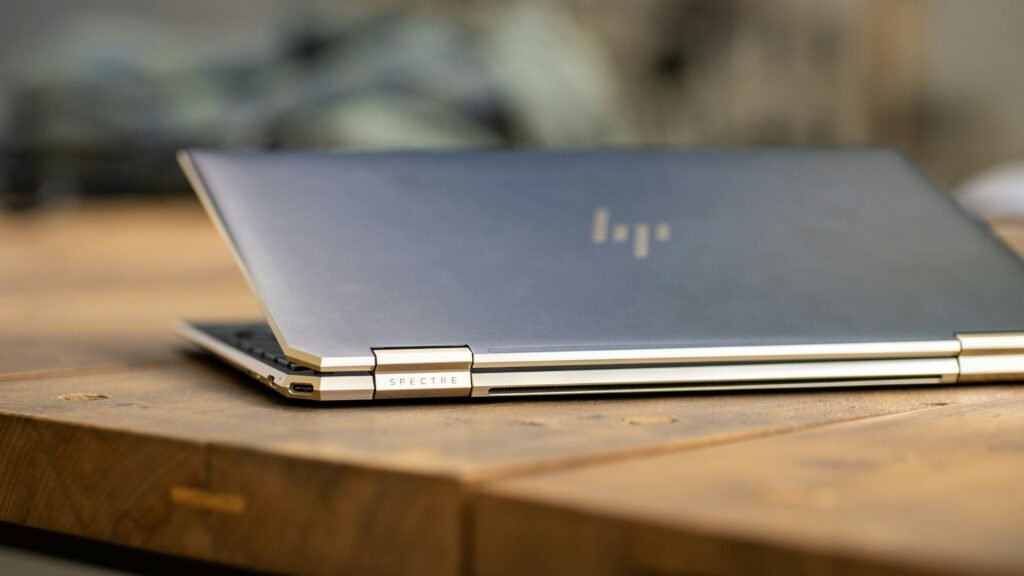
It’s tempting to grab the cheapest laptop available-or assume the most expensive is the best. Both approaches can backfire.
- Too cheap: Poor performance, short lifespan, frustrating user experience
- Too expensive: Paying for power you’ll never use
Avoid it:
Match your budget to your needs:
- Basic use – $400 – $700
- Work/productivity – $700 – $1200
- Gaming/creative – $1200+
2. Ignoring Your Actual Use Case



Not all laptops are built for the same purpose.
Buying a gaming laptop for email and web browsing is overkill. Buying a basic Chromebook for video editing is a disaster.
Avoid it:
Ask yourself:
- What will I use this for daily?
- What apps do I rely on?
- Do I need portability or power?
3. Overlooking CPU and RAM


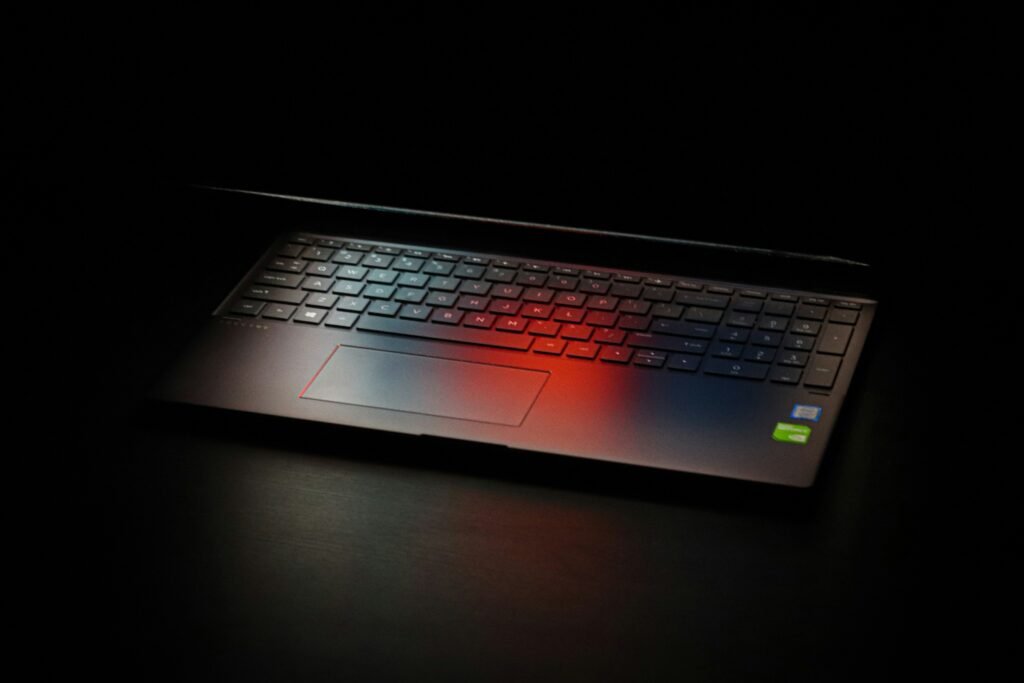
The processor (CPU) and memory (RAM) determine how fast your laptop feels.
Common Mistakes:
Buying a laptop with:
- 4GB RAM (too little in 2026)
- Entry-level CPUs for demanding tasks
Avoid it:
- Minimum: 8GB RAM + modern i5/Ryzen 5
- Ideal: 16GB for multitasking
- Heavy use: 32GB+ for editing, coding or gaming
4. Choosing Storage Without Thinking Long-Term
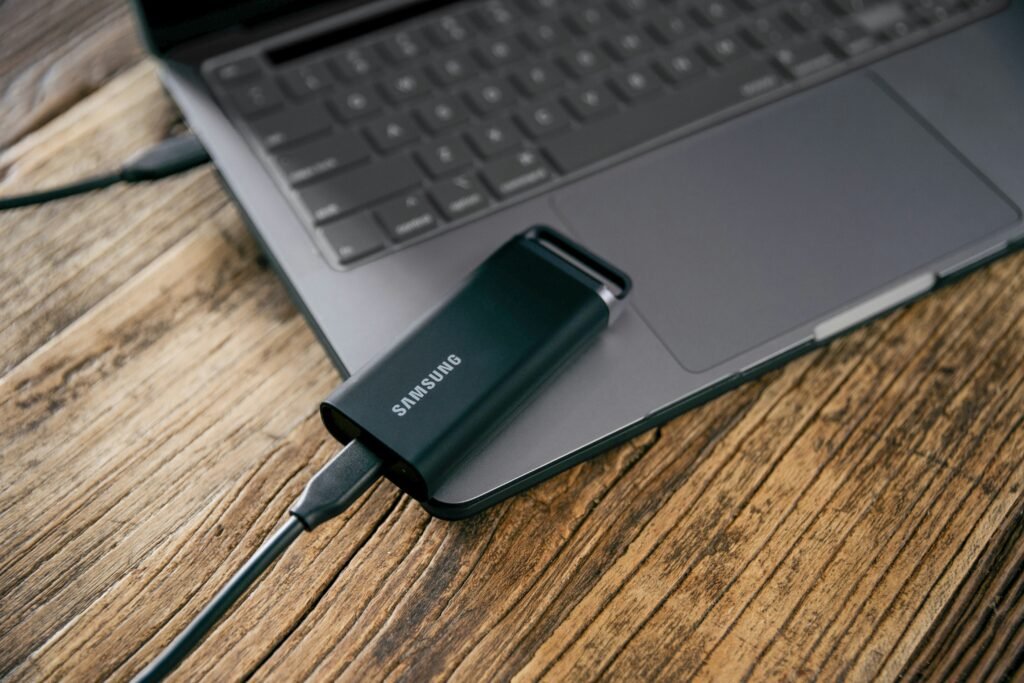

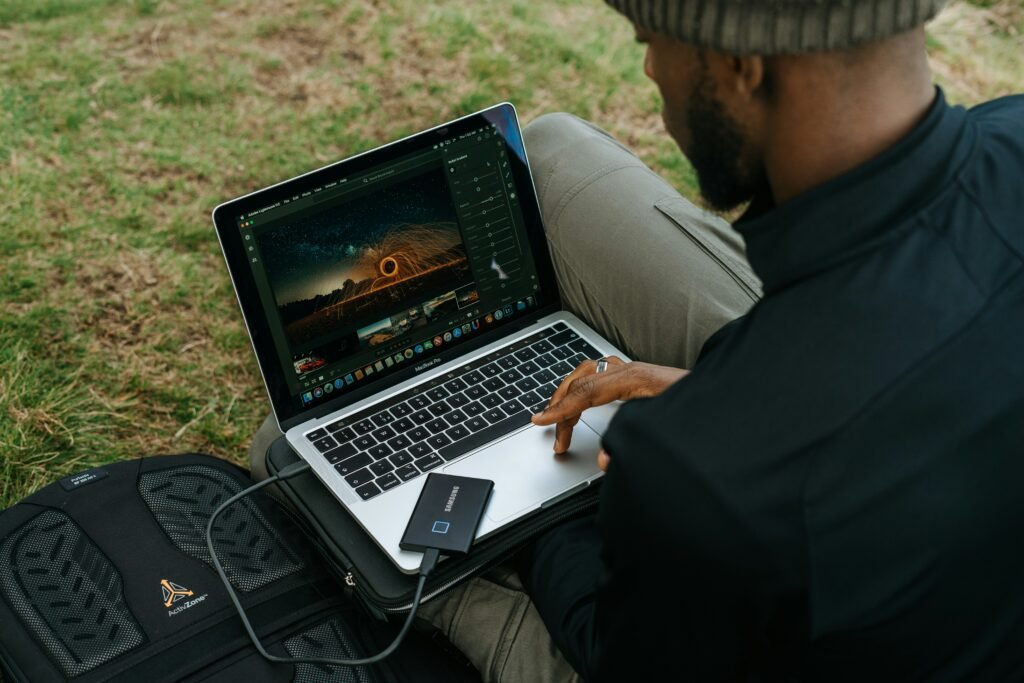
Storage fills up faster than you think-especially with apps, photos, and videos.
Common Mistake:
- Buying 128GB or 2566GB and running out quickly.
Avoid it:
- Minimum: 256GB SSD
- Recommended: 512GB – 1TB SSD
- Always choose SSD over HDD
5. Ignoring Battery Life

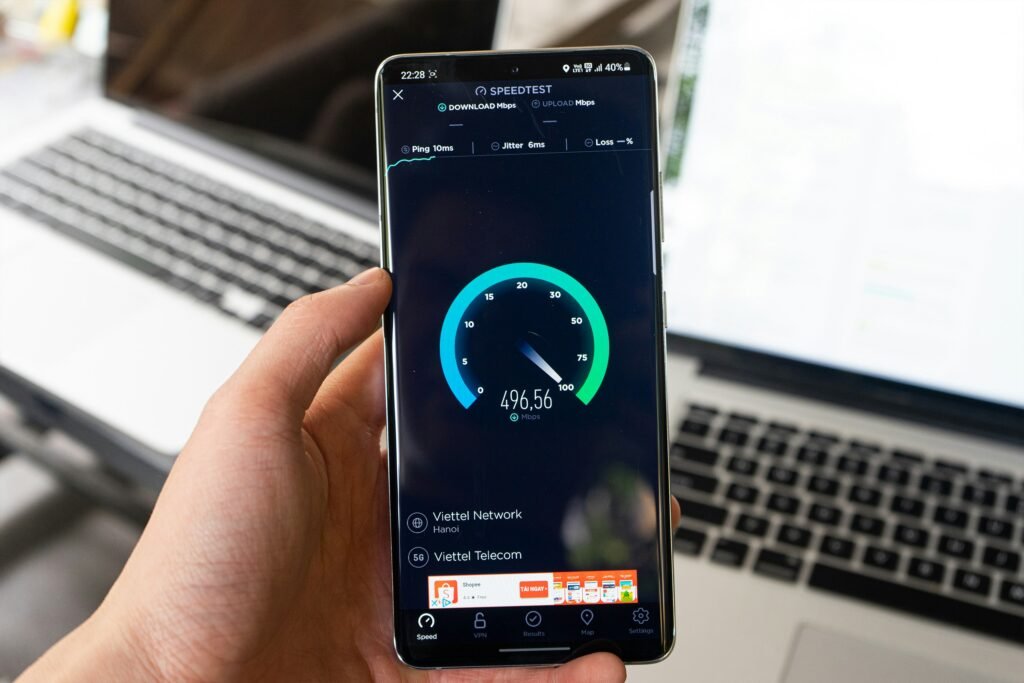
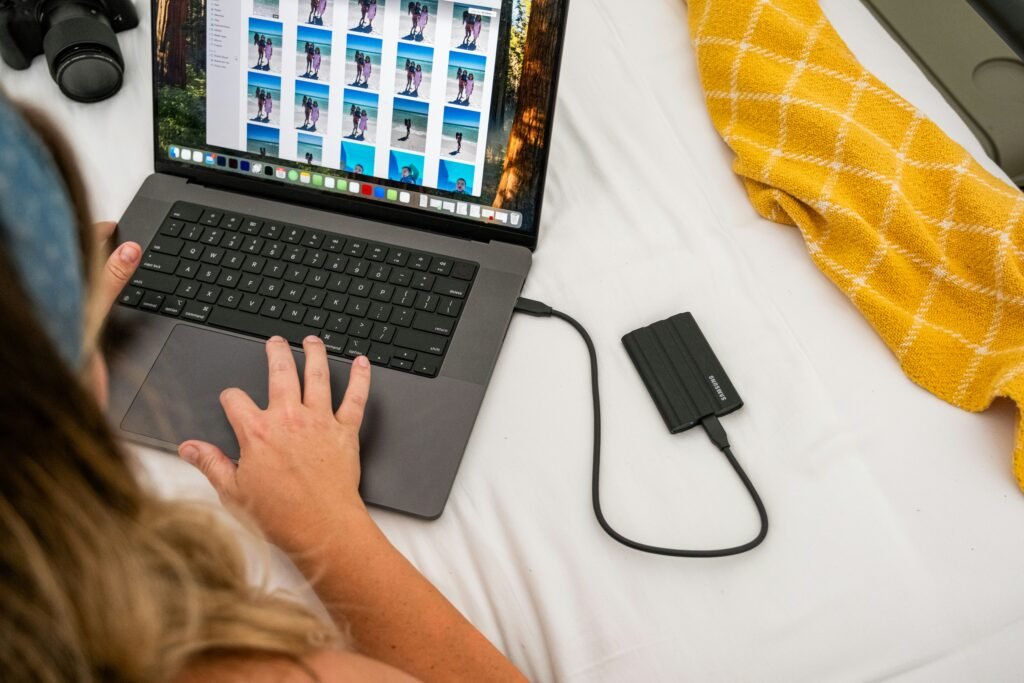
A powerful laptop isn’t helpful if it dies in a few hours.
Avoid it:
- Look for 8 – 12+ hours real–world battery life
- Read actual user reviews, not just manufacturer claims
6. Buying the Wrong Screen Size



The display affects everything-from productivity to comfort.
Common Mistakes:
- Too small – cramped workspace
- Too large – poor portability
- Low resolution – poor visuals
Avoid it:
- 13 – 14″ – portability
- 15 – 16″ – best balance
- 17″+ – desktop replacement
7. Forgetting About Ports and Connectivity
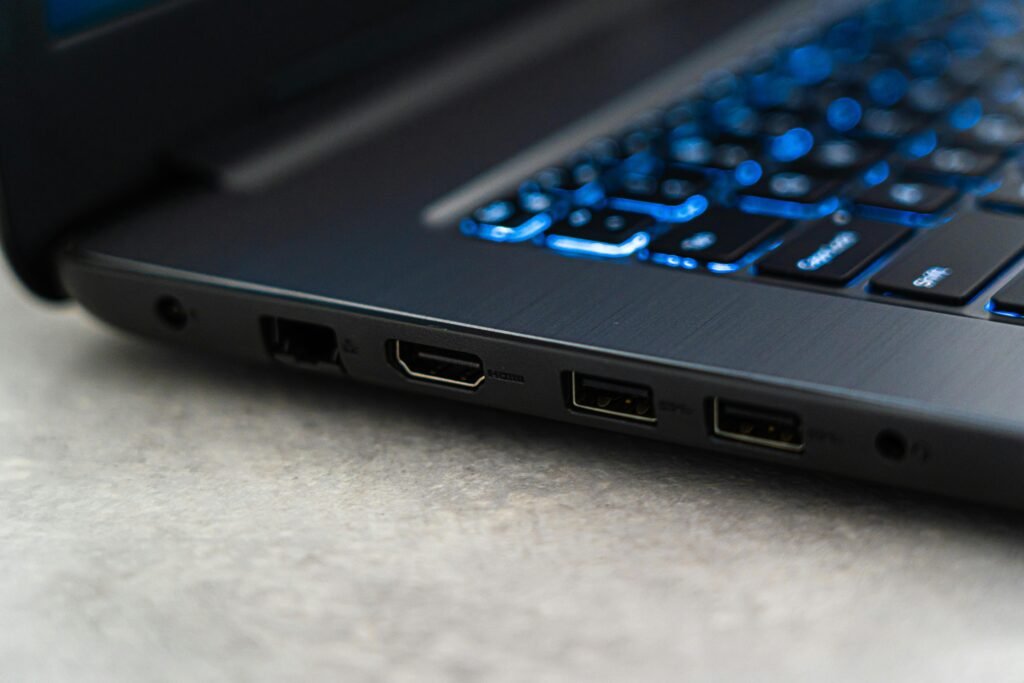
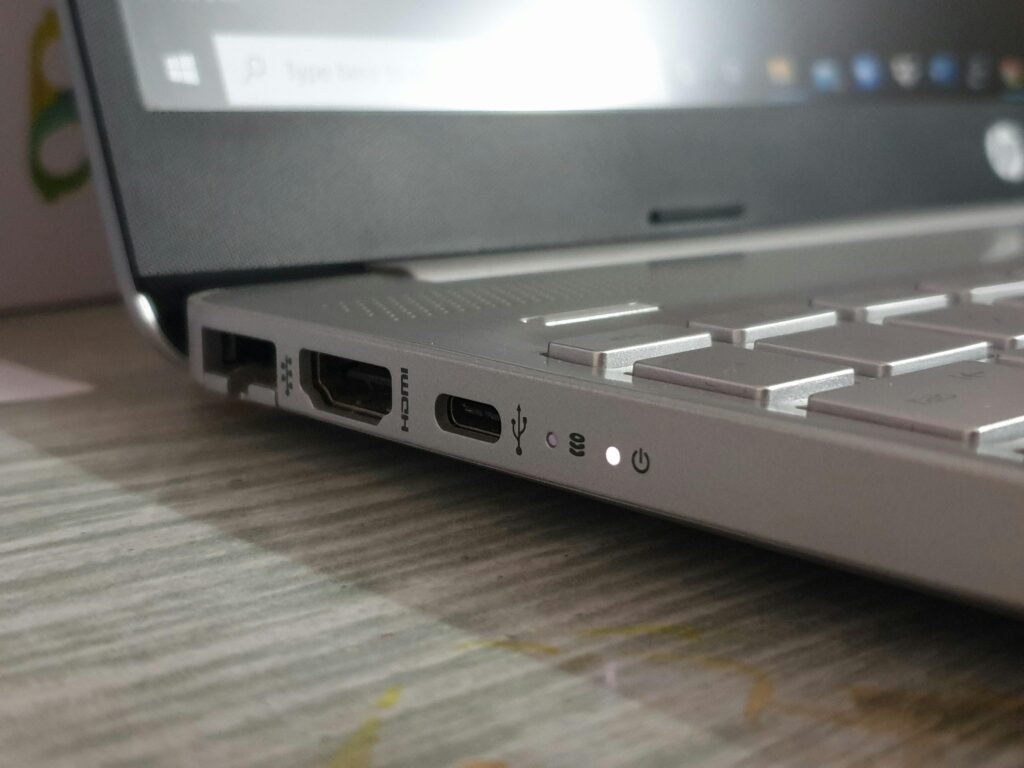
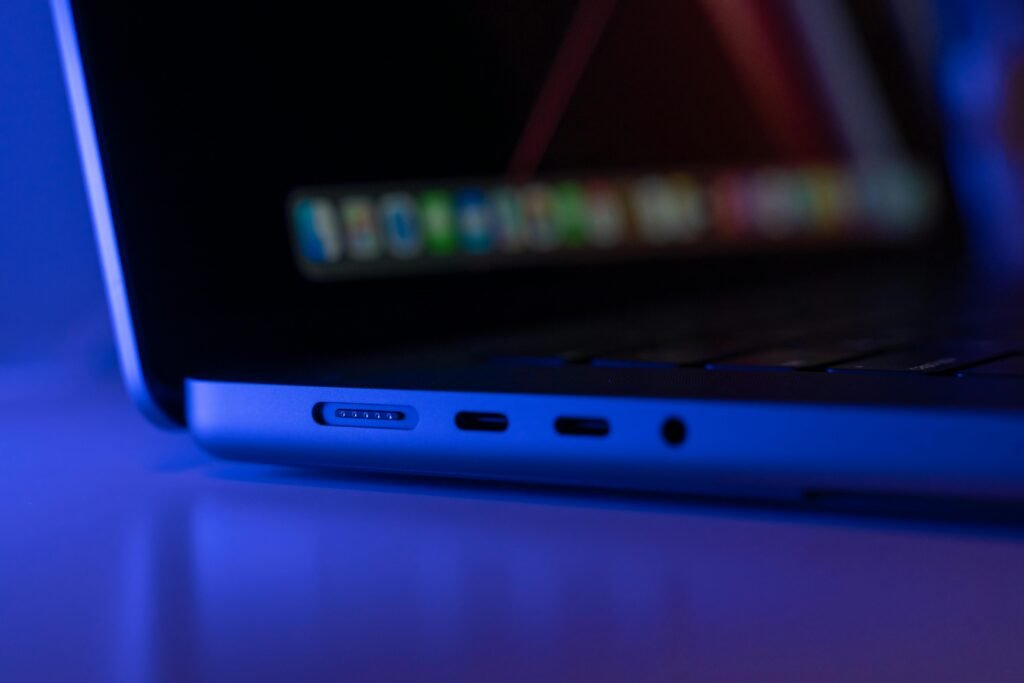
Modern laptops are getting thinner-and losing ports.
Common mistake:
- Realizing too late that you need adapters for everything
Avoid it:
Check for:
- USB-A & USB-C
- HDMI
- Headphone jack
- SD card slot (if needed)
8. Not Considering Build Quality


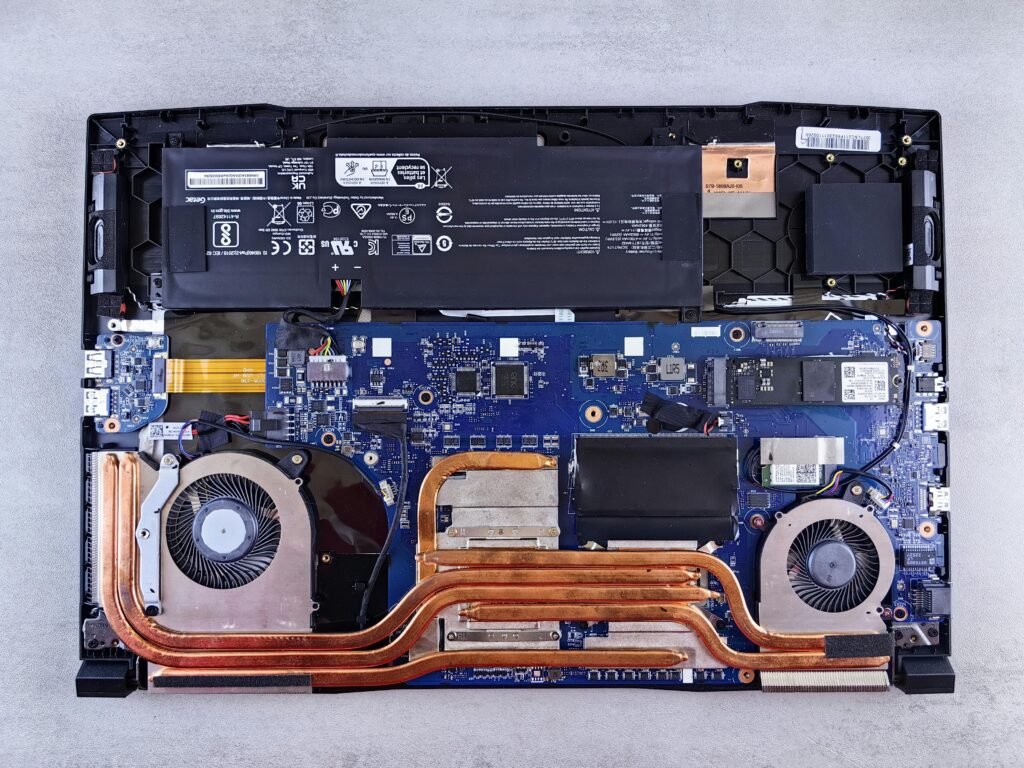
A laptop isn’t just specs – it’s something you carry daily.
Common Mistake:
- Cheap plastic builds that wear out quickly
Avoid it:
- Look for aluminum or magnesium alloy builds
- Check hinge strength and keyboard quality
9. Skipping Reviews and Real-World Testing
Specs don’t tell the whole story.
Avoid it:
- Watch video reviews
- Read user feedback
- Look for issues like overheating, fan noise, or poor battery
10. Not Thinking About Longevity
A laptop should last 3 – 5+ years, not feel outdated in one.
Common Mistake:
- Buying just enough for today
Avoid it:
- Buy slightly above your current needs
- Prioritize up gradeable or higher-spec models
Final Thoughts
Avoiding these mistakes can save you hundreds of dollars and years of frustration.
The key is simple:
- Buy for your actual use
- Focus on core performance (CPU, RAM, SSD)
- Think long-term – not just today
Back to Main Article: The Ultimate Guide to Buying a Laptop (2026 Edition)
Related Articles: